

Parents don’t wait around for slow checkouts, and neither should your business. A clean order form turns scattered emails and texts into one organized record you can act on fast.
Here’s how to get a free, editable version working for your baby product line today.
Why Baby Product Orders Need Extra Tracking Details
An order form for baby products carries more weight than a generic sales form. Cribs, toys, and feeding gear fall under CPSIA rules, which means every unit needs traceability back to its production batch if a recall ever hits.
Build your form so it captures:
- Batch or lot number: Ties each order back to a specific production run, so you can isolate affected units instead of pulling your entire catalog.
- Age grading: Notes the intended age range on toys and anything with small parts, since federal rules restrict small parts for children under 3.
- Country of origin and manufacture date: Required on the tracking label itself, but worth logging on the order record too for faster lookups.
None of this needs to slow down checkout. A few extra fields on the back end give you the kind of lot tracking you’ll be glad to have if a supplier issue ever comes up.
Wholesale, Trade Show, and Printable Order Formats
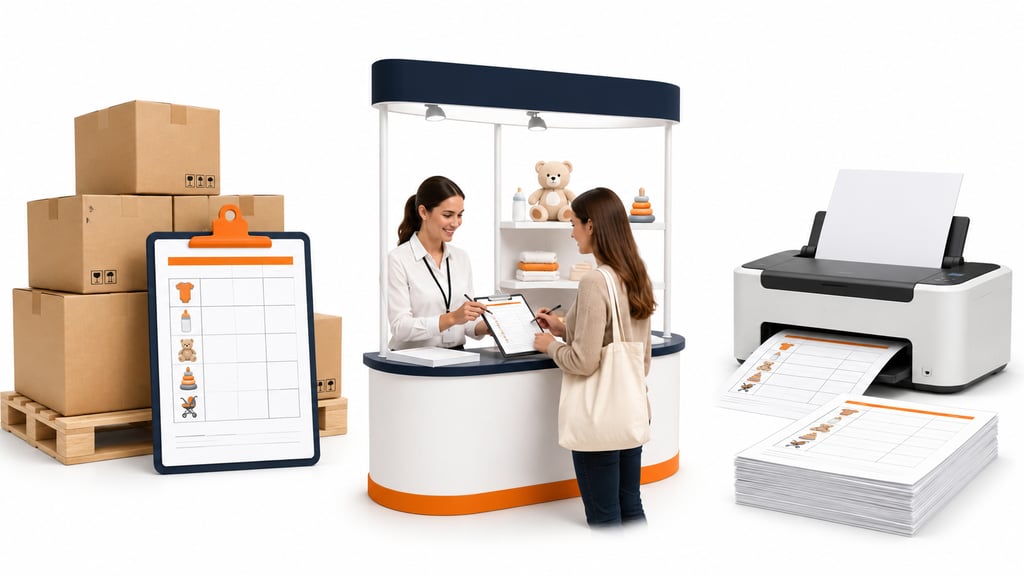
The right format depends on how the order comes in. A wholesale buyer stocking a boutique shelf needs different details than a parent ordering direct, and your form should flex to match.
Common order types to plan for:
- Wholesale orders: Built around minimum order quantities, case pack sizes, and net pricing.
- Trade show orders: Filled out on the spot from a line sheet, often by hand.
- Direct-to-parent orders: Simple, fast, usually one or two items at a time.
A printable baby product form template earns its keep at trade shows, baby expos, and vendor booths; keep a stack on hand so a dead tablet battery never costs you a sale. Digital and printable versions should carry the same fields, so nothing gets lost when translating one into the other.
Features and Customization Options of a Versatile Template
A strong order form does more than list products; it should actively help you sell and stay organized. Look for a template that lets you adjust:
- Branding: Swap in your logo, brand colors, and fonts so the form looks like part of your store, not a generic download.
- Pricing structure: Add tiered or bulk pricing for wholesale buyers alongside standard retail rates.
- Form fields: Add or remove fields so the form matches your exact baby product line, whether that’s clothing sizes or feeding equipment specs.
- Payment setup: Link a payment gateway so customers can pay directly from the form instead of waiting for a separate invoice.
Getting these details right up front saves you from rebuilding the form every time your product line changes.
The Advantages of Sharing the Editable Template with Customers

Handing customers an editable copy isn’t just convenient; it’s a trust signal. When people can review or tweak their own order, they feel more in control of the purchase.
That advantage shows up in a few concrete ways:
- Convenience: Customers update quantities or add items without starting a new order from zero.
- Trust and satisfaction: Letting buyers see exactly what they’re ordering cuts down on mistakes and disputes later.
- Feedback: Notes left on the form often reveal what customers actually want next.
Small as it sounds, this builds loyalty over time and gives you a steady source of insight for restocking decisions.
Additional Resources and Advanced Customizations
Once the basics are working, a few upgrades save real time and cut down on manual work.
Worth adding as your order volume grows:
- Inventory sync: Connect your form to inventory tracking so stock counts and batch or lot records stay accurate without double-checking.
- Recall documentation: Store batch numbers and safety certificates alongside your order records, so you can respond fast if a recall notice ever comes in.
Small additions like these turn a simple document into a working part of your order process.
Grab This Free Template and Start Taking Orders
A well-built order form saves time on both sides of the sale. It keeps your product details organized and accurate, and it gives customers a smooth way to order, update, or reorder without friction. Download the template, brand it, and start using it on your next order.
Templates track the work. We do the work.
This file will carry you a long way. But past a few hundred orders a month, tracking fulfillment in a spreadsheet becomes the bottleneck. That is the point of a 3PL: Fulfyld picks, packs, and ships every order under a formal SLA with automatic credits, one flat all-inclusive per-order price, and a dedicated account manager who knows your catalog.
Get a real quote