

Did you know that a simplified ordering process can seriously change how your business runs day to day? If you’re tired of messy paperwork, confusion, and delays, it’s time to consider an editable order form.
Streamlining how you take merch orders saves time, cuts down on mistakes, and leaves customers a lot happier with the experience. Below, we’ll break down what a solid template needs, how to make it your own, and how to roll it out without disrupting your team.
What’s Inside the Template, and Why
This template comes as an XLSX file, ready to open in Excel or Google Sheets. It’s one of several order form templates Fulfyld offers, so it’s not a blank grid you have to build out yourself; the columns are already set up, and you can start dropping in orders right away.
Here’s what’s actually built into the file:
| Field | What It Captures | Why It’s There |
| Customer contact info | Name, email, phone number | Lets you follow up if anything’s unclear about the order |
| Product description & SKU | Item, size, color, variant | Keeps inventory tracking accurate and orders traceable |
| Quantity selection | Units per item | Avoids under-ordering, overselling, or mixed-up counts |
| Delivery method & address | Shipping option, shipping address | Sets accurate expectations on cost and arrival time |
| Payment information | Card details, PayPal, invoice terms | Lets you process the sale securely and without delay |
| Notes / special requests | Custom instructions, delivery dates | Catches anything the standard fields don’t cover |
With these six columns already in place, the sheet captures what your team actually needs without turning into a 20-field maze that customers abandon halfway through. Since it’s a live spreadsheet, you can add rows, sort by date or status, and filter by SKU without touching the underlying structure.
If you need a hard copy for a pop-up shop, trade show, or in-person merch drive, just print the sheet; it works as a printable order form as easily as a digital one, since it’s still just an Excel file underneath.
Building a Custom Version for Your Business
No two merch lines look the same, so the file above is really a starting point. If you sell apparel in multiple sizes and colorways, add columns for each. If you offer engraving, embroidery, or monogramming, build in a field where buyers can spell out exactly what they want, so a custom order comes through clearly the first time instead of getting clarified over email later.
The point of customizing is a sheet that feels built for you, not a generic file with your logo pasted on top. A few extra minutes spent here save your team from answering the same clarifying question fifty times down the line.
When You’ll Actually Use This Template
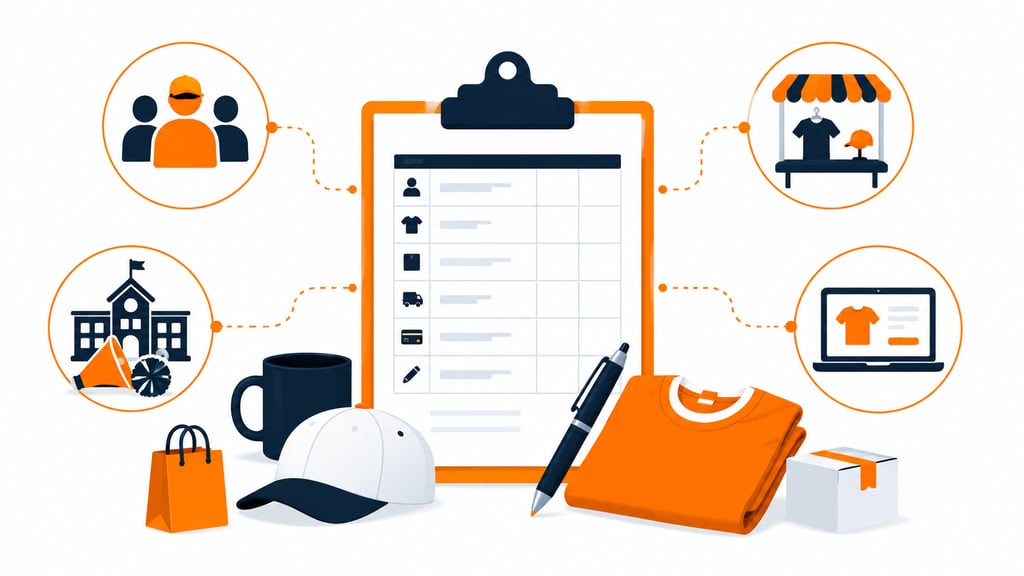
A merch order form isn’t just for your online store. It shows up anywhere someone’s collecting sizes, quantities, and payment for branded gear, and the use case changes what matters most on the form.
- Team and staff apparel: coaches, office managers, and event leads use it to collect sizes and payment from a group before placing one bulk order
- Fundraisers and school spirit sales: PTAs, booster clubs, and student groups use it to track who ordered what and who’s paid, since collecting details like contact information upfront avoids chasing people down later
- Trade shows and pop-ups: a printed copy works when you’re taking orders on-site and don’t have wifi or a register handy
- Online merch drops: the digital version streamlines your internal operations when orders come in fast and need to be routed straight to fulfillment
Whichever scenario fits, the fields stay largely the same; what changes is how it’s collected.
Common Order Form Mistakes to Avoid
Most merch order problems trace back to the same handful of setup mistakes, not bad luck. Catching these early saves you from reprints, refunds, and awkward follow-up emails.
- Too many choices, no structure: offering several garments, colors, and add-ons without labeling each option clearly leads buyers to guess, and guesses turn into wrong orders
- Vague deadlines: “order soon” gets ignored; a specific cutoff date and time gets orders in on schedule
- Missing personalization fields: if you offer names, numbers, or monogramming, give it a dedicated field, or buyers will improvise in the notes section, and you’ll misread it
- No data trail: treating each order as a one-off means you can’t eliminate unnecessary steps next time or spot which sizes and products actually sell
Fixing even two or three of these gets you closer to faster order fulfillment and far fewer support emails asking “where’s my order.”
Rolling Out the Template

Rolling out a new order form system can feel like a big lift, but it doesn’t have to be. Here’s the short version of how to get there.
- Evaluate your current ordering process and flag where things typically go wrong
- Select a template that fits how you already sell
- Customize the fields to match your branding and product line
- Train your team on the new format before it goes live
- Phase out the old process gradually instead of switching overnight
Handling Pushback During the Switch
Expect some resistance to change, along with a few concerns about disruption. The fix is straightforward:
- Explain what’s in it for the team: fewer errors, less rework, a faster process
- Keep training and support available during the switch
- Actually, address the questions and concerns people raise
Involving your team in the rollout, rather than just announcing it, tends to make the whole switch land better.
Simplify Your Ordering Process Today
A cluttered order form costs you sales; a clean one builds trust with every merch drop. This XLSX template gives your team a ready-to-use structure you can customize in minutes, no rebuild required, no guesswork on what fields to include.
Download the free template below, no email needed, and start collecting cleaner orders today. Need pick, pack, and ship handled too? Get a Quote and let Fulfyld take fulfillment off your plate.
Templates track the work. We do the work.
This file will carry you a long way. But past a few hundred orders a month, tracking fulfillment in a spreadsheet becomes the bottleneck. That is the point of a 3PL: Fulfyld picks, packs, and ships every order under a formal SLA with automatic credits, one flat all-inclusive per-order price, and a dedicated account manager who knows your catalog.
Get a real quote