

Ordering from a CPG brand shouldn’t mean three follow-up emails just to confirm a case count. A tight order form template fixes that, giving buyers one clear place to enter SKUs, quantities, and ship details right the first time.
Build it well, whether printable or digital, and orders move straight into fulfillment instead of sitting in someone’s inbox.
What a CPG Order Form Template Should Include
A consumer packaged goods order form exists to answer one question fast: exactly what does this buyer want, in what quantity, shipped where. Reviewing the commercial documents that established CPG brands already use for purchase orders gives you a format retailers and distributors instantly recognize, instead of one they have to figure out.
Regulatory detail sets CPG apart from most other product categories. Food, beverage, beauty, and household goods all carry disclosure and lot tracking requirements that a generic order form skips. Your template needs to capture the basics:
- Labeling requirements tied to your specific product category
- Allergen and ingredient disclosures for food and beauty items
- Lot or batch codes so a recall can be traced to the exact run
- Expiration or best-by dates for shelf-stable and perishable goods
| Field | Why It’s on the Form |
| SKU / UPC | Matches what’s on the retailer’s shelf, not just your warehouse system |
| Case Pack & Inner Pack | Confirms how many units ship per case before picking begins |
| Lot / Batch Code | Supports traceability if a recall or quality issue comes up |
| Ship-To / DC Address | Routes pallets to the right distribution center on the first try |
| PO Number | Ties the order back to the retailer’s or distributor’s own system |
| Requested Ship Window | Aligns delivery with the buyer’s receiving schedule |
Once these fields are locked in, you’ve got a CPG-ready structure that holds up whether you’re shipping to a single boutique or a regional grocery chain.
Curating a Seamless User Experience
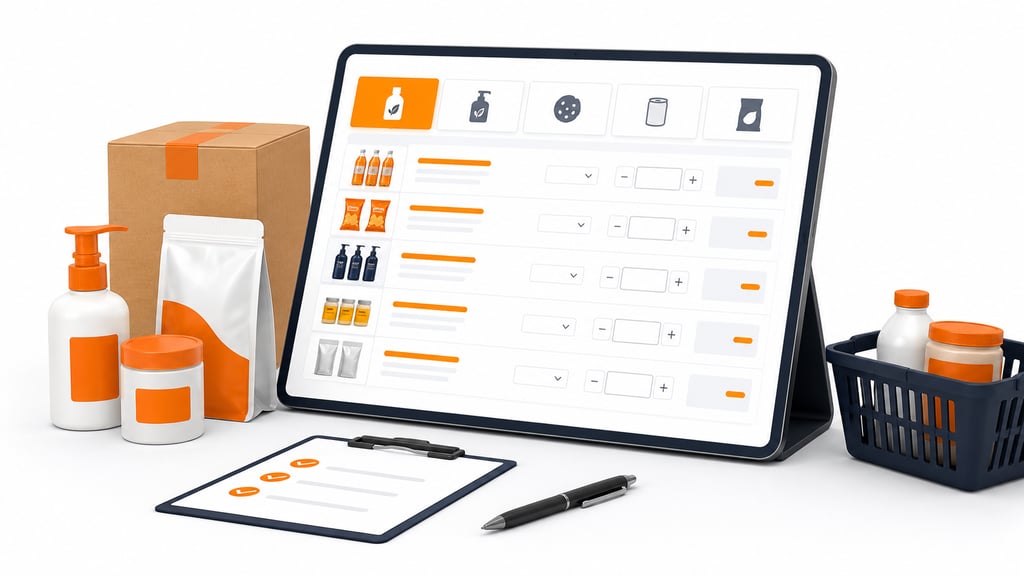
CPG buyers rarely fill out a form from scratch. Most are placing a repeat order off a standing product list, so the layout should let them scan their usual lineup and adjust quantities instead of rebuilding the order line by line.
A well-organized form groups products the way your catalog structure actually works, using clear categories buyers already recognize:
- By flavor or scent family, not one flat list
- By pack size within each product line
- By new or seasonal items, kept separate from core stock
That structure matters here more than in most industries, since a single CPG brand can carry dozens of near-identical SKUs that differ only by pack size or scent.
Optimizing Order Form Data Input
Case and pallet math is where CPG order forms go wrong most often. Unit conversion between eaches, inner packs, and master cases keeps a buyer from accidentally ordering ten units when they meant ten cases, a mistake that’s expensive to catch after picking has started.
A few input rules cut down on those errors before they happen, keeping the form itself doing the heavy lifting:
- Drop-downs tied to your actual SKU list, not open text fields
- Auto-calculated case and pallet totals as quantities are entered
- Built-in MOQ rules that flag orders below your case-pack minimums
Catching these issues on the form itself saves your team from chasing corrections after the order’s already been submitted.
Enhancing Visual Appeal and Branding
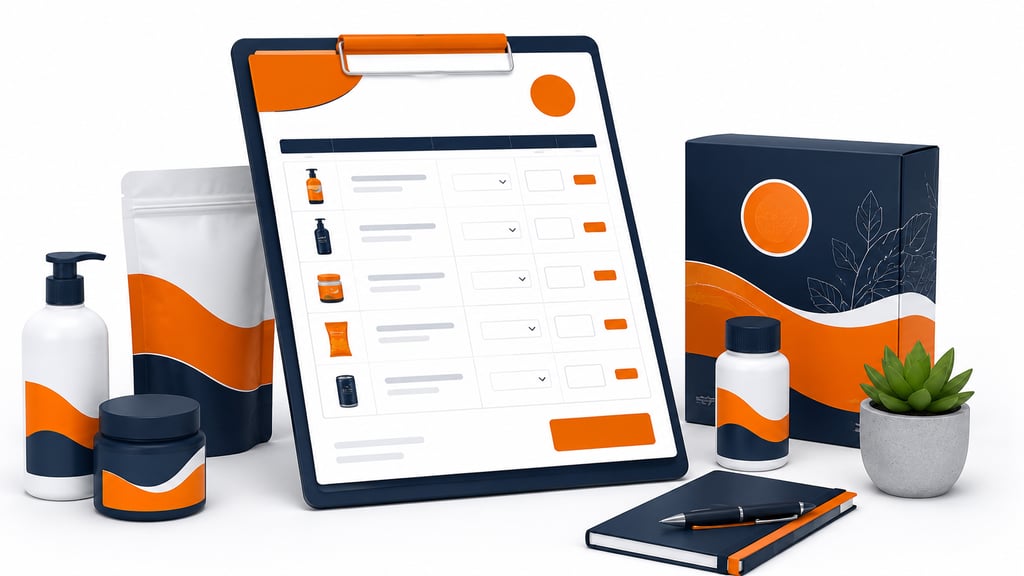
For a CPG brand, the order form often reaches the same buyers who see your packaging on a shelf or in a trade show booth. A custom design that mirrors your shelf packaging and color palette reinforces the same brand impression, rather than looking like a disconnected back-office document.
Including small product images next to each line item helps buyers verify variants quickly. That detail matters most when a line includes several near-identical scents, flavors, or colorways that are easy to mix up on a text-only form.
Ensuring Compatibility and Accessibility
Field sales reps and brokers frequently fill out CPG orders on a tablet mid-visit, not at a desk. That reality shapes a few requirements at once, all built around real-world use:
- A mobile-friendly layout that holds up outside the office
- A printable copy for buyers who need a signed paper record
- Reliable performance across whatever browser a retailer’s portal runs on
It’s also worth confirming the form meets ADA standards, since broker and retail partners may require that as part of their own vendor compliance checks.
Testing and Iteration
Run the template past an actual broker or distributor buyer, not just your internal team. CPG order cycles often spike around planogram resets and seasonal promotions, so test the form under a full catalog load, not a handful of sample SKUs.
Watch for where buyers hesitate or submit incomplete orders. Those friction points, whether it’s confusing case-pack labeling or a missing ship-date field, are far cheaper to fix now than after a distributor is relying on the form every week.
Integration and Automation
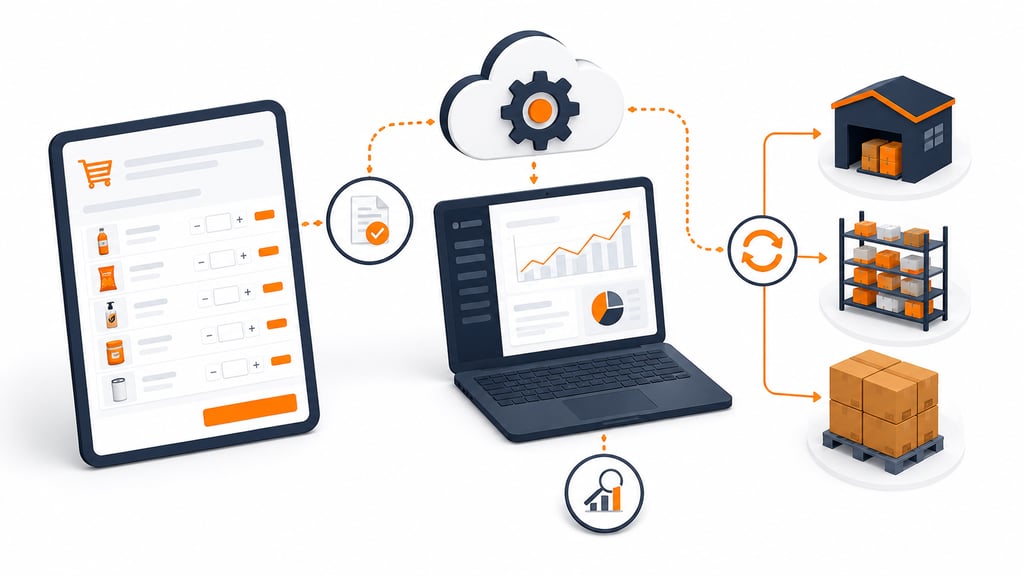
Connecting the order form to your ERP system removes the re-keying step that causes the most order errors in CPG operations, where a single mistyped quantity can throw off an entire pallet count. A few connections do most of the heavy lifting:
- ERP or inventory sync, so orders update stock counts automatically
- EDI-compatible data, ahead of what larger retail partners may require
- Real-time stock checks that stop a buyer from ordering a SKU that’s already sold out
That visibility protects fill rates with retail and distributor buyers who are counting on accurate delivery every cycle.
Download Free CPG Order Form
Set Your CPG Order Process Up to Scale
A well-built order form removes friction from every order a CPG brand receives, from the first field a buyer fills in to the moment it lands in fulfillment. Getting the compliance details and layout right up front means fewer errors and faster turnaround on every reorder.
Revisit the template as your catalog and buyer base change. Regular updates keep it aligned with new SKUs and retail partners, so your team stays ahead of the next order instead of catching up to it.
Templates track the work. We do the work.
This file will carry you a long way. But past a few hundred orders a month, tracking fulfillment in a spreadsheet becomes the bottleneck. That is the point of a 3PL: Fulfyld picks, packs, and ships every order under a formal SLA with automatic credits, one flat all-inclusive per-order price, and a dedicated account manager who knows your catalog.
Get a real quote