

A new customer form does one job: capture the details you’ll need later without chasing them down twice. This editable Word template lays out the fields upfront: contact info, account notes, preferences, so your team fills it out the same way every time, whether it’s client one or client fifty.
Get the Editable New Customer Form Template for Word
This new customer form template free Word file comes with fields already labeled for personal details, demographic information, and preferences, so nothing gets left to guesswork mid-form. Every section is pre-built, not assembled by hand each time a new client signs up.
What the Template Gives You
- Built-in customization: Add your logo, adjust colors, or tweak the layout without touching a line of code. The form matches your brand in a few clicks, and the options are practically endless.
- Real-time savings: Skip the blank page entirely. This new customer form template free Word file already has every field labeled, so you’re customizing instead of building from zero.
- Consistency across every new customer account: Every rep works from the same layout, so no two intake forms look or ask for information differently. That consistency reads as professional to the client on the other end.
A form that’s already structured also travels well across a team. New hires don’t need training on what to ask; the fields tell them.
Why a New Customer Form Template Matters

Customer forms play a real role in day-to-day operations. They act as a gateway to understanding what your clients actually need and prefer, which is the whole reason to use a structured template instead of an ad hoc email thread.
- Capturing the basics. Forms like this serve as an essential tool for capturing customer information right at the point of contact. By diligently collecting data such as names, contact details, and specific preferences, a business gains real insight into who its audience actually is.
- Driving smarter marketing. That insight lets a business tailor their marketing efforts, develop offerings that actually fit demand, and deliver better service from the very first interaction.
Key Components of an Effective Customer Form
An effective form needs a few core components to capture information that’s actually useful:
| Component | What to Include |
| Personal details | Name, address, phone number, email address |
| Demographic information | Age, gender, occupation, income level |
| Preferences | Product or service interests, communication preferences, areas for improvement |
Going Beyond the Basics
A truly comprehensive form covers more ground than just the fields above:
- Personalization details. The form digs a little deeper into a customer’s background, interests, and goals, which is what creates a more personalized experience down the line. A hobbies and interests section, for example, can help a business spot common ground across its customer base.
- Open-ended feedback. A comment box lets customers add suggestions on their own terms. It signals that the business values their input, and it often surfaces insight a checkbox never would.
- Clean visual design. A form with clear instructions, a logical flow, and an intuitive layout gets finished. A cramped, confusing one gets abandoned halfway through, no matter how good the questions are.
Adapting the Form for Ecommerce and Fulfillment Onboarding
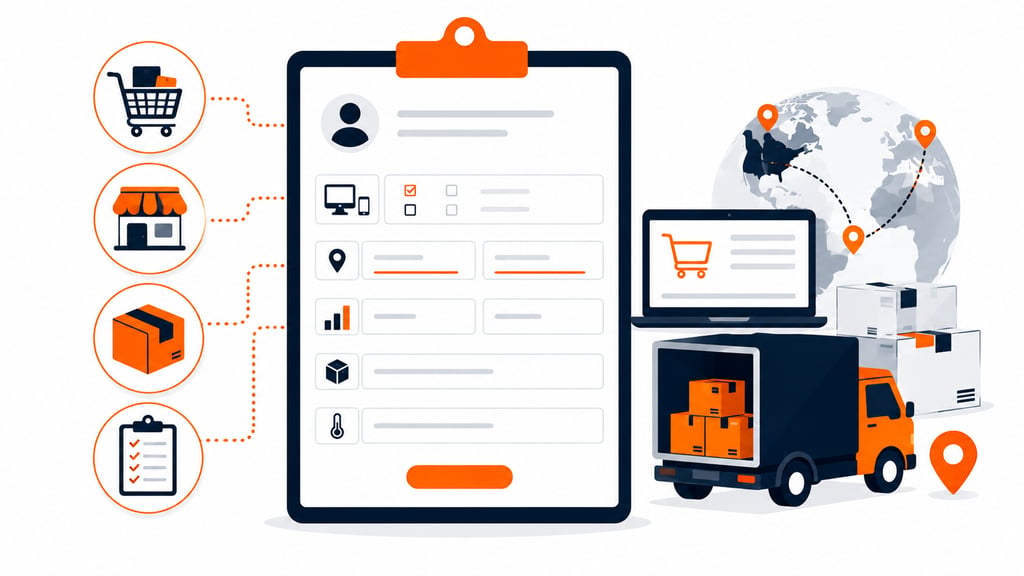
A generic contact form works fine for plenty of businesses, but online sellers and brands working with a 3PL usually need a few extra fields to make onboarding actually useful from day one.
- Sales channels. Note which platforms the customer sells through: Shopify, Amazon, TikTok Shop, or a combination, since each connects differently to a fulfillment workflow.
- Shipping and billing details. Separate fields for shipping and billing addresses cut down on delivery mix-ups once orders start moving.
- Product and order volume. A quick note on SKU count and expected monthly order volume helps a fulfillment partner plan warehouse space and staffing before the first shipment arrives.
- Special handling needs. Fragile items, temperature-controlled products, or oversized goods each deserve their own line on the form, so nothing gets flagged after the fact.
Add these as extra rows rather than replacing the core fields already built into the template. A few extra questions upfront save a lot of back-and-forth once a new account actually starts shipping.
Step-by-Step Guide to Using the Template
Getting the form up and running takes two steps: grab the file, then shape it to fit your business.
Downloading and Accessing the Template
Start by downloading the editable template from a trusted source, then open the file in Microsoft Word. Once it’s open, you’ll have access to the full range of customizable fields and features built into the document.
Customizing the Template to Suit Your Needs
With the file open, adjust it to match your business. Add or remove sections as needed, tweak the formatting, and include any extra fields or instructions specific to your industry before rolling it out to your whole team, alongside your onboarding checklist.
Troubleshooting Common Issues with the Template
The template is built to keep things simple, but a few common issues can still come up.
- Update Word first: Confirm you’re running the latest version of Microsoft Word before troubleshooting anything else.
- Check compatibility: Make sure the template works with your current operating system and software version.
- Contact support: If the problem doesn’t clear up after that, reach out to customer support for further help.
Addressing Compatibility Issues
If the template still won’t play nice with your version of Word, consider updating your software or exploring another route, such as an online form builder or a different document editor, to get the form built and out the door.
Turning One Form Into a Reliable Process
A template only pays off once someone actually looks at what comes back through it, not just files it away. A missing field or a vague answer is worth catching early, before an account moves further down the pipeline.
Revisit the fields every few months as the business changes: drop what nobody fills in, add what keeps showing up in email instead.
Managing new customer accounts well isn’t about fancier software. It’s about a form simple enough to actually get used, and complete enough to tell you something useful when you look back.
Templates track the work. We do the work.
This file will carry you a long way. But past a few hundred orders a month, tracking fulfillment in a spreadsheet becomes the bottleneck. That is the point of a 3PL: Fulfyld picks, packs, and ships every order under a formal SLA with automatic credits, one flat all-inclusive per-order price, and a dedicated account manager who knows your catalog.
Get a real quote