

Quick answer: Fulfyld charges $40 per hour for receiving inbound inventory shipments. Your first 2 hours of receiving during onboarding are covered at no charge. After that, receiving time is billed based on the actual hours required to process each inbound shipment.

What the Receiving Fee Covers
When inventory arrives at Fulfyld’s warehouse, it doesn’t go straight to a shelf. The receiving process involves:
-
Unloading and counting inbound units against your submitted replenishment
-
Inspecting products for damage or discrepancies
-
Scanning each item into Shipedge, Fulfyld’s warehouse management system
-
Assigning each SKU to its bin location in the warehouse
-
Flagging and documenting any discrepancies between what was expected and what actually arrived
How the Fee Is Structured
These are the 3 key elements that make the fee structure:
$40.00 per hour. Receiving is billed at $40 per hour based on actual warehouse time. There is no flat receiving fee per shipment; the charge scales with the complexity and size of each inbound delivery.
First 2 hours free during onboarding. When you first onboard with Fulfyld, the first 2 hours of receiving are covered at no charge. This reduces your upfront cost when getting your initial inventory live in the warehouse.
48-hour standard receiving time. Fulfyld’s standard turnaround for processing inbound shipments is 48 hours from the time the delivery arrives. This is the time from receipt to inventory being live and available for fulfillment in the system, not the billing time. The receiving fee is based on labor hours worked, not the 48-hour window.
What Affects How Long Receiving Takes
The more prepared your inbound shipment is, the faster it moves through receiving, and the lower your fee. The factors that affect receiving time most are:
Shipment organization: Inventory that arrives clearly labeled, sorted by SKU, and packed in uniform quantities takes significantly less time to process than mixed or unsorted shipments.
If your supplier ships different SKUs in the same carton without clear labeling, the warehouse team has to sort and identify each item manually, which adds time.
Replenishment submission: Every inbound shipment requires a replenishment submission in Shipedge before the inventory arrives. If the replenishment is missing or submitted late, the receiving team has to work without a reference document, which slows the process and may result in additional labor time.
Submitting your replenishment as soon as your purchase order is confirmed is the single most effective way to keep receiving time efficiently.
Accuracy of quantities: If the actual units received don’t match what was submitted in your replenishment, the team has to reconcile the discrepancy before the inventory can be fully processed.
Supplier count errors, damaged units in transit, and short shipments all require documentation and follow-up that adds to receiving time.
Number of SKUs: Shipments with many different SKUs take longer to process than single-SKU shipments of the same total volume. Each SKU needs to be identified, counted, scanned, and assigned to its own bin location independently.
Reviewing Your Receiving Fee Charges: What to Do Step by Step
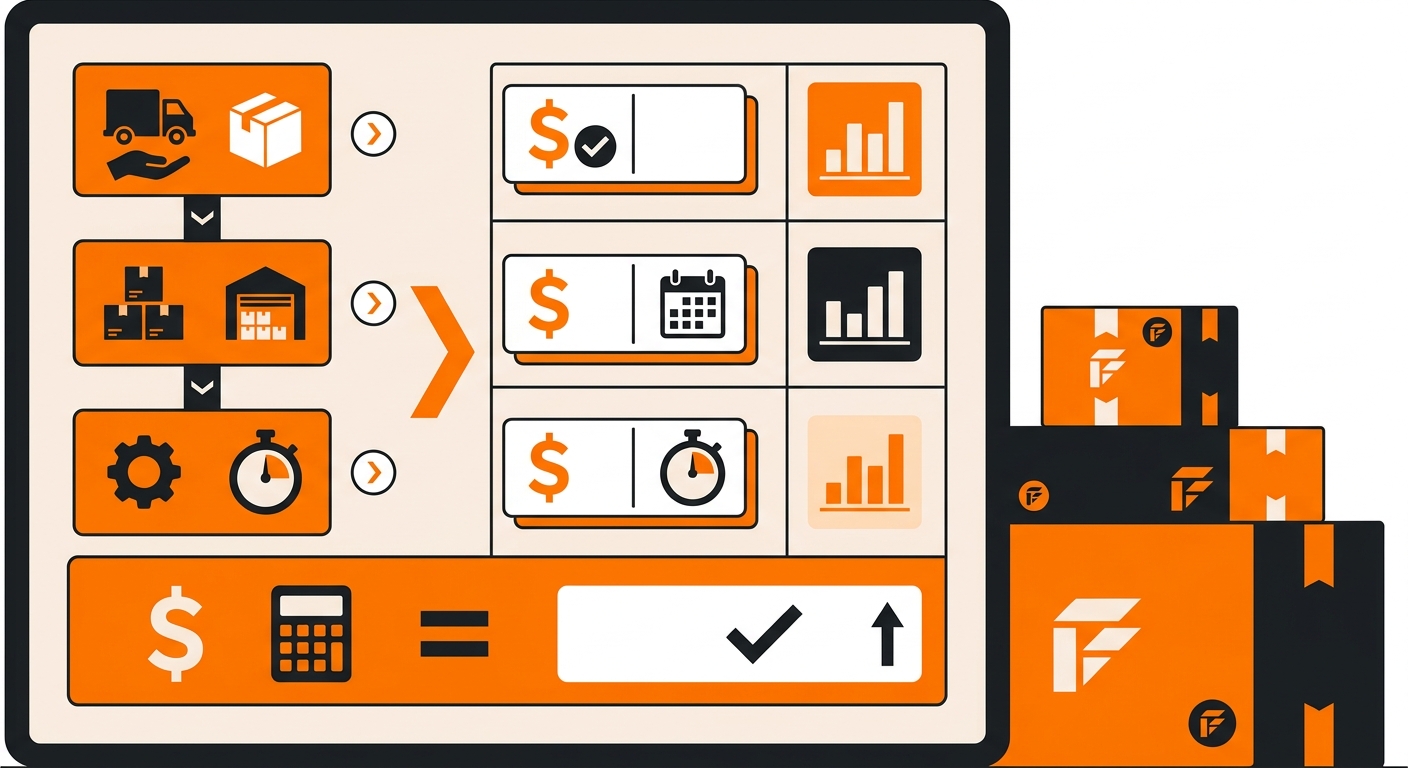
Follow these steps to verify that the receiving charges on your invoice are accurate.
Step 1: Match Each Charge to an Inbound Shipment
Log in to the Fulfyld client portal and navigate to your inbound shipment history. Match each receiving line item on your invoice to the corresponding shipment by date and delivery reference.
Confirm that you submitted a replenishment in Shipedge for each shipment; if a replenishment was missing, that shipment may have taken longer to process and generated a higher fee.
Step 2: Review the Hours Billed
Check the hours billed against the size and complexity of the shipment. A single-SKU shipment of a few hundred units should take less time than a multi-SKU shipment of several thousand. If the hours look disproportionate to what was delivered, move to the next step.
Step 3: Contact Your Account Manager
If a receiving charge looks higher than expected, reach out to your dedicated account manager with the invoice number and the shipment reference.
They can pull the receiving log for that shipment, which documents how the hours were allocated and whether any issues, discrepancies, damaged goods or missing replenishment documentation contributed to the time.
Step 4: Identify Ways to Reduce Future Receiving Time
If receiving fees are consistently higher than expected, use the conversation with your account manager to identify what’s driving the extra time.
Common fixes include improving how your supplier labels and packs outbound shipments, submitting replenishments earlier and auditing your supplier’s pick accuracy to reduce inbound discrepancies.
Get Clarity on Your Receiving Charges
Receiving charges aren’t a mystery, but they do require a clear line of sight into how your 3PL fulfillment partner counts labor, pallet handling and dock-to-stock processing. When those numbers are opaque, you’re guessing at your true cost per unit, and that guess compounds across every inbound shipment.
If you’re evaluating whether Fulfyld’s receiving model fits your inbound volume, whether that’s 50 cartons a week or 500 pallets a month, the right starting point is a direct conversation about your specific SKU mix and shipment frequency.
Talk to a Fulfyld fulfillment specialist about receiving charges.
Still Have Questions?
For help reviewing a receiving charge or to discuss how your inbound shipment setup affects receiving time, reach out at hey@fulfyld.com or (256) 716-8241, or visit fulfyld.com/3PL-fulfillment-pricing for Fulfyld’s full published fee structure.