

Quick answer: Fulfyld doesn’t have a dedicated “split order” button in Shipedge. To split an order, you edit the original order to remove the items shipping separately, then create a second order manually (or coordinate with your account manager) for those items.
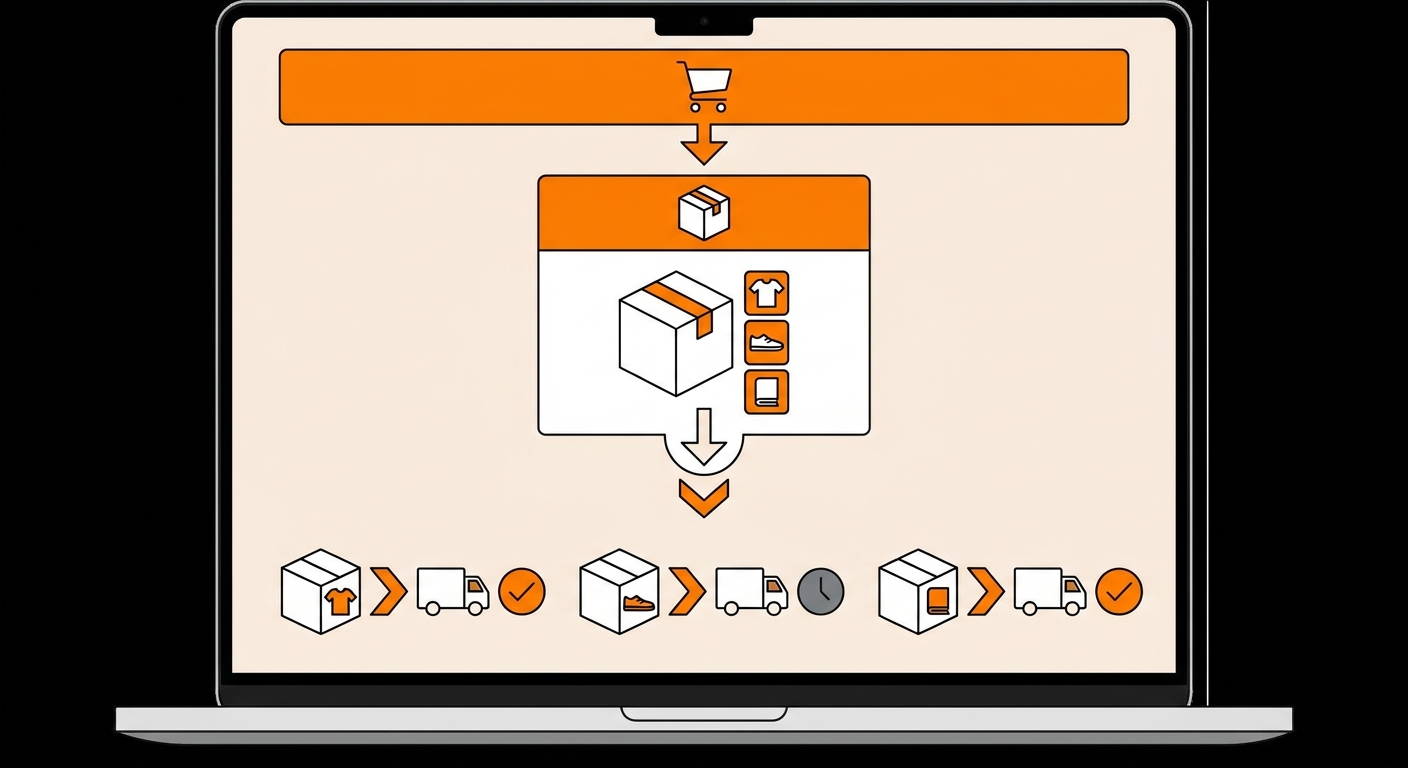
How to Split an Order in Fulfyld, Step by Step
Follow these steps in order. Check the order status before making any changes; the split must happen before the order reaches the warehouse floor.
Step 1: Check the Order Status
Before doing anything else, verify that the order is still in a pre-fulfillment status in Shipedge: open or pending, not in progress, picked, or packed.
If it’s already being processed in the warehouse, stop here and contact your account manager directly rather than attempting to edit it through the portal. See the section below on what to do if the order is already in progress.
Step 2: Log In and Find the Order
Log in to your Fulfyld client portal and navigate to the Orders tab. Search for the order by order number, customer name, or reference number and click the shipping number to open the order detail page.
Step 3: Open Edit Order
On the order detail page, click Edit Order, located under the Returns tab. This opens the editable order form where you can modify line items, quantities, addresses, and shipping methods.
Step 4: Remove the Items That Will Ship Separately
In the Edit Order screen, locate the line items that will be split into the second shipment. Use the add/remove product field to remove those SKUs from this order.
If you’re splitting a quantity, for example, a customer ordered 3 units of a SKU, and you’re shipping 2 now and 1 later, adjust the quantity field for that line item to reflect only what’s shipping in this first order.
Double-check that the remaining line items, shipping address, and shipping method are all correct for this first shipment before saving.
Step 5: Check for Red Fields and Save
Shipedge will highlight any incomplete or missing required fields in red. Resolve any flagged fields before proceeding; you will not be able to save until they are cleared. Once everything looks correct, click Save Order. The original order now contains only the items in the first shipment.
Step 6: Create the Second Order for the Remaining Items
The items you removed from the original order need to be entered as a new, separate order in Shipedge. There are two ways to do this:
Upload via CSV. If you’re comfortable creating a CSV order file, you can upload the second order using the Upload Orders button in Shipedge. Follow the format required by Fulfyld’s bulk order upload. See Uploading Orders in Bulk via CSV for instructions.
Contact your account manager. For one-off splits, especially those involving address changes or special handling, it’s often faster and safer to contact your account manager directly and ask them to enter the second order on your behalf.
Step 7: Verify Both Orders in Shipedge
Before the 1:00 PM Central Time same-day fulfillment cutoff, confirm that both orders appear correctly in the Orders tab, the edited original and the newly created second order.
Verify the line items, quantities, shipping addresses, and shipping methods on each. If anything looks wrong, correct it before the cutoff. After the cutoff, changes require direct coordination with the warehouse team.
Splitting Orders Is Easier When You Plan Ahead
Most order splits are avoidable with good inventory management; a product that’s in stock when an order is placed ships in a single box without complication. When splits do become necessary, the earlier in the order lifecycle you act, the more cleanly it can be done.
An order that hasn’t moved to the warehouse floor yet can be split in a few minutes. An order already being packed requires a phone call and may not be splittable at all.
If you regularly fulfill orders that contain items with different lead times or availability windows, subscription boxes with backordered components, or presale items mixed with in-stock products, discuss a standard split workflow with your account manager so the process is documented and consistent rather than handled ad hoc each time.
Still Have Questions?
For help splitting a specific order or for orders already in progress at the warehouse, contact your dedicated account manager directly, or reach the Fulfyld team at hey@fulfyld.com or (256) 716-8241.