

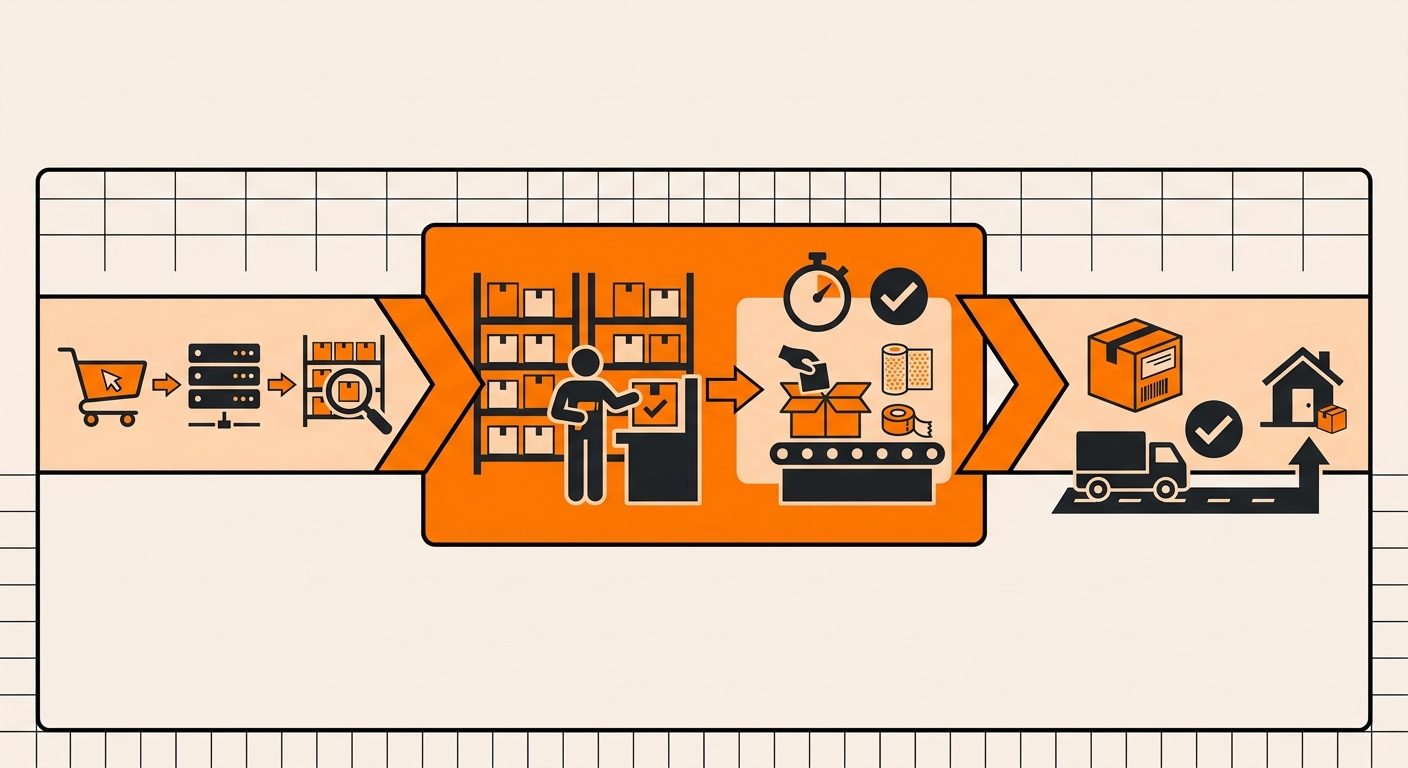
Quick answer: When a customer places an order on your storefront, Fulfyld’s warehouse team picks and packs it the same day, for orders received before 1:00 PM Central Time, and hands it to the carrier before the end of the day. Here’s exactly what happens between order received and order shipped.
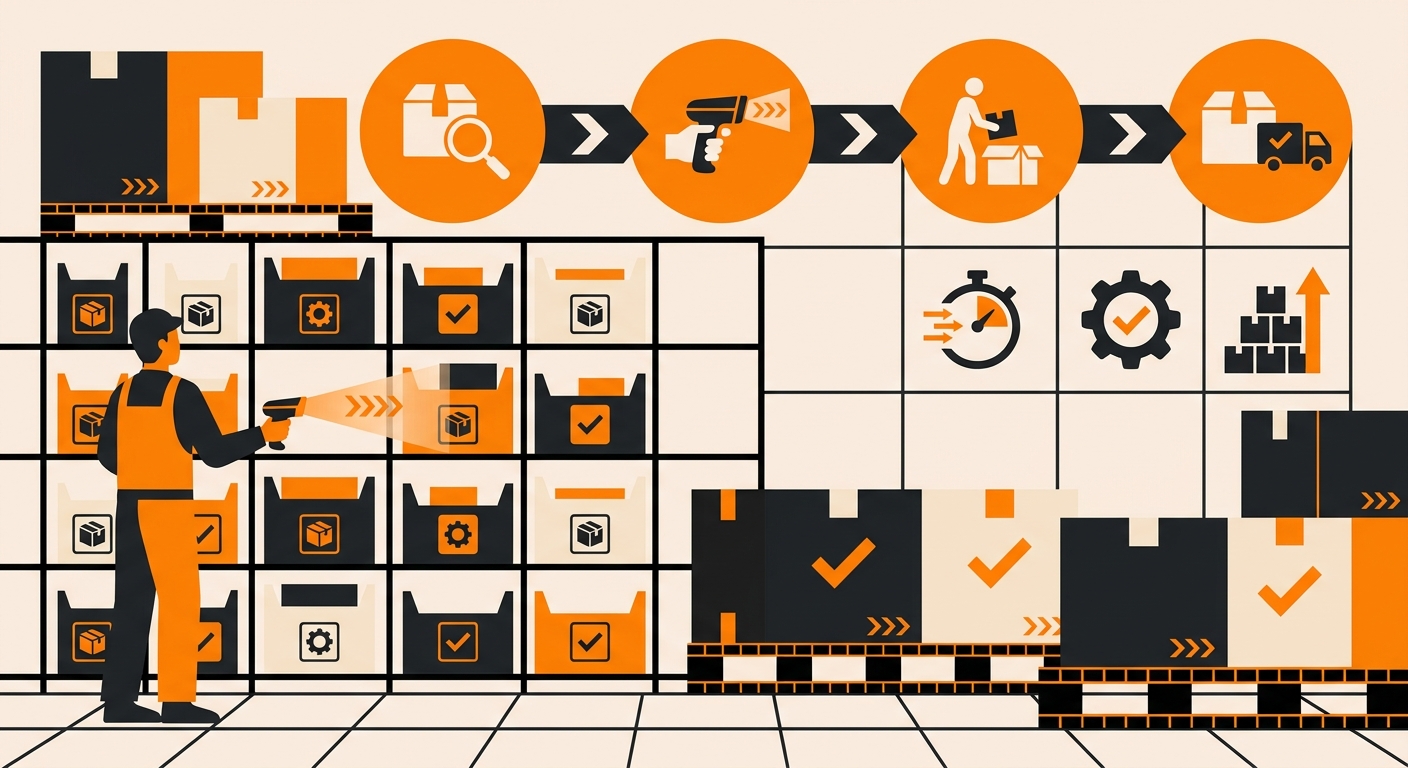
The Pick and Pack Process at Fulfyld
Here’s the process step by step to pick and pack at Fulfyld :
Step 1: Order Syncs from Your Storefront to Shipedge
When a customer checks out, the order is transmitted from your storefront to Shipedge, Fulfyld’s warehouse management system, via the integration.
Shipedge reads the line items, matches the shipping method to your configured carrier service, and queues the order for fulfillment. This happens automatically, without any manual input from you.
Step 2: Shipedge Generates a Pick List and Directs the Picker
Shipedge assigns each order to a picker and generates a pick list, either as a printed sheet or as prompts on a handheld scanner. The system directs the picker to the exact bin location of each SKU on the order. The picker doesn’t navigate by memory; Shipedge tells them where to go and what to pull.
Step 3: The Picker Retrieves the Items
The picker travels to the indicated bin locations and retrieves the correct SKU, variant, and quantity for the order. For FEFO-tracked items, Shipedge directs the picker to the bin containing the earliest-expiring lot first.
For accounts with alternative SKUs configured, Shipedge will flag any out-of-stock SKUs before the pick begins rather than sending the picker to an empty bin.
Step 4: Barcode Verification at the Pick Station
Each retrieved item is scanned and verified against the order record before it moves to packing. If the scan returns a mismatch, wrong SKU, wrong variant, or wrong quantity, the system flags it immediately, and the item is held. This barcode verification step is what keeps pick errors from reaching the packing bench.
Step 5: Items Are Packed
At the packing station, the packer selects the appropriate box size or poly mailer for the order based on the product dimensions and packaging configuration on your account. Standard packaging, boxes, poly mailers, bubble mailers, kraft paper, shredded cardboard, and bubble wrap are included in your per-order rate.
If your account has custom packaging configured, the packer follows your documented packing instructions, including tissue paper, inserts, branded boxes, gift treatment, and any other requirements specified.
For orders with more than 5 line items, each additional item beyond the first five incurs a $0.50 pick fee, reflected in your per-order billing.
Step 6: Shipping Label Applied and Order Sealed
Once the order is packed, Shipedge generates the shipping label based on the carrier and service level mapped to the order’s shipping method. The packer applies the label, seals the package, and moves it to the outbound staging area, sorted by carrier.
Step 7: Carrier Pickup and Tracking Push
The carrier picks up outbound orders from Fulfyld’s dock at 511 6th St, Madison, AL 35756. As soon as the label is generated, the tracking number is automatically pushed back to your connected storefront, Shopify, Walmart Marketplace, WooCommerce, or whichever platform the order originated from, triggering the shipping notification to your customer.
What Affects Pick and Pack Speed and Accuracy
Your setup directly influences how smoothly this process runs for your orders. Accurate SKU mapping, scannable barcodes on every unit, clean replenishments with correct quantities, and well-documented packing instructions all reduce friction at every step.
Orders with missing SKUs, unlabeled units, or unclear packaging instructions require manual intervention, which slows fulfillment and increases the risk of error.
If you have kitting or bundling requirements, multi-SKU assemblies that ship as a single unit, those are assembled upstream of the pick and pack flow and treated as a single master SKU at the pick stage.
Still Have Questions?
For questions about your specific pick and pack configuration or packing instructions, contact your dedicated account manager directly, or reach the Fulfyld team at hey@fulfyld.com or (256) 716-8241.
Frequently Asked Questions
What is the same-day fulfillment cutoff at Fulfyld?
Orders received in Shipedge before 1:00 PM Central Time on a business day ship the same day. Orders received after the cutoff will ship the following business day.
Does Fulfyld pick orders in the sequence they’re received?
Shipedge queues orders for fulfillment as they arrive and processes them through batch picking, where a picker pulls multiple orders in a single pass through the warehouse.
Standard orders are not individually prioritized by sequence; all orders received before the cutoff are fulfilled same-day, regardless of what time they came in.
What happens if the picker goes to a bin and the item isn’t there?
If a bin location comes up empty during a pick, the picker flags it rather than substituting another item or skipping the line. Your account manager is notified, and the discrepancy is investigated. It may indicate a receiving error, an inventory count issue, or a prior pick that wasn’t correctly logged.