

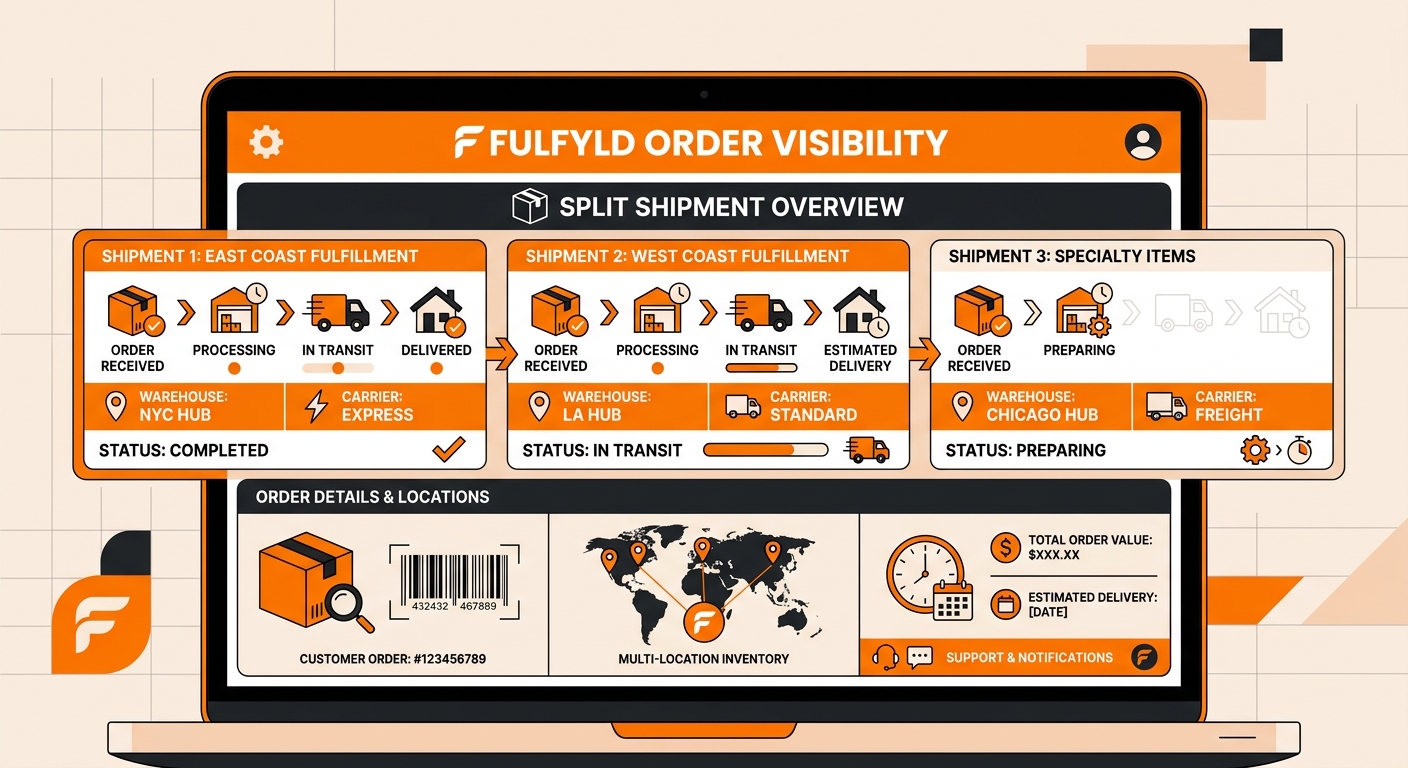
Quick answer: When an order contains both in-stock and out-of-stock items, Fulfyld ships the available items and places the rest in backorder status in Shipedge. The backordered line items ship as a separate package once stock is replenished or an alternative SKU is applied.
What Are Your Options for a Backordered Line Item
These are the options you’ll have to consider:
Wait for the restock. If you have a replenishment on the way, the backordered line item will fulfill automatically once inventory is received and confirmed in Shipedge. Submit the replenishment before the freight ships as normal, and the warehouse will pick and ship the backorder as part of the next fulfillment cycle after receiving is complete.
Apply an alternative SKU. If you have a comparable substitute in stock and want to ship it instead of waiting, you can apply an alternative SKU to the backordered order. This requires that the alternative SKU has already been set up in Shipedge under Inventory → SKU Substitutions → Alternatives.
Once an alternative is configured, go to the Orders tab, click the three-dot icon next to the backordered order, click Apply Alternatives and confirm. The order moves from backorder to pending and is fulfilled using the substitute SKU.
Cancel the backordered item. If the item won’t be restocked and no alternative exists, contact your account manager to cancel the backordered line item. Any customer-facing communication, refund, or cancellation notice is handled on your end through your storefront.
How Packages are Tracked for Split Shipments
Each package in a split shipment generates its own tracking number. The first shipment‘s tracking number pushes to your storefront through the normal integration when it ships.
The second shipment, the backorder package, will generate its own tracking number when it ships, which will also push back to your storefront.
Depending on how your storefront handles partial fulfillments, the customer may receive two separate shipping notifications, or the second tracking number may need to be sent to them manually.
Confirm with your account manager how tracking will display for split orders on your specific platform, and proactively notify customers that their order is shipping in more than one package to avoid unnecessary support contacts.
Get Help With Split Shipments
Managing divided orders across multiple carrier lanes, warehouse zones, or customer addresses is one of the fastest ways to lose margin if your 3PL fulfillment partner doesn’t have a clear process for it.
Your dedicated account manager works directly with your ops team to configure split shipment rules before the first order ships, not after a problem surfaces.
Talk to a Fulfyld fulfillment specialist about how Fulfyld handles split shipments for your specific order mix.
Still Have Questions?
For help with a specific backorder or split shipment situation, contact your dedicated account manager directly, or reach the Fulfyld team at hey@fulfyld.com or (256) 716-8241.
Frequently Asked Questions
Will the customer be charged twice for shipping if their order splits?
No. The customer’s original shipping charge is fixed at checkout. Any additional shipping cost from a second package is absorbed on your end as a fulfillment cost.
Can I prevent split shipments from happening?
The most reliable way to prevent split shipments is to maintain adequate stock levels so all items on an order are available when the order arrives. Beyond that, if you want Fulfyld to hold entire orders until all line items are available rather than shipping partial orders, discuss this with your account manager.
How do I know if an order is currently in backorder status?
Check the Orders tab in Shipedge. Orders or line items in backorder status will show accordingly. If you want a broader view of all current backorders across your catalog, ask your account manager to pull a backorder report from Shipedge.
Can I set up alternative SKUs in advance so backorders resolve automatically without my involvement?
Yes. Once an alternative SKU is configured under Inventory → SKU Substitutions → Alternatives in Shipedge, it’s available to apply to any backorder on that SKU. You still need to apply it manually to the specific order, but having the alternative already set up means you’re not scrambling to configure it at the same time you’re trying to resolve the backorder.
What happens if the backordered item goes out of stock permanently and I never restock it?
If you’re discontinuing a SKU and have open backorders against it, contact your account manager to cancel those line items and advise on any customer communication or refund processing that needs to happen on your end.