

Quick answer: Fulfyld tracks inventory at the lot level in Shipedge when lot tracking is configured for a SKU before inventory is received. In a recall scenario, your account manager can pull lot-level inventory and order reports to identify which lot numbers are currently in stock, which have shipped, and to which orders.
What Needs to Be in Place Before a Recall Can Happen
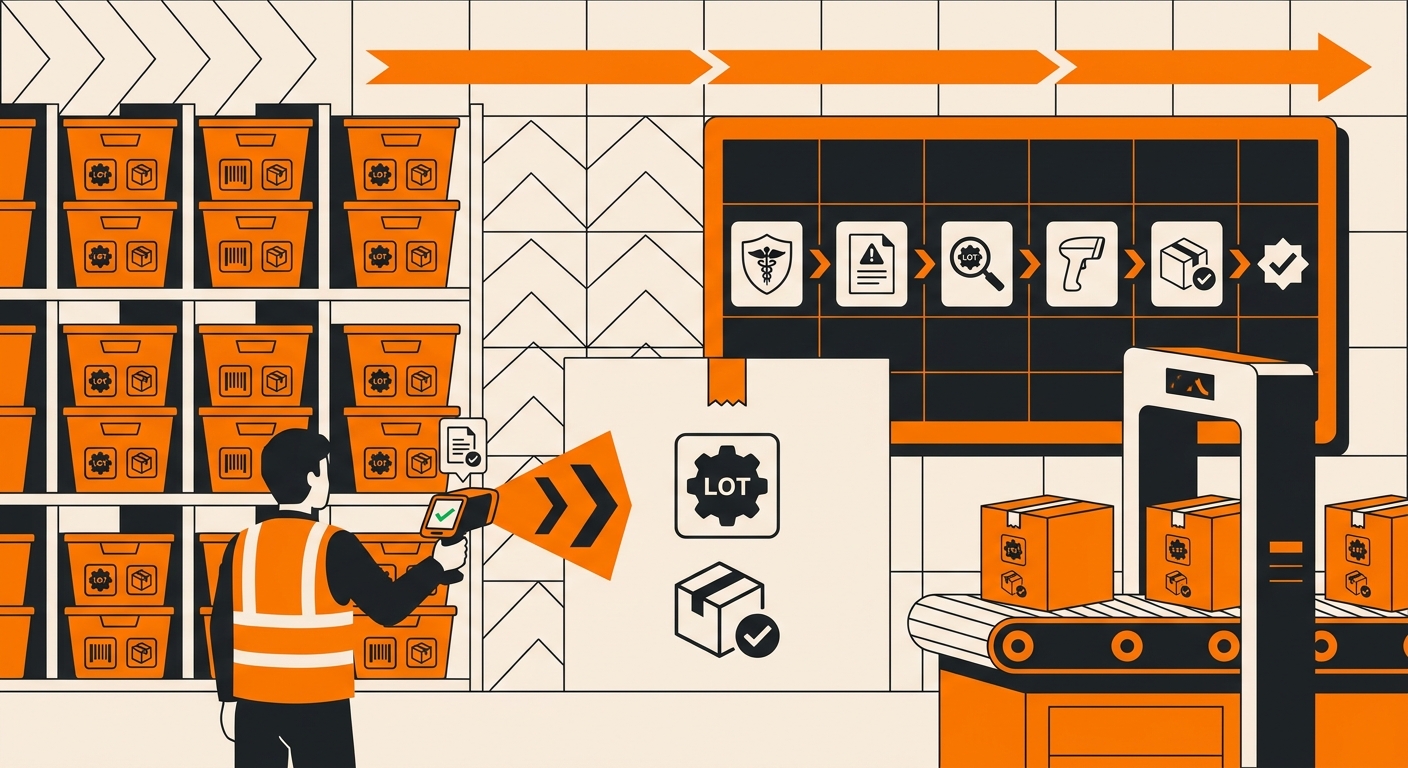
A recall response is only as good as the data that exists before it. The following must be configured and maintained for lot tracking to be useful in a recall scenario.
Lot tracking must be enabled on the SKU in Shipedge before receiving. This is the non-negotiable prerequisite. If lot tracking wasn’t enabled when inventory was received, lot numbers were not recorded, and Fulfyld cannot retroactively assign lot numbers to inventory that’s already in bins or to orders that have already shipped.
If you sell regulated products and lot tracking is not currently configured on your SKUs, contact your account manager today before your next replenishment.
Lot numbers must be included in every replenishment submission. When you submit a replenishment in Shipedge for an inbound shipment, the lot number (and expiration date, if applicable) for each SKU must be included.
If a shipment contains multiple lots of the same SKU, each lot and its corresponding quantity must be listed separately. The receiving team logs these at receiving, but they can only log what you’ve provided.
Each lot must be received and binned separately. Lots with different numbers must be stored in separate bin locations in the warehouse so that Shipedge can maintain clean lot-level pick records. Mixing lots in a single bin breaks the traceability chain.
If you’re running FEFO alongside lot tracking, which most brands in regulated categories do, this separation happens automatically as part of FEFO putaway logic.
How to Respond to an FDA Recall with Fulfyld’s Support
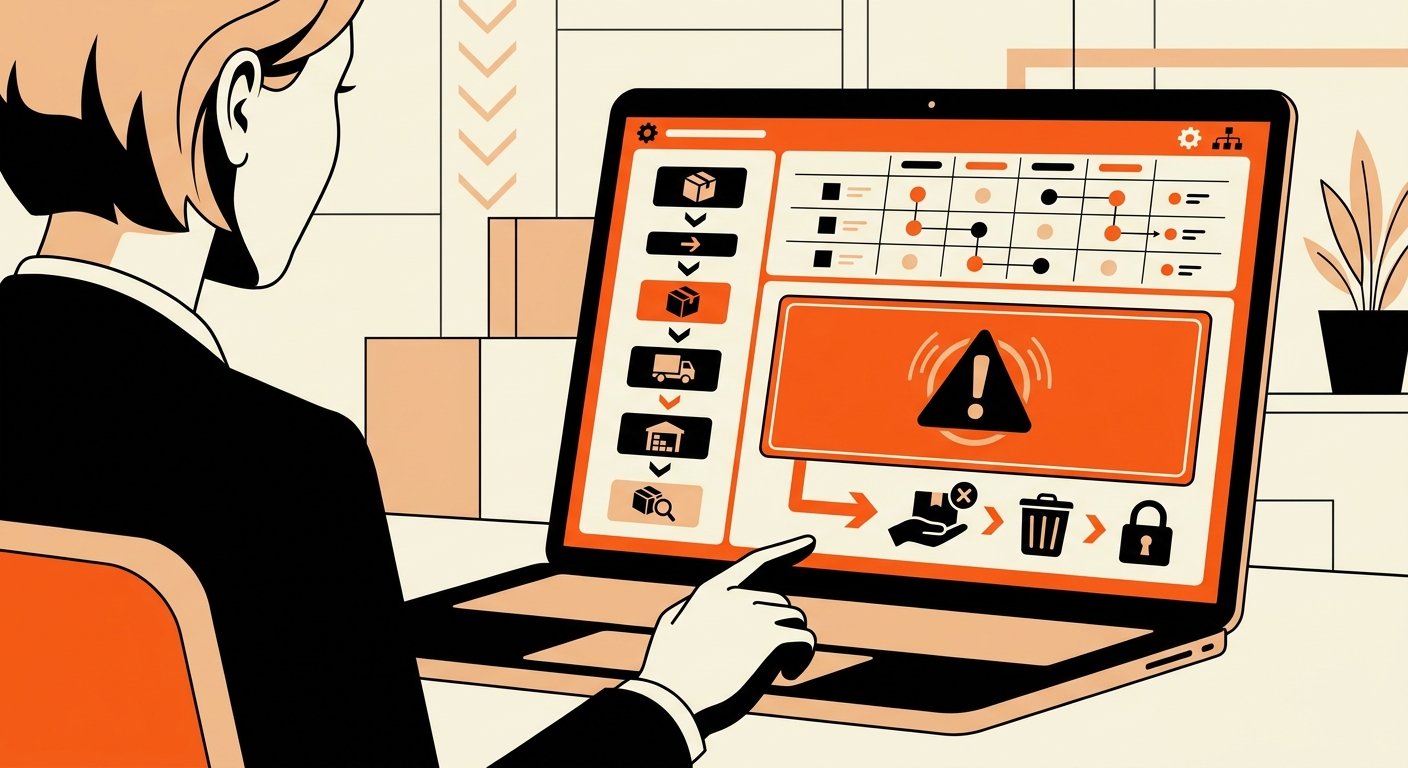
These steps assume lot tracking is already configured on the affected SKU. If it isn’t, start by contacting your account manager to assess what data is available before proceeding.
Step 1: Contact Your Account Manager Immediately
The moment you receive a recall notice, whether voluntary or FDA-mandated, your first call after your regulatory counsel is your Fulfyld account manager. Provide them with the affected SKU(s), the specific lot number(s) subject to the recall, and the date range, if known.
Time matters: every hour of delay is another potential order shipping from affected inventory.
Contact your account manager by phone, not email, if the situation is urgent. If it’s outside normal business hours, use the contact number on file for your account.
Step 2: Request an Immediate Hold on Affected Inventory
Ask your account manager to place an immediate hold on all inventory in Shipedge associated with the recalled lot number(s). A hold prevents those units from being picked for any new orders while the recall is in progress.
The hold is placed at the bin level in Shipedge, and the warehouse team quarantines the affected bins so no picks can be directed there. Confirm with your account manager that the hold is in place and that all bin locations containing the recalled lot have been identified and quarantined.
Step 3: Pull a Lot-Level Inventory Report
Once the hold is confirmed, ask your account manager to pull a lot-level inventory report from Shipedge for the affected SKU. This report will show:
-
The current on-hand quantity of the recalled lot is still in the warehouse
-
Which bin locations that inventory reside in
-
Any quantity adjustments or prior cycle count data associated with that lot
This tells you how much affected inventory is still in Fulfyld’s possession and hasn’t shipped yet.
Step 4: Pull a Lot-Level Order History Report
This is the critical report for consumer notification. Ask your account manager to pull an order history report filtered by the recalled lot number. This report will show every order that was fulfilled using units from that lot, including:
-
Ship dates
-
Destination addresses (customer shipping addresses)
-
Quantities shipped per order
Step 5: Determine Disposition of Affected Inventory Still in the Warehouse
For the units still in Fulfyld’s possession under hold, you need to decide and communicate disposition instructions to your account manager:
-
Return to you or your manufacturer for inspection, rework, or destruction documentation
-
Destruction at the warehouse: if Fulfyld can facilitate this, your account manager will confirm and provide documentation
-
Segregated hold pending the outcome of the recall investigation, if you’re not yet certain whether all affected inventory needs to be destroyed
Step 6: Confirm New Orders Are Unaffected
Once the hold is in place and the affected inventory is segregated, confirm with your account manager that orders currently in the fulfillment queue for the affected SKU are being fulfilled from unaffected lots.
If there are no unaffected lots in stock, confirm whether the SKU should be held entirely pending a new, clean inventory shipment.
Still Have Questions?
To configure lot tracking on your account or to discuss your recall readiness, contact your dedicated account manager directly, or reach the Fulfyld team at hey@fulfyld.com or (256) 716-8241.