

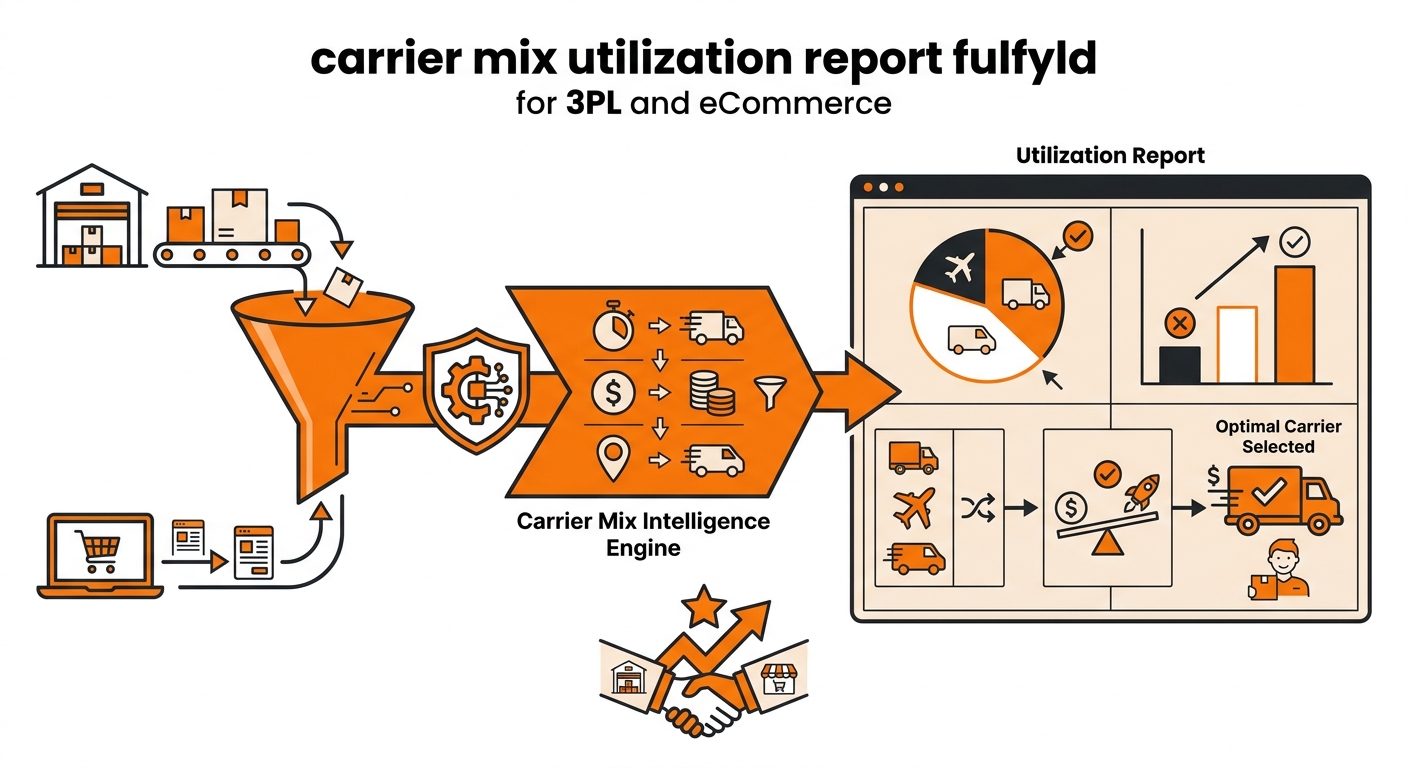
Quick answer: Fulfyld doesn’t have a dedicated carrier-mix report in Shipedge, but you can build one using two sources: the Orders Report from Shipedge’s Reports tab, which includes shipping method data at the order level, and the Billing Detail Reports (BDRs) from the billing portal.
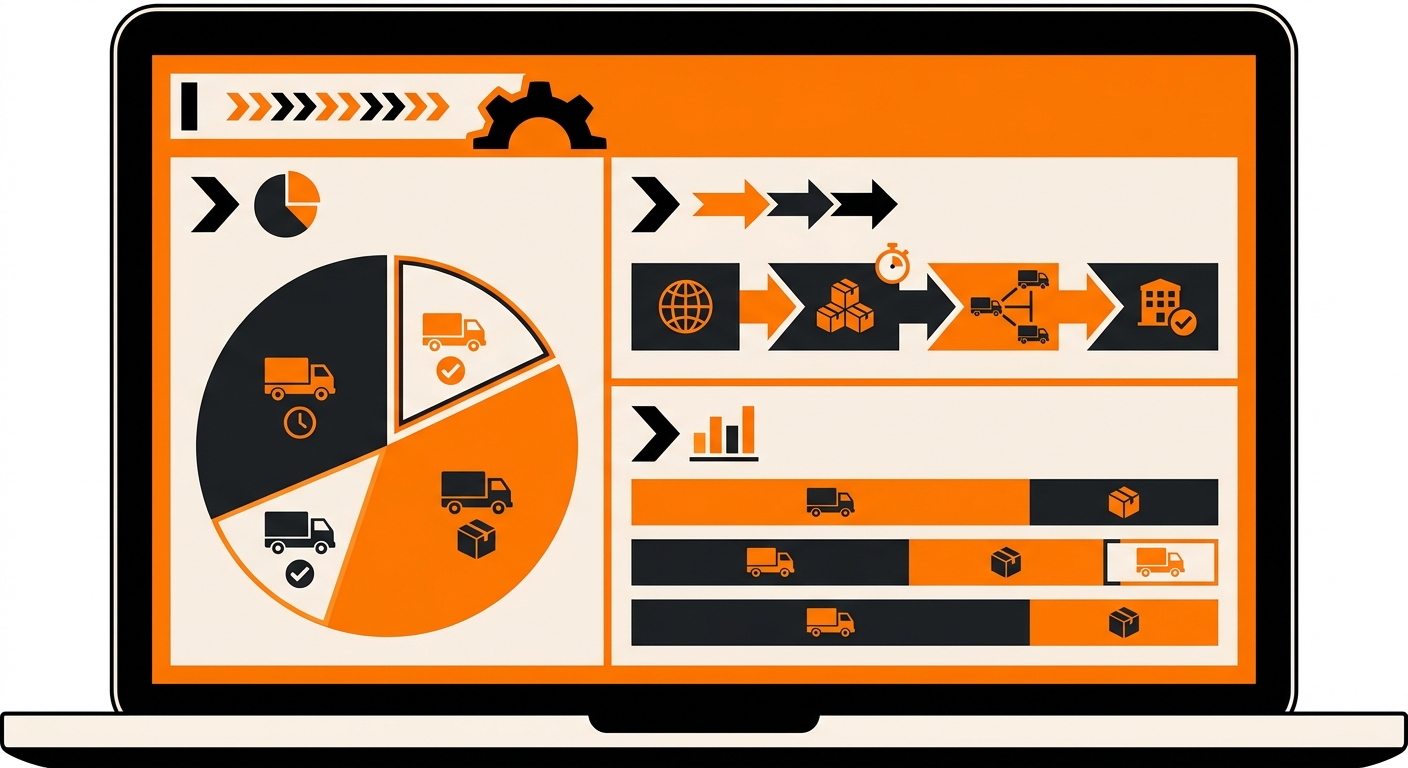
How to Pull a Carrier-Mix Utilization Report: Step-by-Step
These are all the steps Fulfyld follows to pull a carrier-mix utilization report:
Step 1: Pull Your Orders Report from Shipedge
Log in to your Fulfyld client portal and click the Reports tab. Select the Orders Report and set your date range; a full calendar month is the most useful interval for carrier-mix analysis, since it normalizes week-to-week volume variance. Run the report and export it as a CSV or Excel file.
Step 2: Pull Your Billing Detail Report from the Billing Portal
Log in to the Fulfyld billing portal and download the Billing Detail Report (BDR) for the same period. The BDR is an Excel file that breaks down every charge on your account at the order level, including the per-order fulfillment rate applied to each shipment.
Since Fulfyld’s per-order rate varies by weight and service level, the BDR tells you what each service level actually costs across the period, not just how many orders used it.
Step 3: Match Orders to Service Levels
With both files open, use the order number as the common key to match each order in the BDR to its shipping method in the Orders Report.
In Excel or Google Sheets, a VLOOKUP or XLOOKUP on the order number pulls the shipping method column from the Orders Report into the BDR, giving you a single table where each row shows order number, shipping method, carrier service, and per-order cost.
Step 4: Summarize Your Carrier Mix
From the pivot table or manual summary, you now have:
-
Order count per shipping method and carrier service
-
Percentage of total orders per service level
-
Total fulfillment cost per service level
-
Average per-order cost by service level
This is your carrier-mix utilization report. A few things worth looking for in the output:
Unexpected service level concentration. If a disproportionate share of orders are routing to a high-cost service (2-day air, overnight) when you expected most to go standard ground, check whether the shipping method mapping is configured as intended and whether customers are selecting faster options at a rate that exceeds your model.
Unrecognized shipping methods. Any order showing an unrecognized or blank shipping method in the Orders Report may indicate a mapping gap.
Cost variance across similar service levels. If two shipping methods are both mapped to ground shipping but show different per-order costs, the difference is likely driven by package weight.
Step 5: Share Findings with Your Account Manager
If the carrier-mix data surfaces something you want to act on, re-mapping a shipping method to a different carrier, exploring whether ground 2-day can replace 2-day for certain zones, or understanding why a specific service level is more expensive than expected.
How Often to Run This Analysis
Once a month is sufficient for most brands. Align it with your invoice cycle so you’re reviewing carrier mix alongside your BDR at the same time.
Run it more frequently during peak season when volume and service-level mix can shift significantly week over week, and any cost variance against forecast needs to be caught quickly.
Still Have Questions?
For help pulling or interpreting your order or billing reports, contact your dedicated account manager directly, or reach the Fulfyld team at hey@fulfyld.com or (256) 716-8241.
Frequently Asked Questions
Is there a built-in carrier-mix report in Shipedge?
Not as a dedicated report. Shipedge’s Orders Report includes shipping method data at the order level, and the BDR breaks down per-order charges, but there’s no pre-built carrier utilization summary. The analysis described in this article requires combining both exports in a spreadsheet.
What if the shipping method column in my Orders Report is blank for some orders?
A blank or unrecognized shipping method on an order usually means that the order came in with a checkout method that wasn’t mapped in Shipedge at the time it was placed. This is worth flagging to your account manager, both to confirm how those orders were fulfilled and to make sure the mapping gap is closed so future orders from the same method route correctly.
Can I use this data to negotiate better carrier rates?
Indirectly, yes. Your carrier-mix data shows your volume concentration by service level, which is useful context for a rate conversation with your account manager.
How far back can I pull order and billing data in Shipedge?
The Orders Report in Shipedge allows you to set a custom date range, so historical data is accessible as far back as your account has records. The BDR in the billing portal is available weekly; for older periods, download each week’s BDR individually and combine them into a single file for the analysis period you want.
Does the BDR show which carrier was used on each order, or only the cost?
The BDR shows the per-order fulfillment charge, which reflects the carrier service used. For the specific carrier name and service level, cross-reference against the shipping method column in the Orders Report and your shipping method mapping.