“Shipment information received” means a carrier has logged your tracking number in its system but hasn’t physically picked up the package yet. The label exists. The parcel doesn’t- not in their hands.
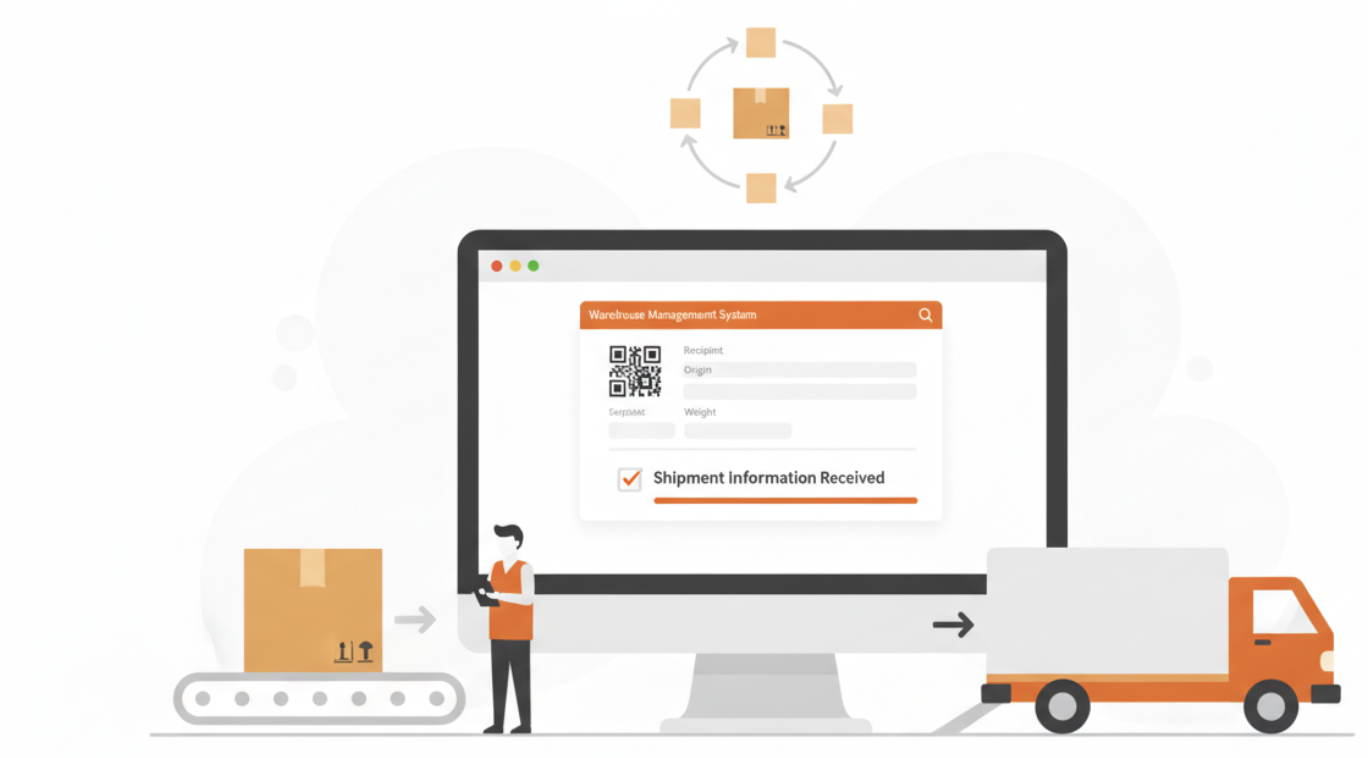
You’ll see this status on carrier portals like UPS, FedEx, and USPS the moment a shipping label is generated, which can happen hours or even days before a driver makes the actual pickup.
Why You See This Tracking Status
This status appears the moment a carrier’s system logs your shipment data before physically receiving the package. That gap between data entry and physical handoff is where most customer confusion starts, and where your support queue grows.
For eCommerce fulfillment operations, that confusion has a measurable cost. WISMO (“Where is my order?”) calls account for up to 35% of total inbound support volume for DTC brands during peak periods like Black Friday or a subscription-box renewal cycle. Every contact costs roughly $5-8 to resolve when routed through a live agent.
A dedicated account manager at your 3PL fulfillment partner can flag when this status persists beyond 24 hours, which often signals a missed scan or a carrier pickup delay worth escalating immediately. Catching it early prevents a 48-hour delay from becoming a 5-day customer complaint.
How Long Can Shipment Information Received Last?
In most cases, this status lasts a few hours until the carrier picks up and scans the package. However, it can remain unchanged for 24 to 48 hours during weekends, holidays, high-volume sales events, or when a carrier misses an initial scan.
If the tracking status has not changed after two business days, the shipper should verify that the package was handed off to the carrier and confirm there are no pickup delays.
Shipment Information Received vs In Transit
Both statuses appear early in the shipping process, but they mean different things.
‘Shipment Information Received’ means the carrier has received the shipment data associated with the tracking number, but the package has not yet been physically scanned into the carrier’s network.
‘In Transit’ means the carrier has accepted the package and completed at least one physical scan. At this stage, the shipment is actively moving through the delivery network toward its destination.
For customers, the key difference is simple: “Shipment Information Received” is a pre-pickup status, while “In Transit” confirms the carrier has the package.
How It Works
The “Shipment Information Received” status follows a simple sequence.
Label Created
A shipping label is generated, and a tracking number is assigned to the order. At this point, shipment information is transmitted to the carrier’s system, even though the package may still be at the warehouse.
Shipment Information Received
The carrier logs the shipment data and activates the tracking number. Customers can view the tracking record, but the package has not yet been physically scanned or accepted by the carrier.
Carrier Pickup or Drop-Off
The package is handed over to the carrier through a scheduled pickup or a drop-off at a carrier facility. This is the first point at which the carrier gains physical possession of the shipment.
Status Changes to In Transit
After the carrier performs the first physical scan, the tracking status updates from “Shipment Information Received” to “In Transit,” confirming that the package is moving through the carrier’s network.
Common Reasons a Shipment Stays in This Status
Several factors can keep a package in the “Shipment Information Received” stage longer than expected.
Carrier Has Not Picked Up the Package Yet
Many warehouses create shipping labels before the scheduled carrier pickup. During this period, the tracking record exists, but the package is still waiting to be collected.
High Shipping Volume
During holidays, major sales events, or peak fulfillment periods, carriers may take longer to pick up and process shipments, causing the status to remain unchanged for longer than usual.
Missed or Delayed Carrier Scan
In some cases, the carrier has already received the package but missed the initial scan. The tracking status may remain at “Shipment Information Received” until the next scan occurs.
Weekend or Holiday Delays
Packages prepared outside normal carrier operating hours may remain in a pre-shipment status until the next business day when pickups and processing resume.
Reduce Tracking Delays With Fulfyld
Tracking updates shouldn’t create uncertainty for your customers or your support team.
When your shoppers ask what shipment information received means, your fulfillment operation should already have the answer built in through real-time carrier scans, accurate pre-shipment data, and a 3PL fulfillment partner that closes the gap between label creation and the first carrier scan in under 24 hours.
Fulfyld’s dedicated account managers work directly with your team to reduce pre-transit delays, tighten dock-to-stock timelines, and give your customers tracking statuses they can actually trust.