

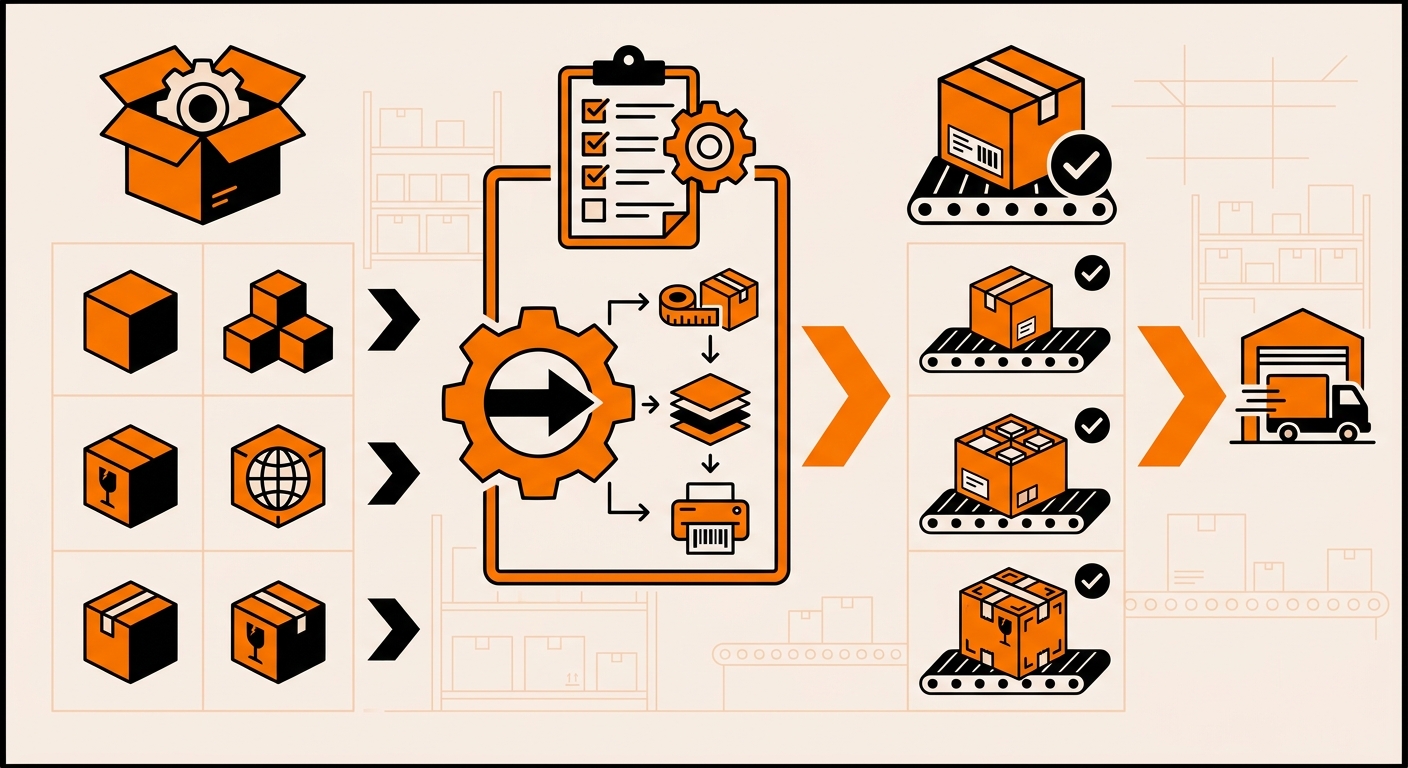
Why One Packaging Rule Doesn’t Work for Every Order
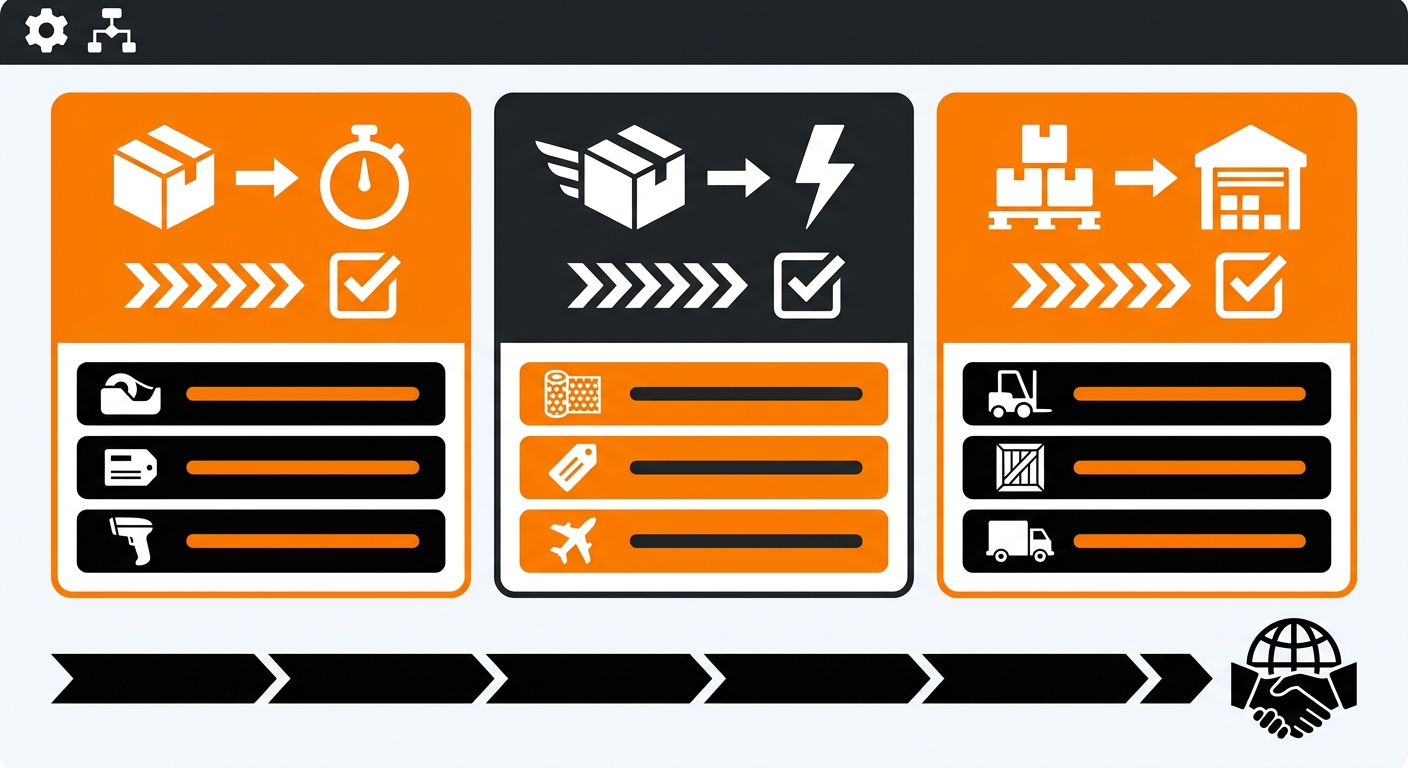
A single SKU shipped in a poly mailer and a six-item bundle shipped in a corrugated box have completely different packaging needs, and so does a pallet of wholesale stock heading to a retail partner.
If every order routes through the same default packaging, you end up overpaying dimensional weight fees on small orders, under-protecting fragile or multi-item shipments, and creating an inconsistent unboxing experience for customers who expect a branded touch.
Carriers bill by dimensional weight, not just actual weight, so a small item shipped in an oversized box costs more to ship for no reason. Packaging rules fix this by tying the material, size, and protective fill to specific order attributes, weight, item count, fragility, sales channel, or customer tier, rather than leaving it to whatever’s closest on the shelf.
The Order Types That Usually Need Their Own Rule
Most ecommerce brands don’t need a packaging rule per SKU. A handful of order-type categories usually covers it:
-
Standard single-item D2C orders: smallest viable poly mailer or box to minimize dimensional weight charges.
-
Multi-item or bundled orders: box sized to the combined dimensions, not the largest single item,
-
Fragile or breakable goods: rigid box plus bubble wrap or dividers regardless of how small the item is.
-
B2B or bulk wholesale orders: heavy-duty cartons or palletized shipments, no retail-style packaging or inserts.
-
Subscription and gift orders: branded box, tissue paper,, and inserts to support the unboxing experience.
How to Set Up Packaging Rules in Fulfyld
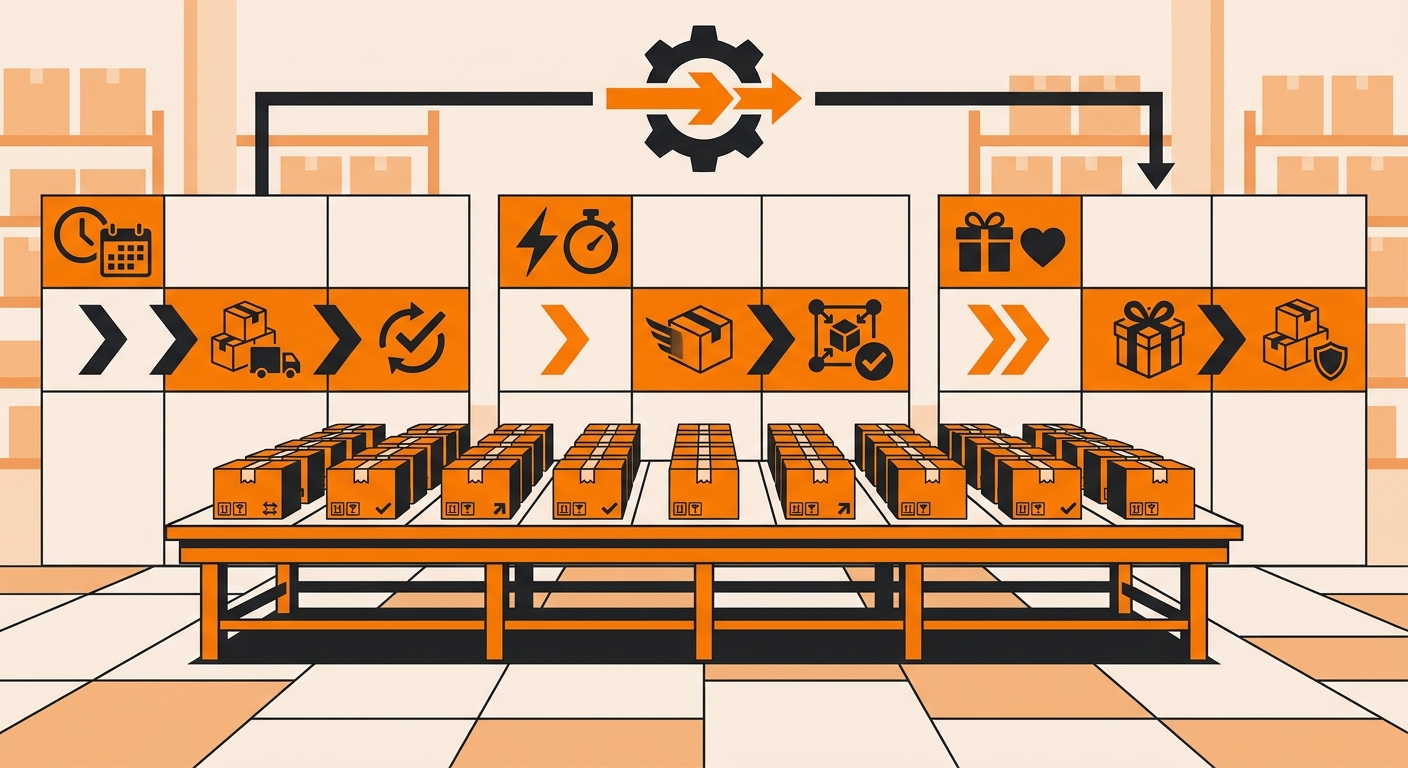
Step 1: Define the Triggers for Each Order Type
Decide what actually distinguishes one order type from another in your catalog: SKU tags, item count, total weight, sales channel, or a specific product category like fragile goods. Most storefronts let you tag products or orders at checkout, and those tags are what your pick and pack workflow uses to route an order to the correct packaging spec automatically.
Step 2: Map Each Trigger to a Packaging Spec

For every order type you’ve defined, document the exact packaging: box or mailer size, fill material, inserts, and any branding requirements.
If you need anything beyond standard packaging types, this is where you’d configure custom packaging instructions with your account manager, in writing, so the pack station has a clear spec to follow instead of guessing case by case.
Step 3: Test, Track, and Adjust
Run a small batch of orders through each rule before rolling it out fully. Compare actual shipping costs against your previous default, and watch damage claims and return rates on fragile categories, specifically.
Packaging rules aren’t static: new SKUs, new bundles, and seasonal items will all need their own logic eventually, so build a quarterly review into the process rather than setting rules once and forgetting them.
Still Have Questions?
For questions about packing instructions for a specific SKU, contact your dedicated account manager directly, or reach the Fulfyld team at hey@fulfyld.com or (256) 716-8241.