Quick answer: Fulfyld integrates directly with Amazon Seller Central. Your dedicated account manager walks you through the connection process during onboarding. Once linked, orders placed on Amazon are automatically pulled into Fulfyld’s system, picked, packed, and shipped with tracking pushed back to Amazon automatically.
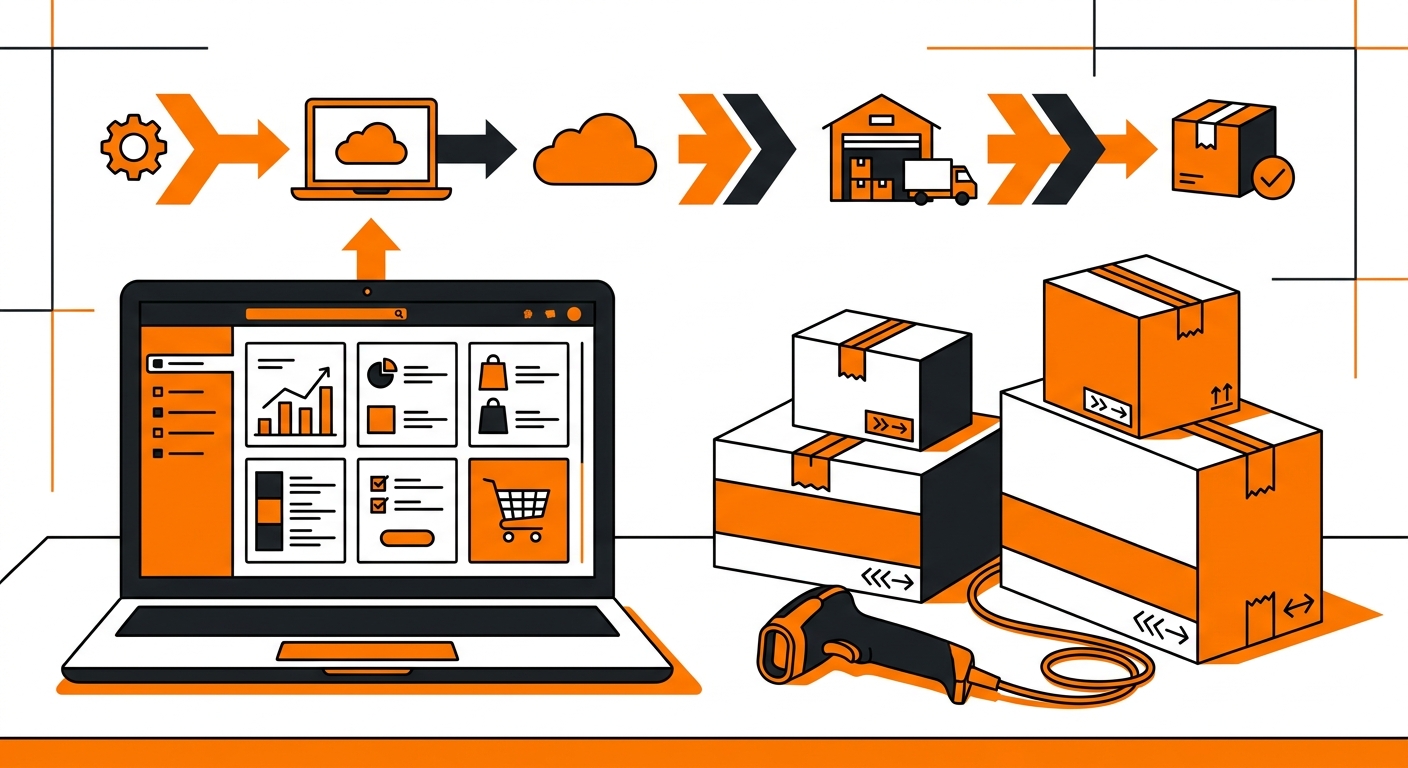
Connecting Amazon Seller Central to Fulfyld: What to Do Step by Step
Follow these steps to connect your Amazon store and get your first orders flowing through Fulfyld.
Step 1: Request Access and Get Assigned an Account Manager
Before the Amazon integration can be set up, you need to have an active Fulfyld account. If you haven’t already, request a quote at fulfyld.com/get-fulfyld.
Once you’re onboarded, Fulfyld assigns you a dedicated account manager who will guide you through the Amazon connection process and every step of the setup that follows.
Step 2: Grant Fulfyld Access to Your Amazon Seller Central Account
To connect the integration, you’ll need to authorize Fulfyld to access your Amazon store. This is done through Amazon’s Marketplace Web Service or Selling Partner API, which allows Fulfyld’s system to read your orders and inventory data and push tracking information back to Amazon.
Don’t share your login credentials directly; the authorization is done through Amazon’s official app permission process, which keeps your account secure.
Step 3: Confirm Whether You’re Using FBA, FBM, or Both
Fulfyld supports both Fulfilled by Amazon (FBA) and Fulfilled by Merchant (FBM) support both, and the setup differs slightly depending on which model you’re using.
For FBA, Fulfyld prepares your inventory according to Amazon’s requirements (labeling, packaging, and shipment configuration) and sends it to Amazon’s fulfillment centers. Fulfyld handles the FBA prep, so your inventory arrives compliant and ready to go live.
For FBM, Fulfyld handles the entire fulfillment process directly. When an Amazon order comes in, Fulfyld picks, packs, and ships it to the customer under your seller account, with tracking automatically passed back to Amazon.
Make sure your account manager knows which model applies to your account, or both, if you’re running a hybrid setup, before the integration goes live.
Step 4: Map Your Amazon SKUs to Fulfyld’s System
Once the connection is authorized, your Amazon SKUs need to be mapped to the corresponding products in Fulfyld’s warehouse management system, Shipedge. This ensures that when an Amazon order comes in for a specific ASIN, Fulfyld knows exactly which physical item to pull and ship.
Your account manager will walk you through the SKU mapping process. If your Amazon ASINs differ from your internal SKU identifiers, flag that early so the mapping is set up correctly before orders start flowing.
Step 5: Place a Test Order
Before going live, place a test order through your Amazon store. This confirms that the order syncs correctly to Fulfyld’s system, the SKU mapping is working, the right shipping method is being applied, and tracking information is passing back to your Seller Central account accurately.
Catch any issues during the test phase, not after real customer orders are in the queue.
Step 6: Go Live
Once the test order clears without issues, the integration is live. From that point forward, Amazon orders flow into Fulfyld automatically.
You can monitor order status and inventory levels in real time through the Fulfyld client portal, and your customers receive tracking updates through Amazon’s standard notification system.
What the Integration Handles Automatically
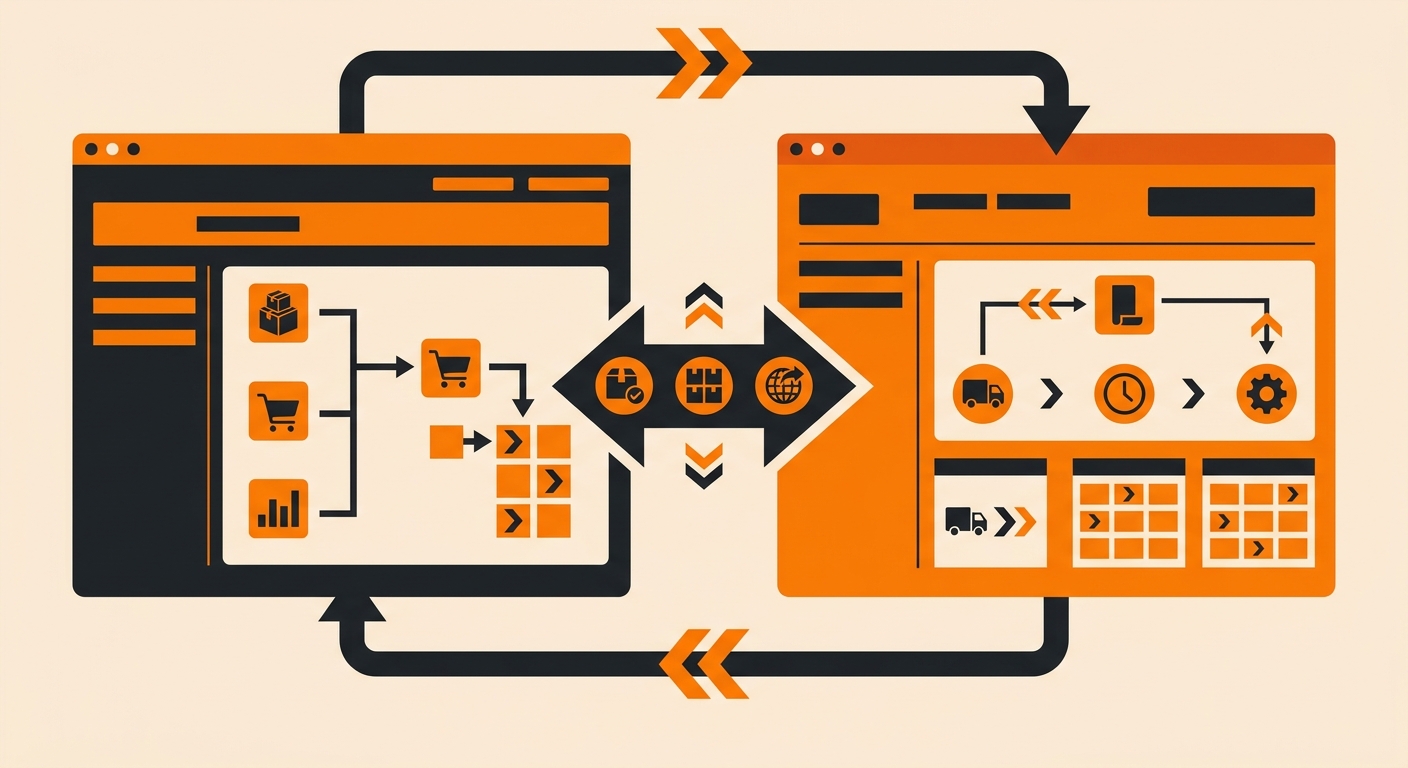
Once connected, the Amazon–Fulfyld integration manages the following without any manual input:
-
Order import from Amazon to Fulfyld’s fulfillment system
-
Real-time inventory sync so your Amazon listings reflect accurate stock levels
-
Tracking number generation and automatic push back to Seller Central
-
Returns processing through Fulfyld’s reverse logistics system
Guaranteed Two-Day Shipping for Amazon Orders
Fulfyld’s Amazon integration supports 2-day guaranteed delivery, which is available for eligible addresses at checkout.
If you’re running FBM and want to compete with Prime delivery speeds, this is worth discussing with your account manager during setup. It requires orders to be submitted before the 1:00 PM Central Time same-day cutoff and the correct shipping method to be mapped in the integration.
Still Have Questions?
Your account manager is the fastest path to getting the Amazon integration set up correctly. You can also reach Fulfyld directly at hey@fulfyld.com or (256) 716-8241, or visit fulfyld.com/integrations/amazon for more information about the integration.