Quick answer: Once an order syncs to Fulfyld, it moves through these stages: Order Received → Order in Progress → Picked & Packed → Shipped → In Transit → Delivered. Fulfyld’s client portal shows you the status of every order in real time.
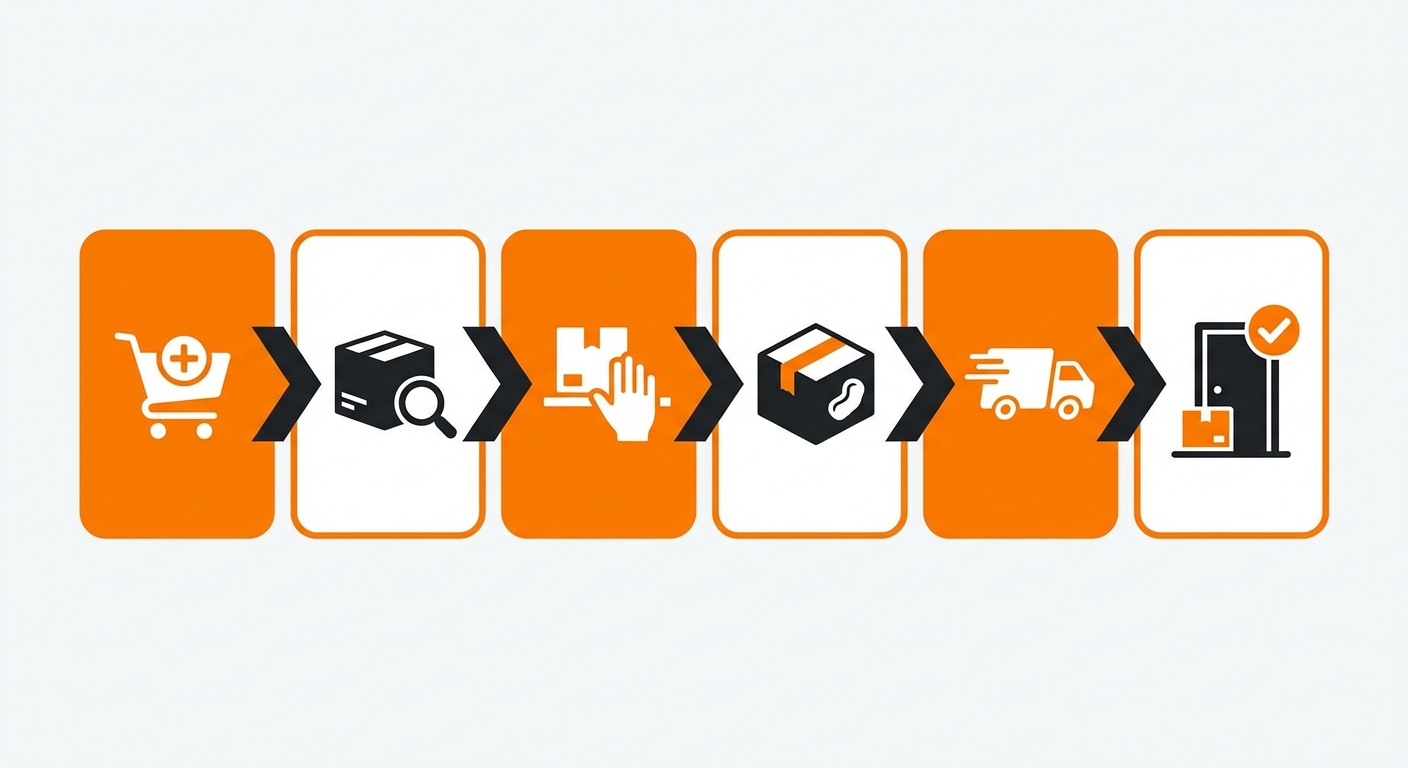
The Fulfyld Order Lifecycle: Stage by Stage
Here is what happens at each stage of the order lifecycle, and what the status means for you and your customer.
Stage 1: Order Submitted
The customer completes their purchase on your store. The order is captured by your eCommerce platform, Shopify, WooCommerce, BigCommerce, or whichever integration you’re using, and automatically synced to the Fulfyld system.
No manual input is needed on your end. This is the starting point of the lifecycle.
Stage 2: Order Information Received
Fulfyld’s system has received the order details and logged them. At this stage, the order is queued and awaiting processing. It has not yet been assigned to the warehouse floor.
If you need to make a change, such as updating the shipping address or canceling the order, this is the window to act before processing begins.
Stage 3: Order in Progress
The order has been released to the warehouse and is now being actively worked on. A warehouse associate is locating the items in inventory based on the order details. This is when the pick process begins.
Stage 4: Picked & Packed
The items have been pulled from storage and are being packed for shipment. Fulfyld applies the appropriate packaging, whether standard or custom, and prepares the shipment for handoff to the carrier. Any kitting or special handling configured for your account happens at this stage.
Stage 5: Awaiting Shipment
The order is packed and ready to go, but has not yet been handed off to the carrier. This is a brief window between pack completion and carrier pickup. Orders typically move through this stage quickly, especially during normal operating hours.
Stage 6: Shipped / Label Created
A shipping label has been generated, and the order has been handed off to the carrier. A tracking number is now available and has been passed back to your store, triggering any shipping confirmation emails you have set up for your customers.
Stage 7: In Transit
The carrier has the package, and it is moving toward the destination. Transit time depends on the shipping method selected at checkout and the destination. Fulfyld offers standard through overnight shipping options, and their 2-day guaranteed fulfillment service means same-day or next-day processing for qualifying orders.
Stage 8: Delivered
The carrier has confirmed delivery. The order lifecycle is complete. If a customer reports a non-delivery after this status, you can initiate a carrier claim or contact your Fulfyld account manager to investigate.
What Happens If an Order Gets Stuck?
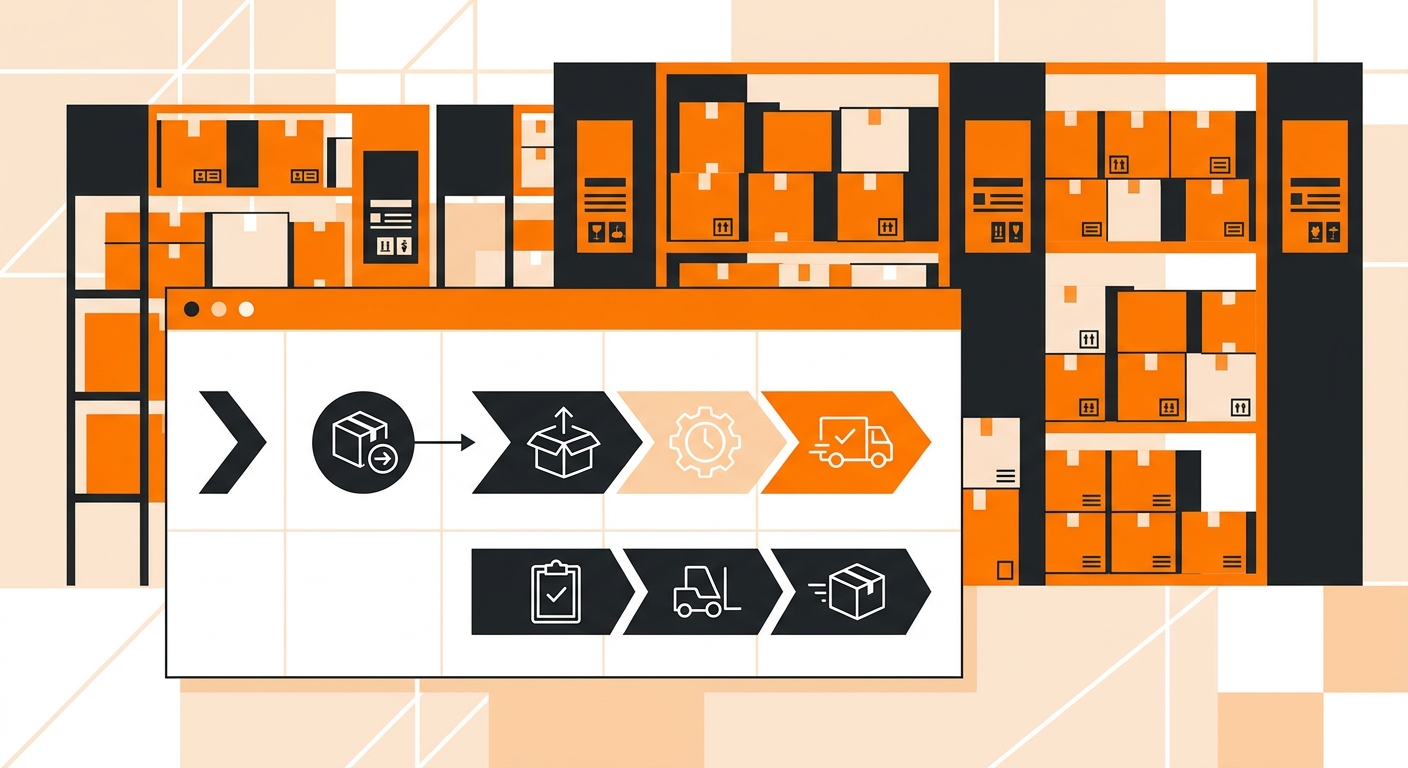
Occasionally, an order may pause at a stage longer than expected. Common reasons include:
-
Inventory shortage: an item is out of stock or not yet available in the warehouse
-
Address issue: an incomplete or undeliverable shipping address flagged by the carrier
-
Carrier delay: weather, volume surges, or a carrier-side issue affecting transit
-
Hold placed: you or your team placed a manual hold on the order through the client portal
If an order is sitting at a status longer than expected, check the Fulfyld client portal first. If the issue isn’t clear from the portal, your account manager can pull the order details and investigate.
See the Fulfyld Order Lifecycle in Action
The brands that get the most out of this process are the ones that ask hard questions before signing: What’s the average dock-to-stock time? How are kitting and bundling orders flagged in the queue? What triggers a 2-day guaranteed fulfillment commitment?
Those aren’t hypothetical questions; they’re the exact ones a Fulfyld specialist can answer with your SKU mix and order volume in front of them.
Talk to a Fulfyld fulfillment specialist about your order lifecycle.
Frequently Asked Questions
How long does it typically take for an order to move from received to shipped?
For most orders, Fulfyld processes and ships within 1–2 business days of the order being received. Fulfyld also offers a 2-day guaranteed fulfillment service for qualifying accounts, which means same-day or next-day processing. Actual transit time to the customer is separate and depends on the shipping method selected at checkout.
Will my customers automatically receive tracking information once an order ships?
Yes, as long as your store’s shipping confirmation emails are set up correctly. Once Fulfyld generates a shipping label, the tracking number is passed back to your eCommerce platform, which triggers any automated shipping notifications you have configured for your customers.
Can I make changes to an order after it has been submitted to Fulfyld?
Changes are possible but time-sensitive. The best window to edit an order, such as updating a shipping address, adjusting quantities, or canceling, is before it reaches the Order in Progress stage.
What does it mean if an order shows “Item Not Fulfilled”?
This status typically means one or more items in the order could not be fulfilled, usually due to an inventory shortage or a SKU mismatch. Fulfyld will flag the issue in the portal.
How do I know if a delivery issue is on Fulfyld’s side or the carrier’s side?
Once an order reaches the Shipped stage, the carrier takes responsibility for transit and delivery. If a customer reports a problem, such as a package marked delivered but not received, or a shipment stuck in transit, check the carrier tracking first.