

If you prefer to pay your Fulfyld invoices by bank transfer rather than credit card, you can add an ACH payment method directly through the Fulfyld billing portal. It takes a few minutes and, once set up, can be used as your default payment method going forward.
Quick answer: Log in to the Fulfyld billing portal at fulfyld.invoiced.com, go to My Account, select Payment Methods, and choose Add Payment Method. From there, select the bank account/ACH option and enter your routing and account number.
Setting Up ACH Payment: What to Do Step by Step
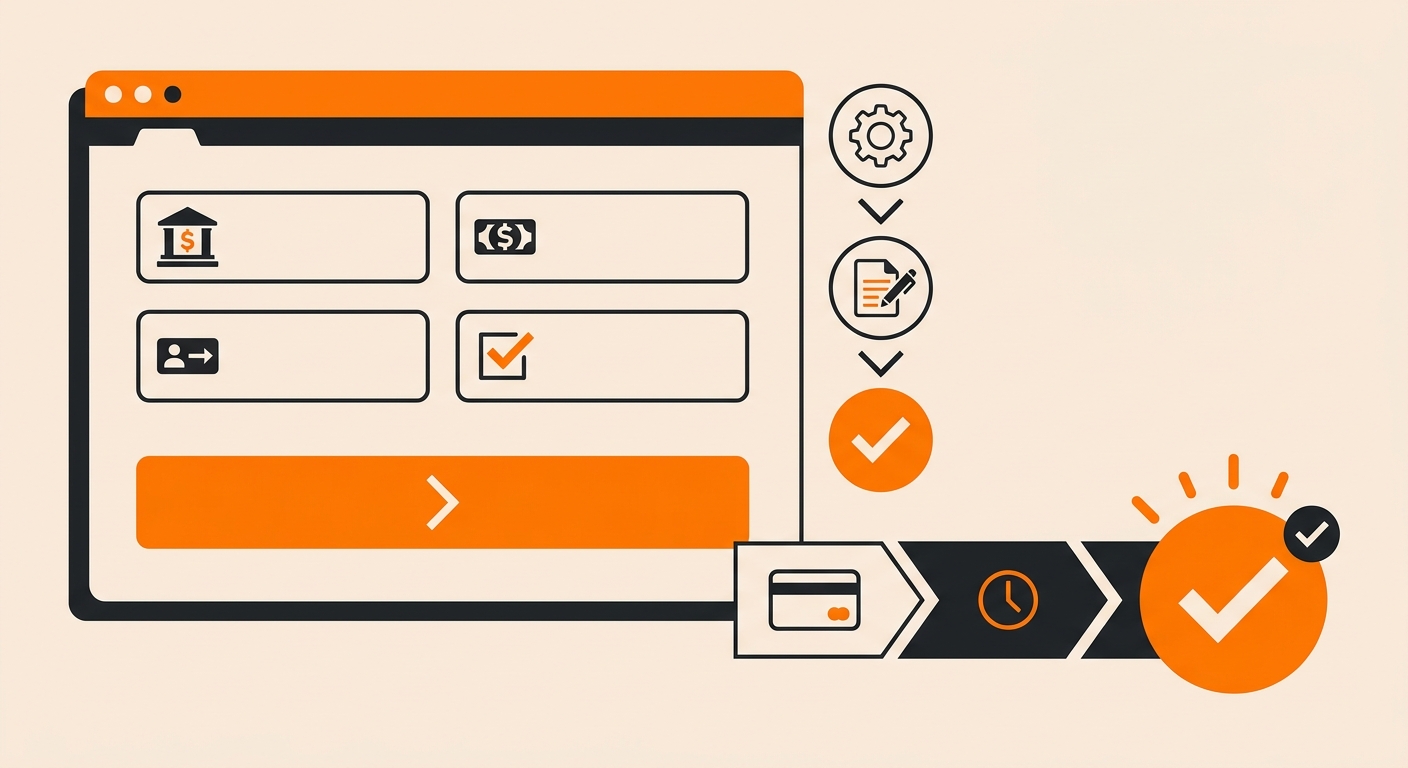
Follow these steps to connect your bank account and set ACH as your payment method in Fulfyld.
Step 1: Log in to the Fulfyld Billing Portal
Go to fulfyld.invoiced.com/login and sign in with your account credentials. This is the same portal where you access your invoices and billing history.
Step 2: Navigate to My Account
Once logged in, click My Account in the left-hand menu bar.
Step 3: Open Payment Methods
Under My Account, locate the Payment Methods section and click Add Payment Method.
Step 4: Select Bank Account (ACH)
From the available payment options, select the bank account or ACH option. You will be prompted to enter:
-
Your bank routing number
-
Your checking or savings account number
-
The account type (checking or savings)
Double-check these details before saving; an incorrect routing or account number will cause payment failures.
Step 5: Save and Set as Default
Once your bank account is added, you can set it as your default payment method. Fulfyld supports multiple payment methods on file, so you can keep a card as a backup if needed.
Why Businesses Choose ACH for 3PL Billing
ACH payments are a practical choice for eCommerce brands managing recurring 3PL costs. Compared to credit card payments, ACH transfers typically carry lower processing fees, which adds up when you’re paying weekly or monthly fulfillment invoices.
Bank-to-bank transfers also reduce the risk of payment failures tied to card expirations or credit limits.
For brands with higher order volumes, the savings on transaction fees alone can be meaningful over the course of a year.
What to Have on Hand Before You Start
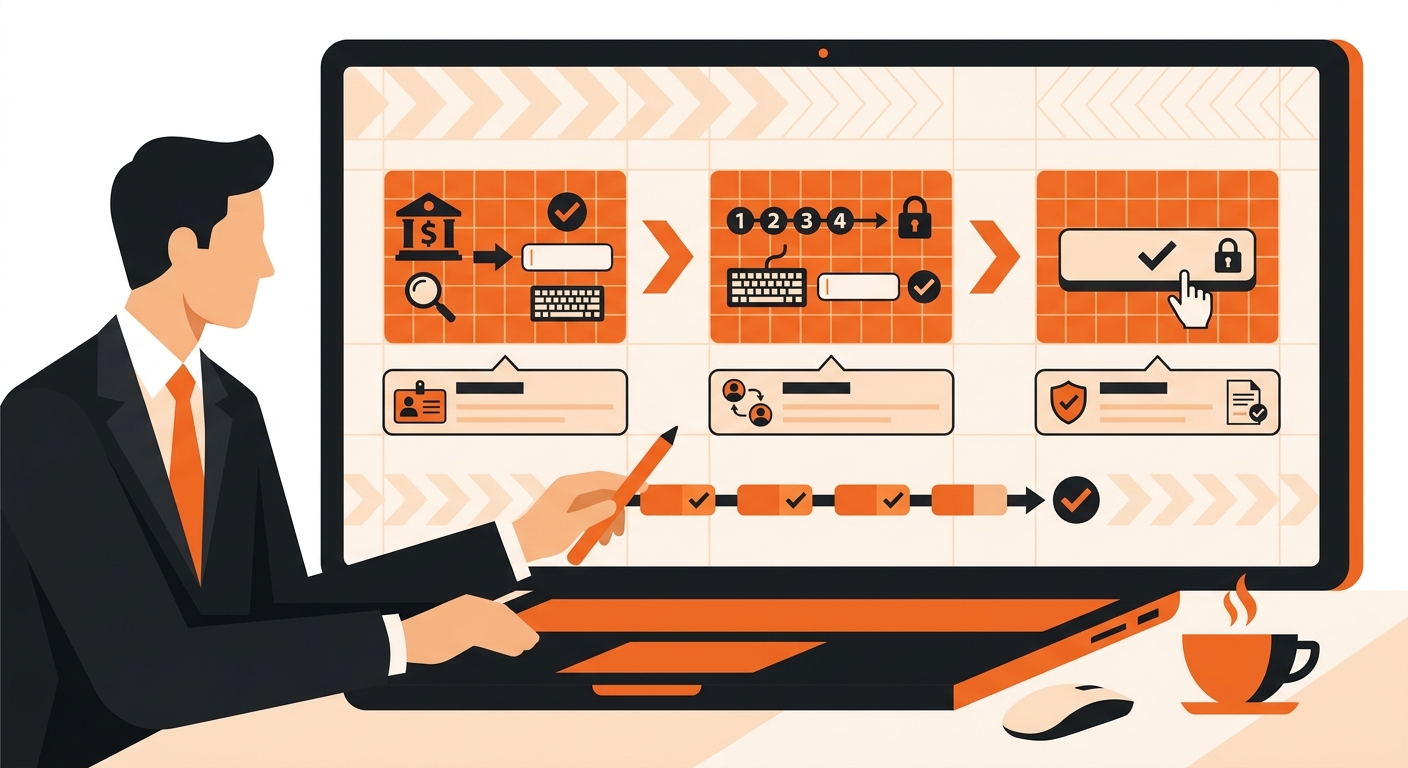
Before logging into the billing portal, have the following ready:
-
Your bank’s routing number (9 digits, found on any check or in your online banking)
-
Your full account number
-
Confirmation of the account type (checking or savings)
If you’re unsure which account to use, most businesses connect their primary operating or business checking account.
Ready to Set up ACH Payment With Fulfyld?
Getting your ACH payment configured with Fulfyld takes less time than most brands expect. Your dedicated account manager walks you through bank verification, confirms your billing cadence, and makes sure your eCommerce fulfillment fees pull automatically without manual intervention each cycle.
No chasing invoices. No wire delays eating into your cash flow.
The brands that move fastest are the ones that come prepared: routing number, account number, and a clear picture of their expected monthly fulfillment volume. If you’re running subscription boxes or high-SKU DTC operations, ACH removes one more variable from your operational overhead.
Still Have Questions?
If you run into any issues adding a payment method or need help confirming your setup, reach out to your dedicated Fulfyld account manager or contact the support team at hey@fulfyld.com or (256) 716-8241. You can also visit the billing section of the Fulfyld docs for additional guidance.
Frequently Asked Questions
Do I need to contact my account manager to set up ACH, or can I do it myself?
You can do it yourself. ACH setup is handled directly through the Fulfyld billing portal at fulfyld.invoiced.com, no need to go through your account manager. Just log in, navigate to My Account, and add your bank details under Payment Methods.
Is ACH payment available to all Fulfyld clients?
ACH is a standard payment option available through the Invoiced billing portal that Fulfyld uses. If you don’t see the bank account option when adding a payment method, contact your account manager to confirm availability for your account type.
How long does it take for an ACH payment to process?
ACH transfers typically take 2–5 business days to clear, which is slower than a credit card charge. Keep this in mind around invoice due dates: Initiating your payment a few days early helps avoid any late payment flags on your account.
Can I keep my credit card on file and also add an ACH account?
Yes. Fulfyld’s billing portal supports multiple payment methods at the same time. You can add both a bank account and a credit card, then choose which one to set as your default. This is useful if you want ACH as your primary method but a card as a backup.
What should I do if my ACH payment fails?
First, verify that the routing and account numbers on file are correct. A single-digit error is the most common cause of ACH failures. If the details look right, contact your bank to confirm there are no blocks on ACH debits from your account.