

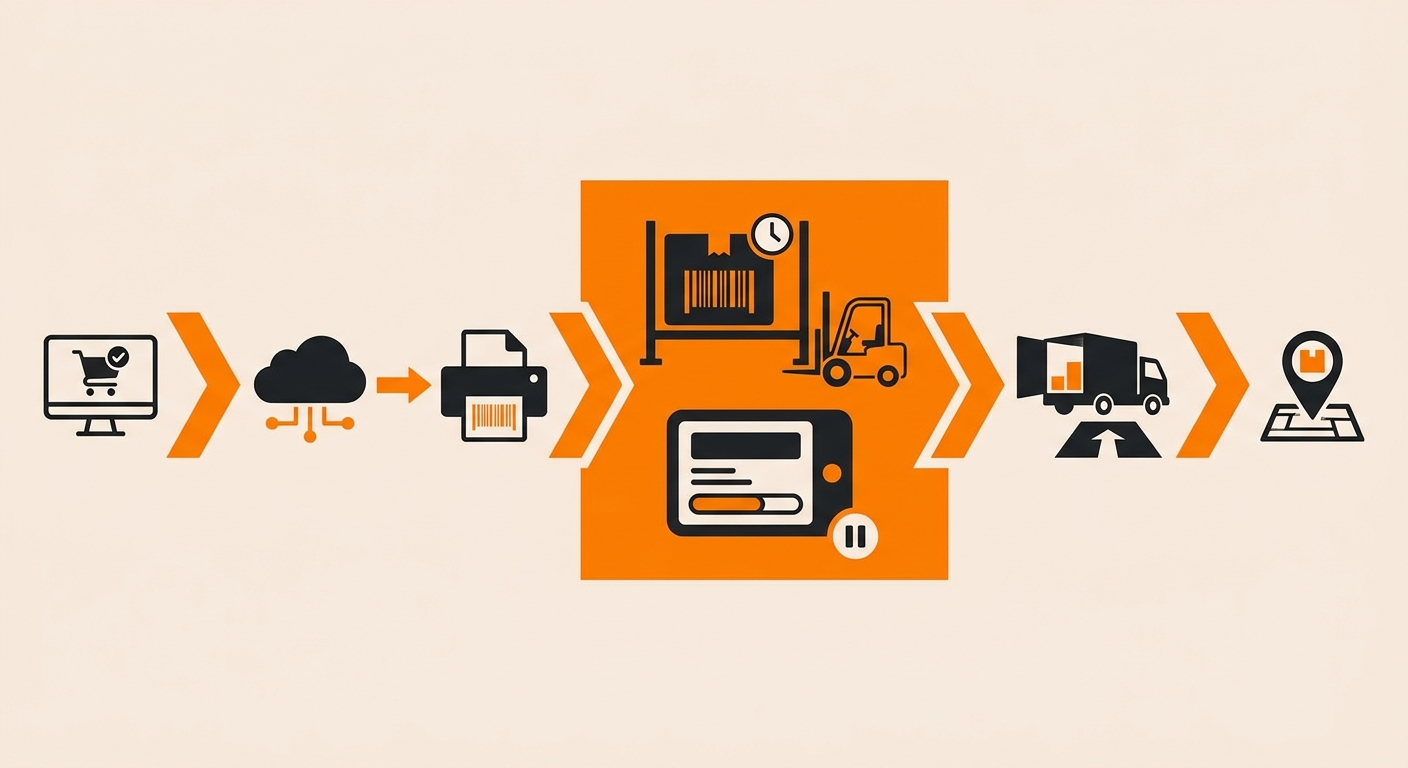
What Happens When a Shipping Label Is Created
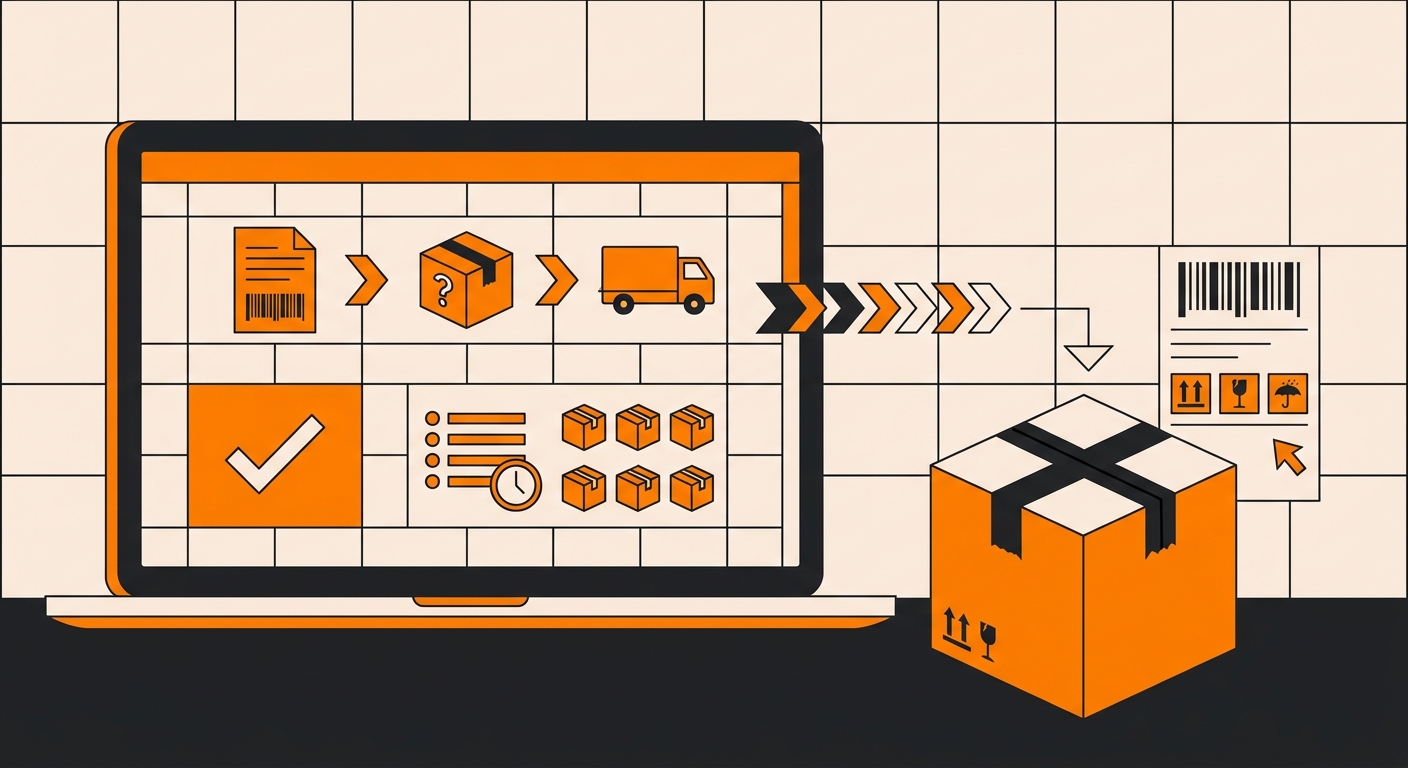
It all starts when your 3PL or shipper pings the carrier’s API for a label. The carrier instantly returns a tracking number and pre-registers the shipment, often in less than 200 milliseconds, creating a digital record for a package that hasn’t even been packed yet.
Your customer sees immediate activity. However, the package is still just sitting in a pick-and-pack queue.
High-volume fulfillment operations generate hundreds of labels per hour, often before the physical pick wave begins. A label created at 9:00 AM does not scan into a carrier trailer until 4:00 PM the same day.
Why Tracking May Not Update Immediately
Seeing “Electronic Shipping Label Created” does not mean the package is already moving through the carrier network. It only means shipment information has been sent to the carrier.
Depending on warehouse processing schedules and carrier pickup times, the first scan may appear several hours later or, in some cases, within 1-2 business days.
How It Works
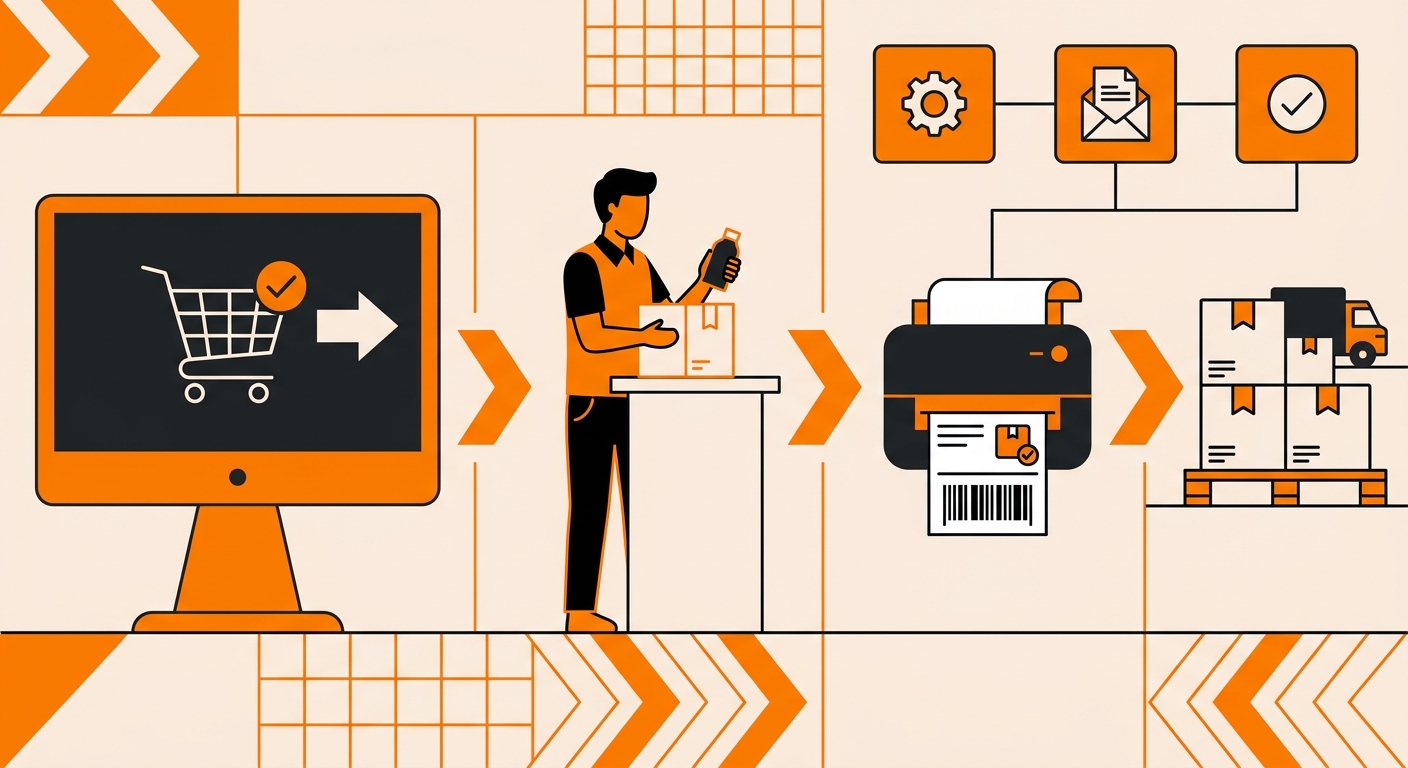
Order transmission to the WMS.
When a customer places an order, your OMS (Shopify, BigCommerce, or a custom integration) pushes the order data to the warehouse management system. The WMS validates the shipping address, selects the carrier service based on your rate rules, and queues the shipment for label generation.
Label generation via carrier API.
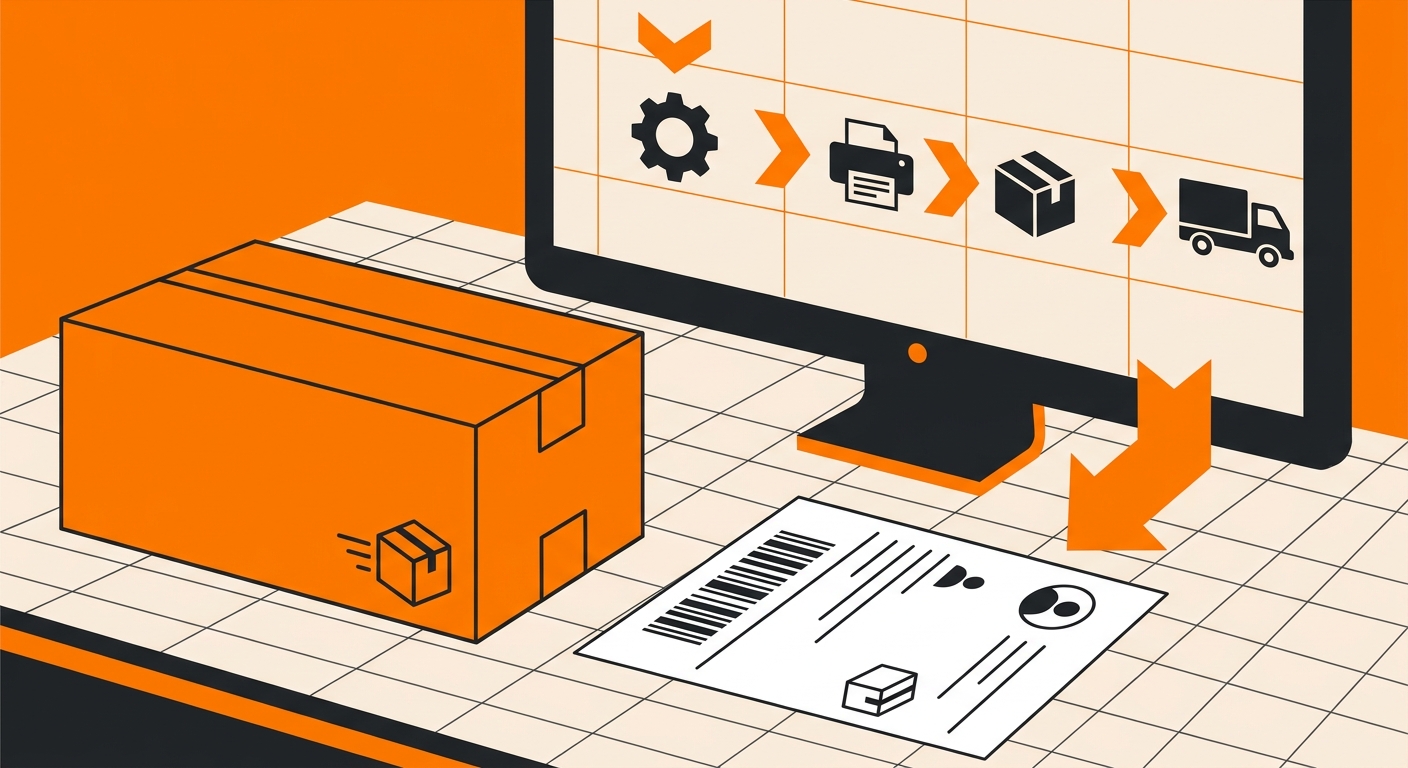
The WMS calls the carrier’s API (UPS, FedEx, USPS) with the package weight, dimensions, destination ZIP, and service level. The carrier returns a tracking number and a pre-formatted label file, typically a 4×6 ZPL or PDF, before the physical package has moved anywhere.
The moment the carrier assigns that tracking number, it pushes the electronic shipping label created status to its tracking system. Your OMS picks up that status via webhook or polling and surfaces it to the customer as “label created” or “shipment information received.”
Physical hand-off to the carrier.
A picker pulls and packs the order, the printed label gets applied, and the package enters the carrier’s possession at scan-in. Only at that point does the order status advance to “in transit.” Until then, the label exists digitally, but the package hasn’t moved.
Key Components of an Electronic Shipping Label
Carrier Routing Data
This is the machine-readable core of the label, the barcode or QR code that tells every carrier facility exactly where the package is going and how it should get there. Without it, automated sortation equipment can’t process the shipment at all.
Tracking Number
The unique tracking identifier links the physical package to its digital record in the carrier’s system. Every scan event at a carrier hub updates that record, which is how status changes like “out for delivery” become visible to you and your customer.
Service Level Indicator
This encodes the shipping method– ground, 2-day, overnight- directly into the label. Carriers use it to route packages into the correct sortation lane; a mismatch here is the most common cause of unexpected transit delays.
Return Address and Postage Confirmation
Postage confirmation signals that payment has been accepted and the label is valid for tender. Without confirmed postage, carriers will reject the package at the dock, regardless of how the label looks visually.
Need a Fulfillment Partner With Better Shipment Visibility?
A label unscanned for 48 hours isn’t a tracking update; it’s a warning that something broke between your warehouse and carrier pickup.
Delays between label creation and carrier pickup can create customer confusion and increase support requests. Fulfyld provides real-time shipment tracking and fulfillment visibility so brands can stay informed throughout the order lifecycle.
Talk to a Fulfyld fulfillment specialist about carrier handoff monitoring and exception handling.