

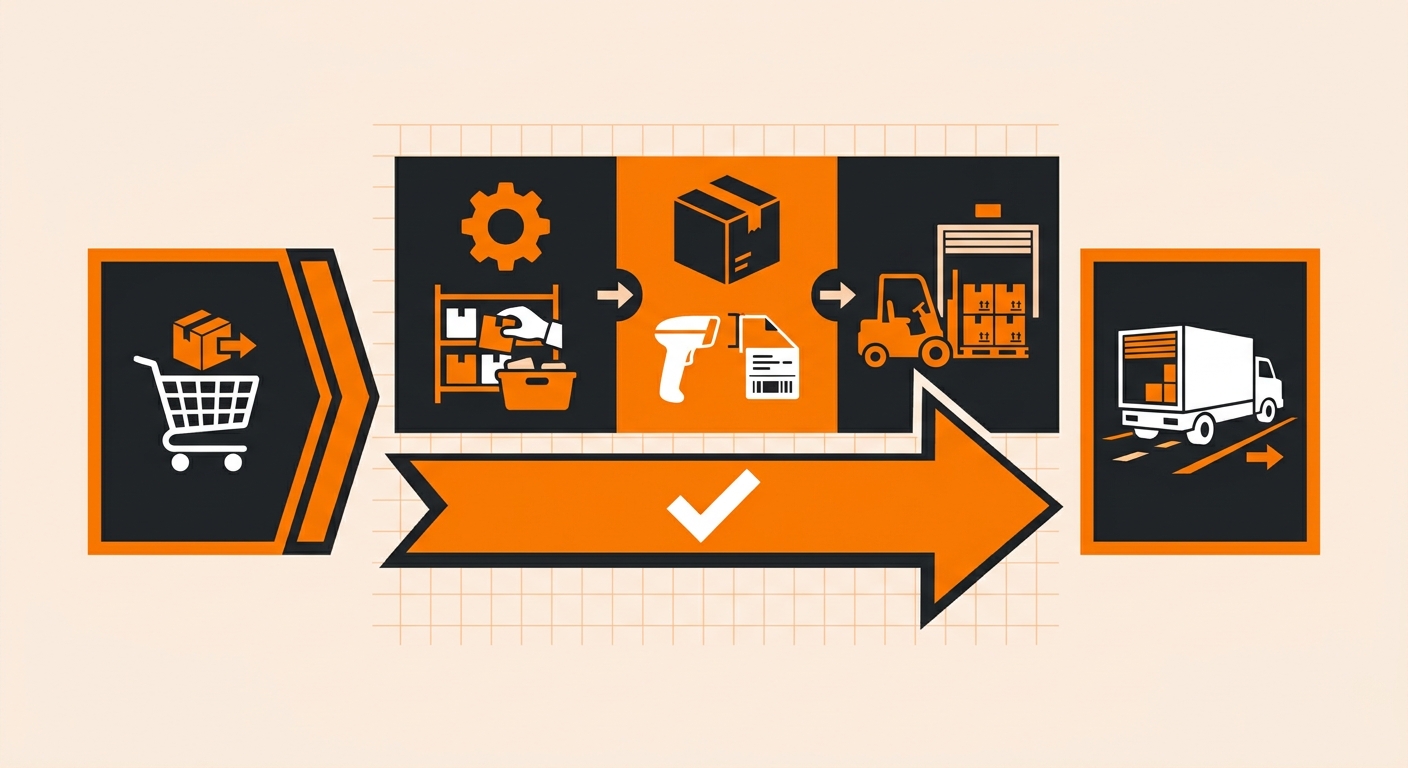
How the Final-Sort Process Works
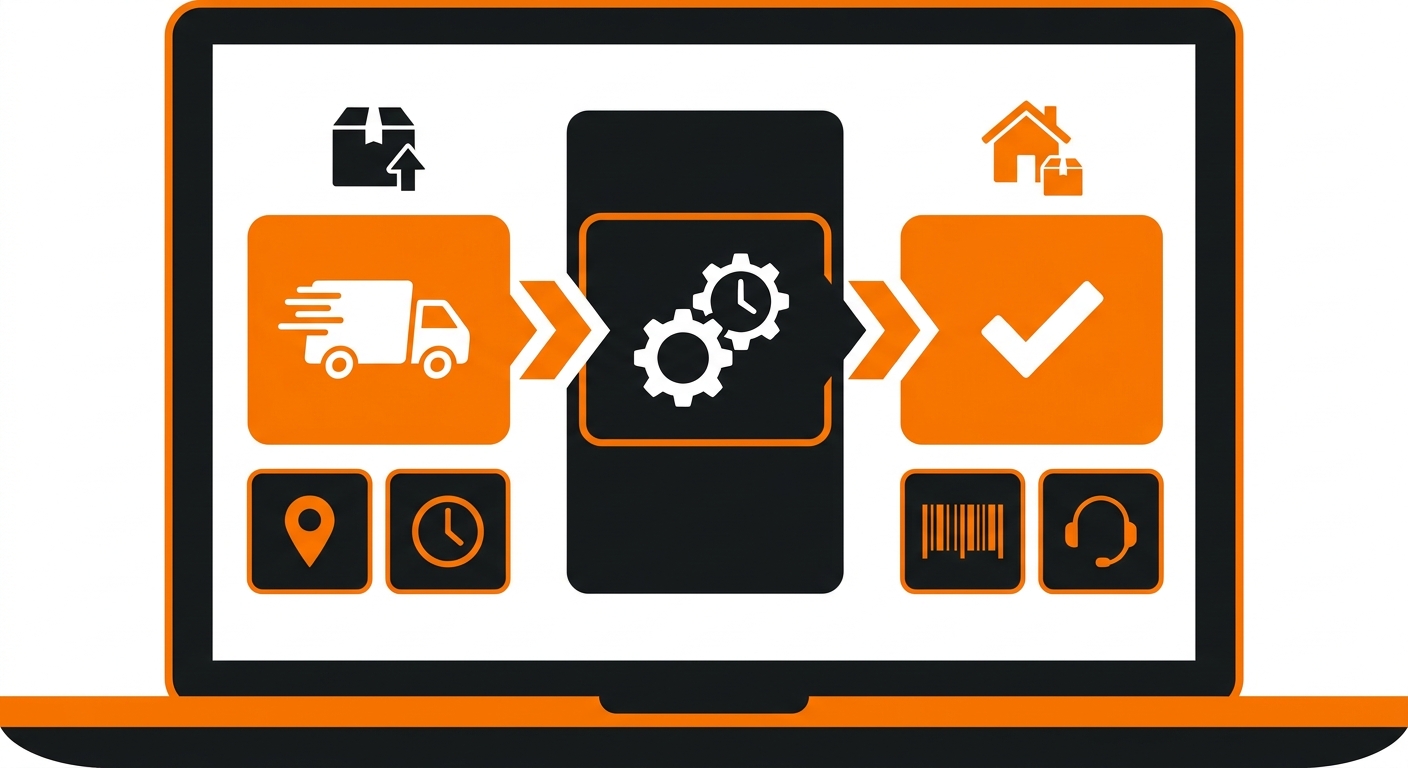
When a package arrives at a carrier’s last distribution facility, it goes through a final sort, a process where packages are grouped and sequenced by delivery route. This is the last step before a package leaves the logistics network and reaches the recipient’s door.
During this stage, several things happen in sequence:
-
The package is scanned and logged at the local facility;
-
It’s sorted by ZIP code or delivery zone;
-
It’s assigned to a specific carrier route and loaded onto a delivery vehicle.
Once all three steps are complete, the status updates to “processed for delivery.”
How “Processed for Delivery” Differs from Similar Statuses
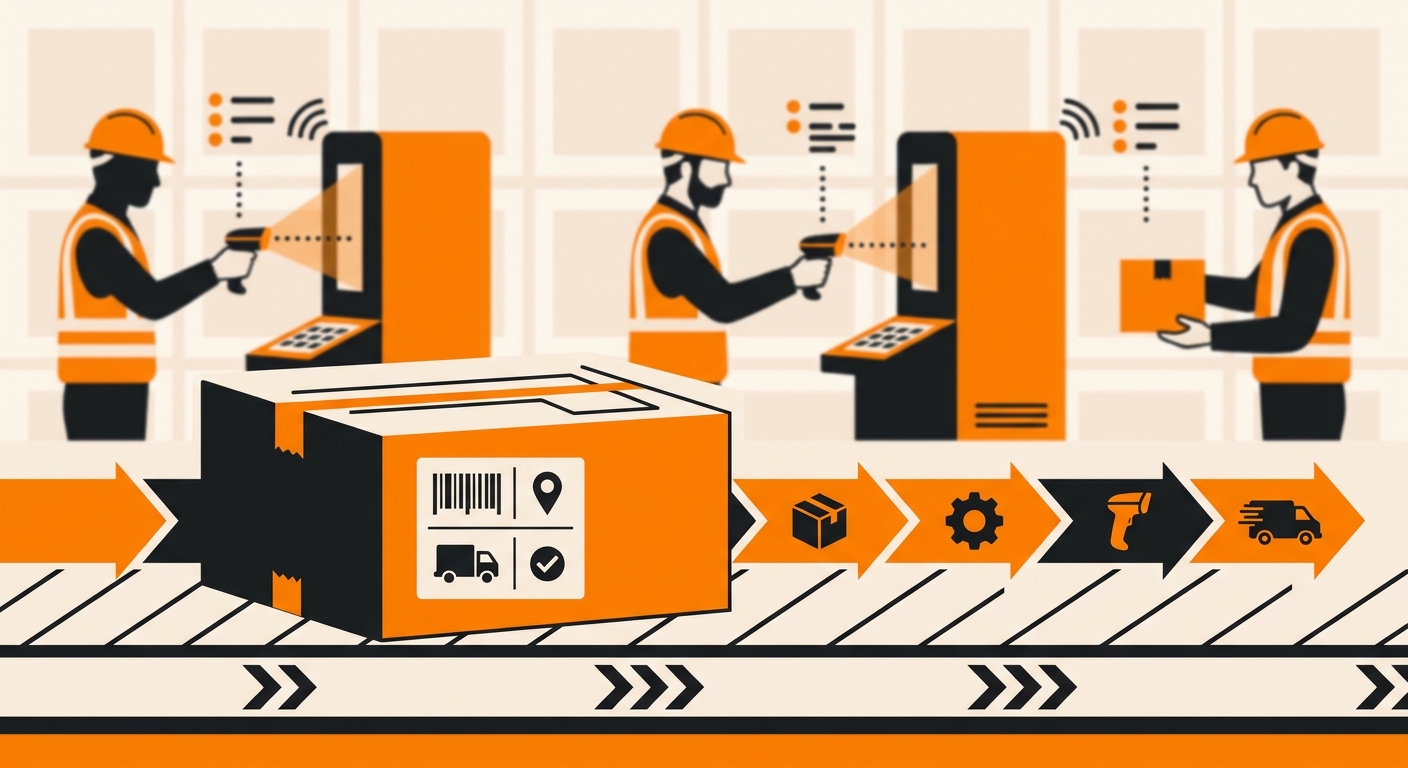
This status is frequently confused with others that appear just before it in the order tracking timeline. The distinction matters:
-
“In transit” means the package is still moving between sorting or distribution hubs, it hasn’t reached the local facility yet;
-
“Out for delivery” means the package is physically on the delivery vehicle and actively being delivered that day;
-
“Processed for delivery” sits between the two, the local facility has completed sorting, but the package may not yet be on a truck.
In most cases, “processed for delivery” updates to “out for delivery” within 24 hours, often the same morning.
What to Expect After Seeing This Status
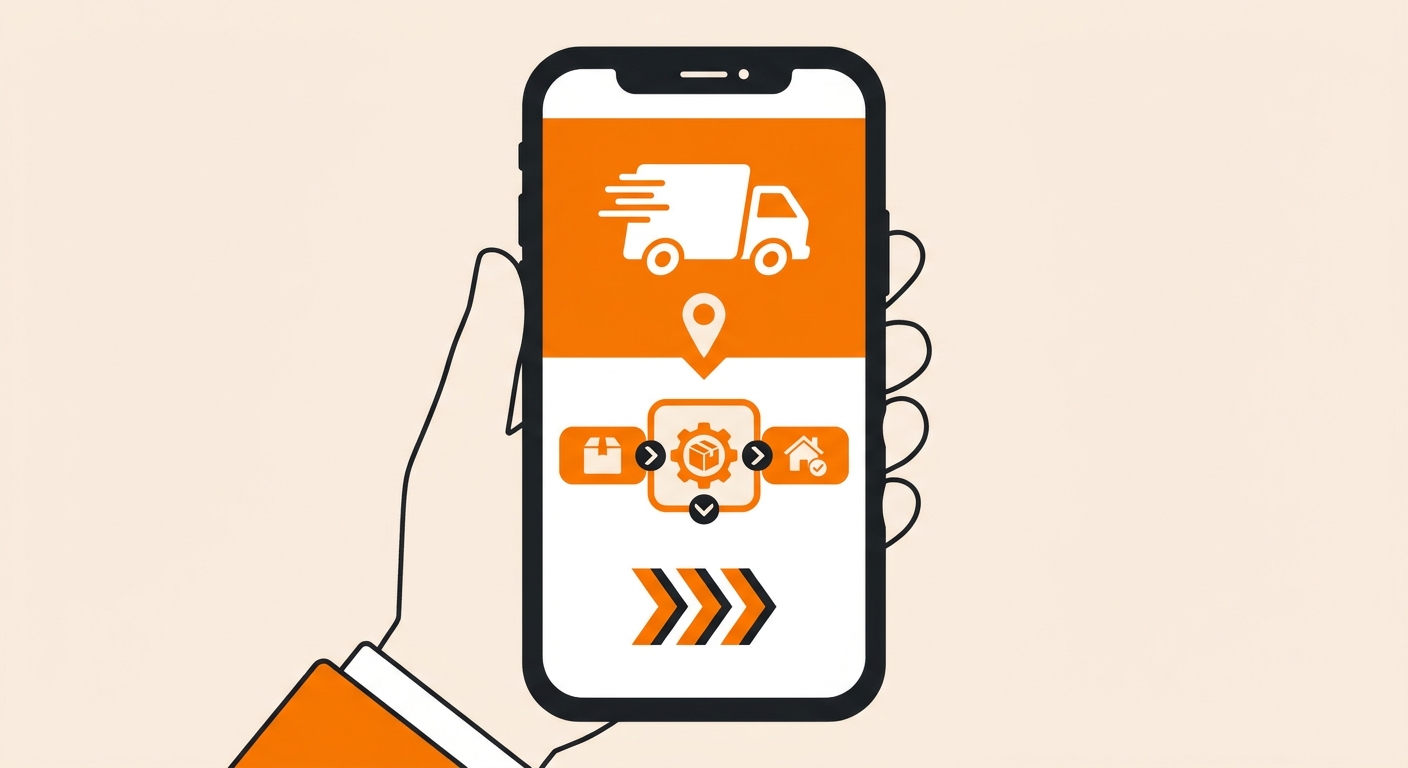
For most domestic shipments, delivery occurs within 1–2 business days of this status appearing. That said, a few variables can affect the timeline:
-
Volume spikes: During peak periods (holidays, sales events), local facilities may hold packages an extra day due to route capacity;
-
Rural or remote addresses: Last-mile delivery to less-accessible locations can add time, even after final sort is complete;
-
Weather and carrier disruptions: External factors can delay dispatch from the facility even after sorting is finished.
If the order status hasn’t changed within 48 hours, it’s worth contacting the carrier directly with the tracking number to confirm there’s no exception event such as an address issue or missed scan.
Who Needs to Understand This Status
For consumers, “processed for delivery” is a reliable signal that the package is close, typically within one to two days of arrival.
For eCommerce brands and 3PL operators, this status is a key checkpoint in last-mile delivery performance. A long gap between “in transit” and “processed for delivery”, or between this status and actual delivery, often points to carrier network bottlenecks that are worth tracking across shipments. Monitoring how frequently and quickly packages move through final sort helps identify which carrier lanes are underperforming and where order fulfillment handoffs need tightening.
“Processed for Delivery” and Last-Mile Visibility
Last-mile delivery accounts for a disproportionate share of total shipping costs and customer satisfaction outcomes. The final-sort stage is where carrier performance is most visible and where delays have the most direct impact on the customer experience.
Brands that invest in granular tracking visibility, including statuses like “processed for delivery,” are better positioned to identify patterns, set accurate delivery expectations, and respond quickly when something goes wrong downstream.