Quick answer: Fulfyld integrates directly with BigCommerce. You can link your store with the click of a button, or your dedicated account manager can handle the connection on your behalf. Once live, orders flow into Fulfyld automatically and are picked, packed, and shipped same-day for orders received before 1:00 PM Central Time.
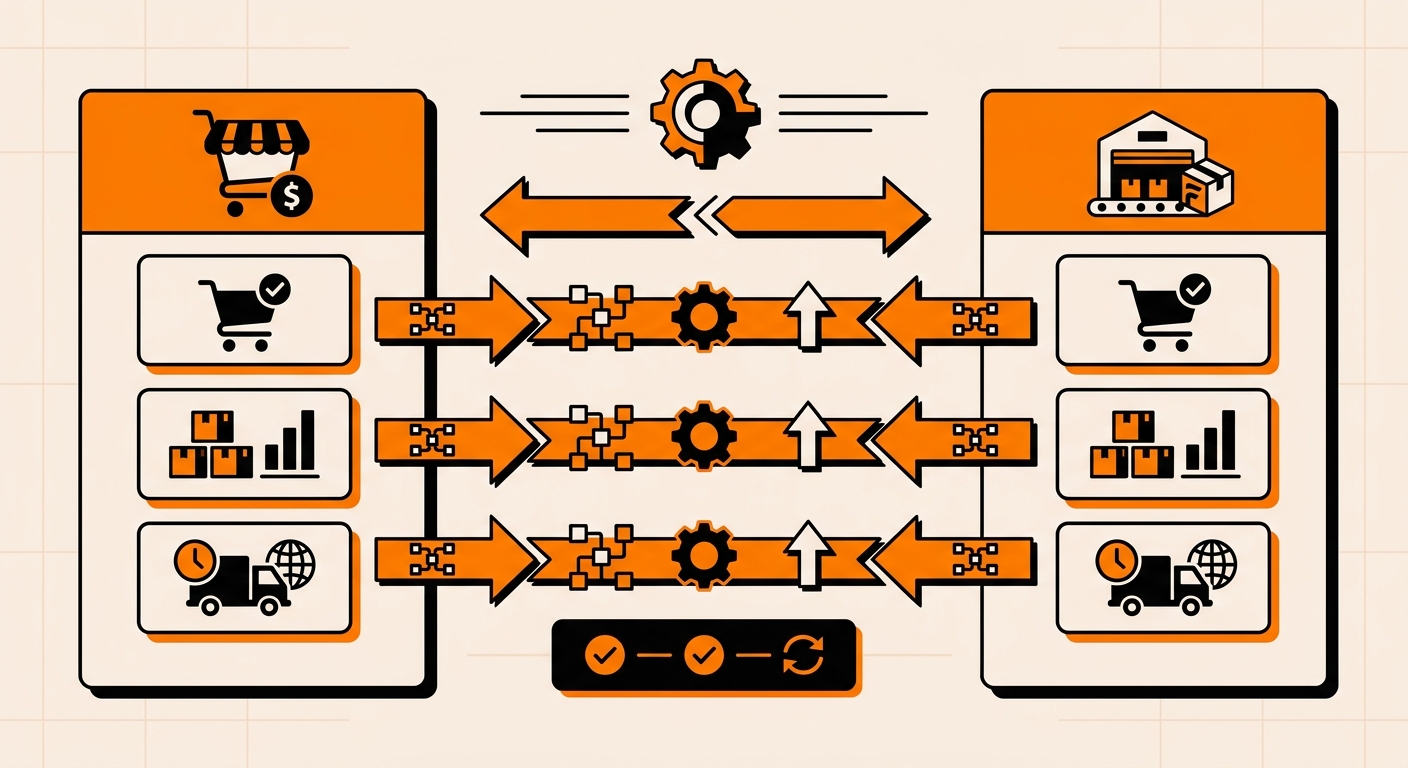
Connecting BigCommerce to Fulfyld: What to Do Step by Step
Follow these steps to connect your BigCommerce store and get orders flowing through Fulfyld.
Step 1: Get a Quote and Create Your Fulfyld Account
If you haven’t signed up yet, start at fulfyld.com/get-fulfyld. Fill out the intake form with your store details, monthly order volume, and product type. A Fulfyld team member will follow up with a flat-rate pricing proposal tailored to your setup. There are no hidden fees and no long-term contracts required to get started.
Step 2: Connect with Your Dedicated Account Manager
Once you move forward, Fulfyld assigns you a dedicated account manager. They are your main point of contact throughout onboarding and day-to-day operations.
Before any technical setup begins, use this first conversation to walk through your product catalog, shipping methods, packaging preferences, and any special handling requirements. Getting this aligned early prevents configuration issues later.
Step 3: Connect Your BigCommerce Store
The BigCommerce integration can be set up in one of two ways: you can link your store yourself through Fulfyld’s integration settings, or your account manager can handle the connection on your behalf.
Either way, the process involves authorizing Fulfyld to access your BigCommerce store data (orders, inventory, and shipping information) through BigCommerce’s API. No credentials need to be shared directly; the connection is made through BigCommerce’s standard app authorization flow.
Step 4: Map Your Shipping Methods
Once the stores are connected, your BigCommerce shipping method names need to be mapped to Fulfyld’s internal ship codes in Shipedge, their warehouse management system. This tells Fulfyld exactly which carrier and service level to use for each order type.
If the mapping is off, orders may be delayed or shipped with the wrong method. Your account manager will walk you through this step and confirm the mapping is correct before you go live.
Step 5: Map Your SKUs
Every product in your BigCommerce catalog needs to be mapped to the corresponding item in Fulfyld’s warehouse system. This ensures that when an order comes in, Fulfyld knows exactly which physical product to pick.
If your BigCommerce product IDs differ from your internal SKU identifiers, flag that to your account manager so the mapping can be set up to account for both.
Step 6: Place a Test Order
Before going live, place a 1-unit test order through your BigCommerce store. This confirms that the order is syncing correctly to Fulfyld, the SKU and shipping method are mapped as expected, and tracking information is passing back to your storefront.
Catching configuration issues at this stage is far easier than resolving them after real customer orders are in the queue.
Step 7: Go Live
Once the test order clears, the integration is active. From that point, BigCommerce orders flow into Fulfyld’s system automatically.
You can monitor order status and inventory levels in real time through the Fulfyld client portal, and your customers receive tracking updates through BigCommerce’s standard notification system.
What the Integration Handles Automatically
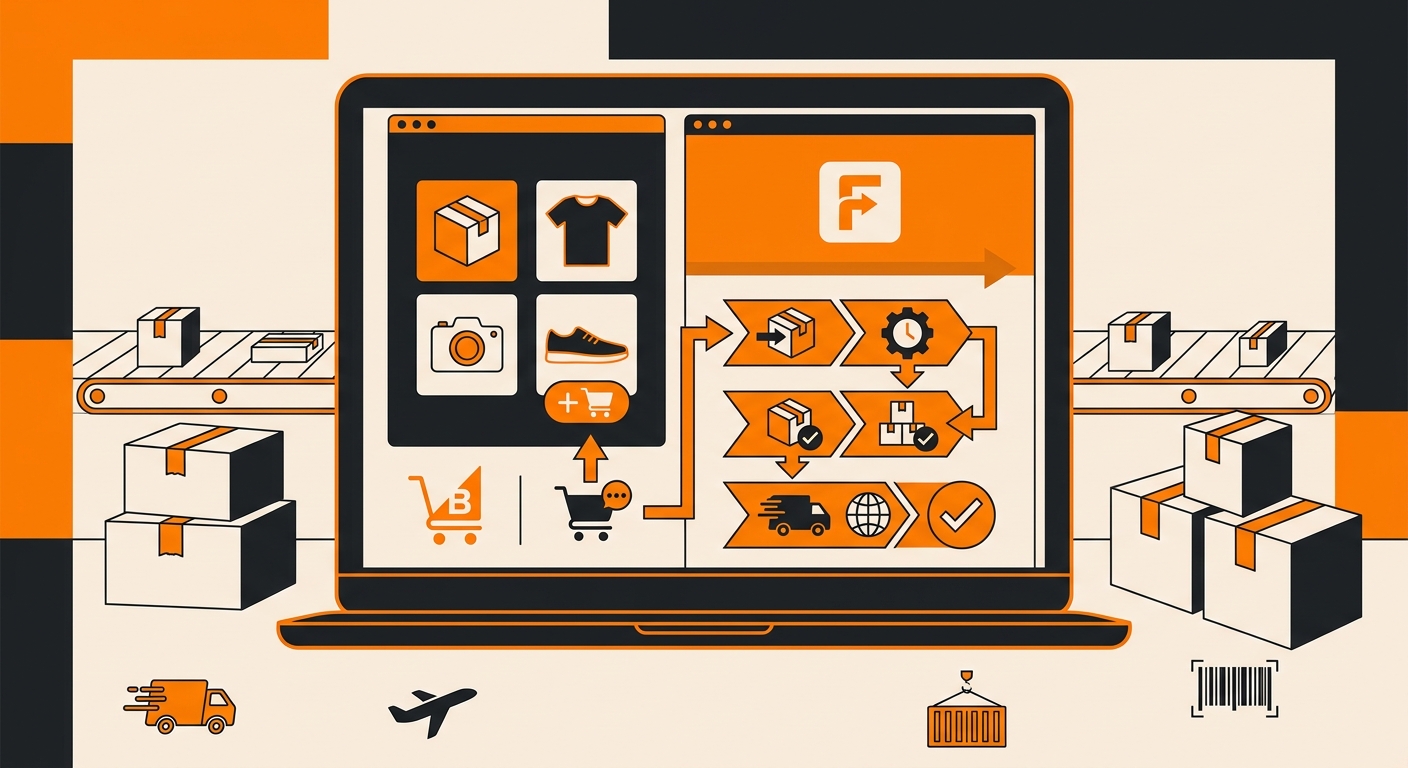
Once connected, the BigCommerce–Fulfyld integration manages the following without any manual input:
-
Order import from BigCommerce to Fulfyld’s fulfillment system
-
Real-time inventory sync so your BigCommerce listings always reflect accurate stock levels
-
Tracking number generation and automatic push back to your store
-
Returns processing through Fulfyld’s reverse logistics system, with inventory updates sent back to BigCommerce when the returned product is received at the warehouse
Guaranteed Two-Day Shipping for BigCommerce Orders
Fulfyld supports 2-day guaranteed delivery for BigCommerce stores. When enabled, Fulfyld identifies which customer addresses are eligible for 2-day delivery and surfaces that option at checkout in real time.
If you want to offer this to your customers, let your account manager know during onboarding so it can be configured as part of your initial setup.
Still Have Questions?
For help with your BigCommerce integration or to get started, reach out at hey@fulfyld.com or (256) 716-8241, or visit fulfyld.com/integrations/bigcommerce.