

Quick Answer
Log in to the Fulfyld billing portal at fulfyld.invoiced.com to view your invoices. Each invoice lists line items for storage, fulfillment, shipping, and any additional services used during the billing period. Review each section carefully to verify accuracy before payment.
What’s on a Fulfyld Invoice

A Fulfyld invoice is organized into clearly labeled sections. Understanding each one helps you reconcile charges against your expected fulfillment activity.
|
Invoice Section |
What It Covers |
|
Storage Fees |
Monthly charges based on the cubic footage or pallet positions your inventory occupies in the Fulfyld warehouse. |
|
Pick & Pack Fees |
Per-order or per-unit charges for the labor involved in picking items from shelves and packing them for shipment. |
|
Shipping Charges |
Carrier costs are passed through for each outbound shipment, including any dimensional weight adjustments. |
|
Receiving Fees |
Charges for inbound inventory processing when new stock arrives at the warehouse. |
|
Special Handling |
Any additional services, such as kitting, custom packaging, inserts, or fragile item handling. |
|
Account Fees |
Recurring platform or account management fees as outlined in your service agreement. |
How to Access Your Invoice: Step by Step
Follow these steps to locate and review your invoices in the Fulfyld billing portal.
Step 1: Log In to the Billing Portal
Go to fulfyld.invoiced.com/login and sign in with your account credentials. This is the same portal where you manage payment methods and billing history.
Step 2: Navigate to the Invoices Section
Once logged in, click Invoices in the left-hand navigation menu. You’ll see a list of all past and current invoices sorted by date.
Step 3: Open the Invoice
Click any invoice to view its full line-item breakdown. Each charge is listed with a description, quantity, unit rate, and total.
Step 4: Download or Print
Use the Download button to save a PDF copy for your records. This is useful for accounting, expense tracking, or disputing a charge.
Step 5: Review for Accuracy
Cross-reference the invoice against your own order records. If anything looks off, contact your account manager before the payment due date.
Common Line Items Explained
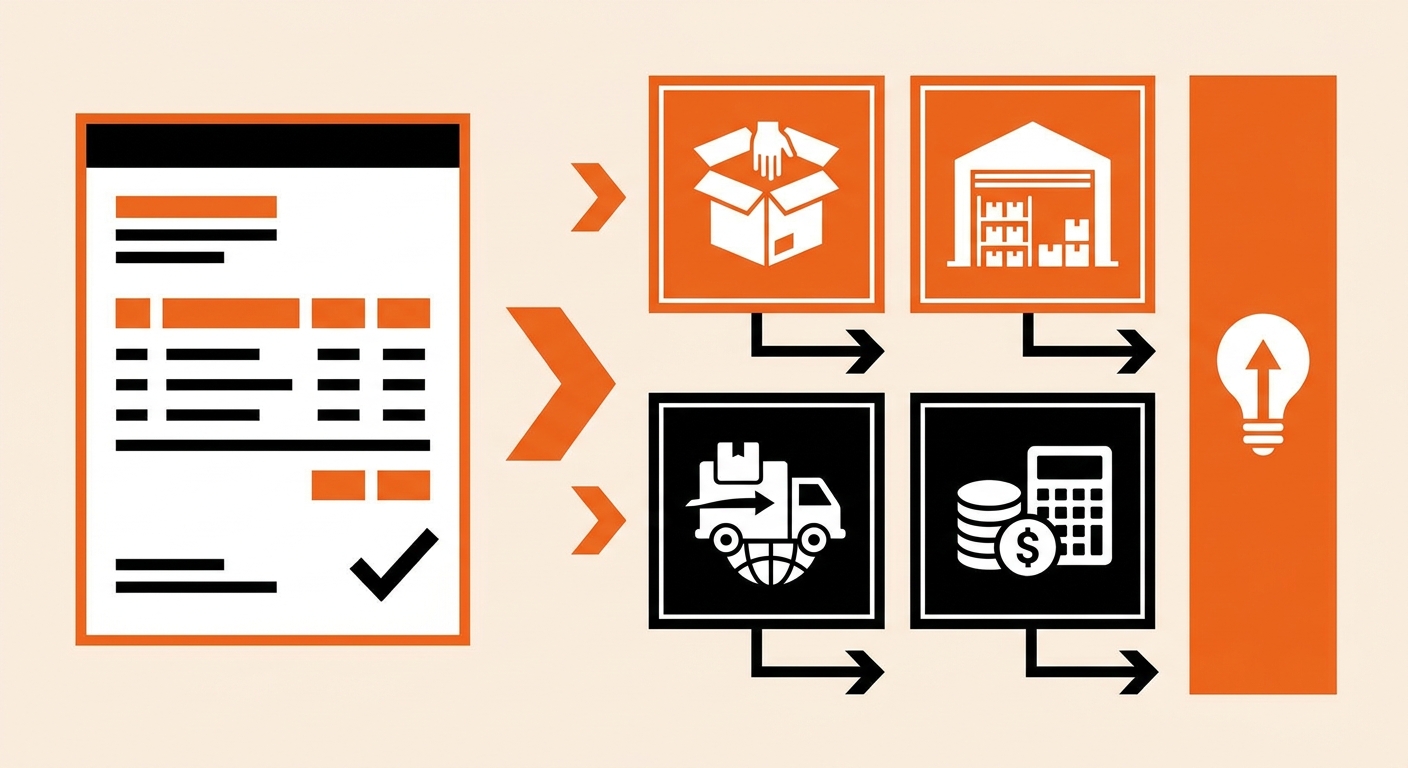
Some charges on a Fulfyld invoice are self-explanatory, while others require a bit more context. Here’s what to look for:
Storage Fees
Storage is typically calculated based on the space your inventory occupies at month-end. If you’re seeing higher-than-expected storage charges, it may mean slow-moving SKUs are accumulating. Review your inventory levels and consider running promotions or restocking less frequently to reduce your footprint.
Pick & Pack Fees
These fees scale directly with your order volume. A higher-than-expected figure usually means more orders shipped that period; a good sign. However, if you’re seeing unexpected multi-item pick charges, verify the unit counts against your order management system.
Shipping Charges
Fulfyld passes through carrier costs at the rates negotiated on your behalf. You’ll see the carrier name, service level, and tracking reference alongside each charge. Dimensional weight pricing applies to large, lightweight packages, which can make some shipments cost more than expected based on weight alone.
What to Have on Hand When Reviewing
Before diving into an invoice, pull together the following so you can verify charges efficiently:
-
Your order management system export for the billing period
-
Inbound receiving records for any inventory deliveries
-
Your Fulfyld service agreement to confirm contracted rates
-
Notes on any special services requested (kitting, custom inserts, etc.)
What Your Fulfyld Invoice Shows at a Glance
Every line on your Fulfyld invoice maps to a specific operation: receiving, storage, pick-and-pack, kitting, or outbound shipping. When you understand your Fulfyld invoice at the line-item level, you stop treating fulfillment costs as a single opaque number and start managing them as controllable variables.
Your dedicated account manager can walk you through any charge that doesn’t match your expected volume. That’s not a courtesy, it’s a built-in part of 3PL fulfillment at Fulfyld, and it’s the fastest way to catch a billing discrepancy before it compounds across billing cycles.
Still Have Questions?
If you run into any issues understanding your invoice or need help reconciling charges, reach out to your dedicated Fulfyld account manager or contact the support team: hey@fulfyld.com or (256) 716-8241.
Frequently Asked Questions
What if I think there’s an error on my invoice?
Contact your account manager as soon as possible. Disputes are easiest to resolve before payment is processed. Have the specific line item, your expected amount, and any supporting records ready when you reach out.
Can I receive invoices by email?
Yes. The Fulfyld billing portal supports email notifications for new invoices. You can configure your billing email preferences under account settings in the portal.
Why do my shipping charges vary between invoices?
Shipping costs fluctuate based on carrier rates, zone distances, package dimensions, and order volume. Fuel surcharges applied by carriers like UPS and FedEx can also cause variation from one period to the next.
How long are past invoices available in the portal?
Historical invoices remain accessible in the Fulfyld billing portal. If you need records beyond what’s shown, contact support at hey@fulfyld.com and they can provide archived documentation.