Quick answer: Cycle counts at Fulfyld are initiated by contacting your dedicated account manager. You specify which SKUs you want counted, and the warehouse team physically verifies those items against the quantities in Shipedge, Fulfyld’s warehouse management system. Once complete, any discrepancies are reviewed with you before your inventory records are updated.

What Is a Cycle Count?
A cycle count is a targeted physical inventory check on a selected group of SKUs, as opposed to counting everything in the warehouse at once. It’s the standard method used in 3PL environments to maintain ongoing inventory accuracy without disrupting day-to-day fulfillment operations.
Most brands run cycle counts when they notice a discrepancy between what their sales platform shows and what Fulfyld’s system reports, or on a scheduled basis to stay ahead of any drift.
How to Request a Cycle Count
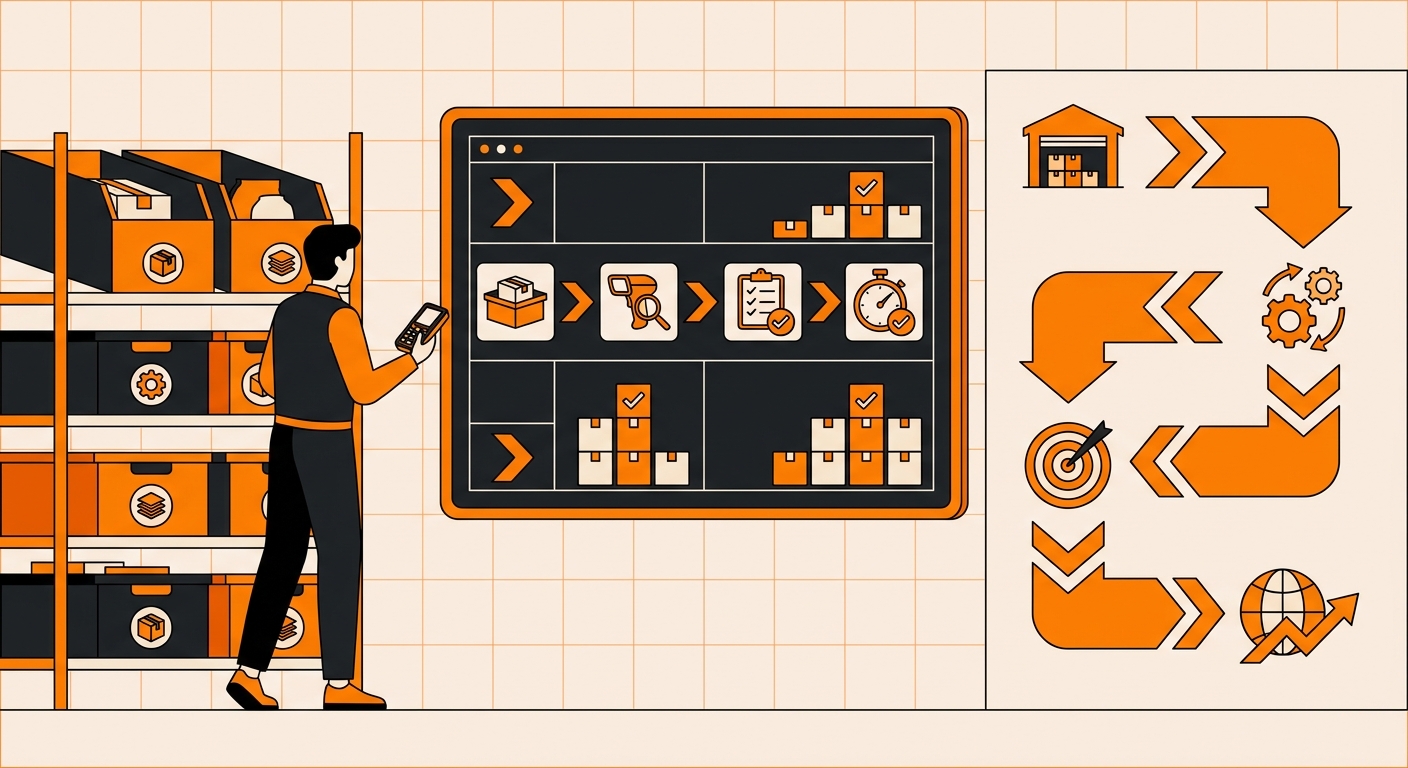
This is how you can request a cycle count, step-by-step:
Step 1: Identify the SKUs You Want Counted
Before reaching out, pull your current inventory report from the Fulfyld client portal. Go to the Reports tab, select your inventory report, and note which SKUs are showing quantities that don’t match your expectations. This gives you a clear list to hand off and keeps the count focused on what actually matters.
If you want a broader count across all your SKUs or a full category, note that as well. Your account manager will set expectations on timing based on the scope.
Step 2: Contact Your Dedicated Account Manager
Cycle counts at Fulfyld are not self-serve; they require coordination with the warehouse team. Reach out to your account manager directly via email or phone and let them know you’d like to initiate a cycle count. Include the list of SKUs you identified in Step 1, or indicate if you’d like a broader count.
Step 3: The Warehouse Team Performs the Physical Count
Once scheduled, Fulfyld’s warehouse team physically locates and counts the units for each SKU on your list. They verify quantities against what’s currently recorded in Shipedge, including checking across all bin locations where your inventory may be stored.
This happens during normal warehouse operations; your orders continue to be picked and packed during the process.
Step 4: Review Any Discrepancies
After the count is complete, your account manager will share the results with you. If the physical count matches the system count for all SKUs, no changes are needed. If there are discrepancies (units short or over), your account manager will walk you through what was found before any adjustments are made to your inventory records.
This review step is important: adjustments are not made unilaterally, and you’ll have the opportunity to ask questions or flag items that need a recount.
Step 5: Inventory Records Are Updated
Once you’ve reviewed and confirmed the results, Fulfyld updates the inventory quantities in Shipedge to reflect the verified counts.
Those updated figures will then sync back to your connected sales channels, Shopify, Walmart Marketplace, Etsy, or whichever platforms you’re integrated with, so your listings reflect accurate stock levels going forward.
Run Your Next Cycle Count With Fulfyld
Inventory discrepancies don’t fix themselves. Cycle counts are the single most effective way to catch shrinkage, location errors, and system drift before they hit your order fill rate.
If your current fulfillment partner doesn’t give you real-time count results or a clear reconciliation report after each count, that’s a gap worth fixing. Accurate inventory isn’t a bonus feature of eCommerce fulfillment. It’s the baseline.
Talk to a Fulfyld fulfillment specialist about running cycle counts for your warehouse.
Still Have Questions?
To request a cycle count or to discuss your inventory reporting, reach out to your dedicated account manager directly, or contact the Fulfyld team at hey@fulfyld.com or (256) 716-8241.
Frequently Asked Questions
How long does a cycle count take at Fulfyld?
The timeline depends on how many SKUs are being counted and how spread out your inventory is across the warehouse. A targeted count of a handful of SKUs can typically be completed within one to two business days. A broader count across a large catalog will take longer.
Will a cycle count pause my order fulfillment?
No. Fulfyld performs cycle counts during normal warehouse operations. Your orders continue to be picked, packed, and shipped during the count.
Can I request a cycle count on all my SKUs at once?
Yes, but a full-catalog count is more involved than a targeted one and will take longer to complete. If you want to count everything, let your account manager know so they can coordinate with the warehouse team and set a realistic schedule.
How often should I run a cycle count?
There’s no single right answer, but a common approach for active brands is to count high-velocity SKUs quarterly and the rest of the catalog once or twice a year. If you’re selling on multiple channels and your inventory moves quickly, more frequent checks on your top SKUs are worth the effort.