Quick answer: To process a customer return in Fulfyld, log in to Shipedge, find the original order in the Orders tab, and click Initiate Return. Select the product condition (good or hurt), check the box to generate a prepaid return label, and click Simple Return. Download the label and send it to your customer. When the return arrives at the warehouse, Fulfyld inspects it and updates your inventory according to your disposition instructions.
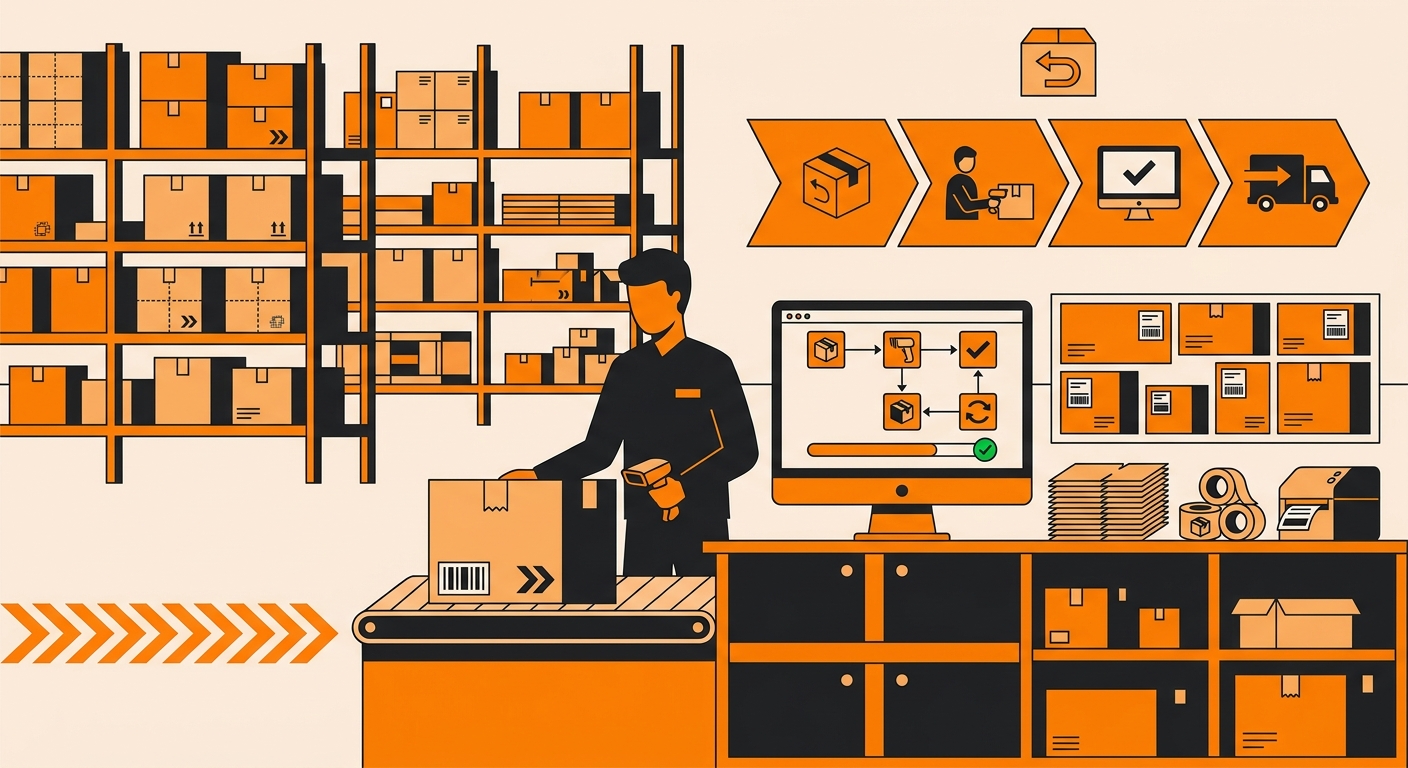
How to Process a Customer Return in Fulfyld: Step-by-Step
Follow these steps once a customer has requested a return and you’ve decided to approve it.
Step 1: Log In and Go to the Orders Tab
Log in to your Fulfyld client portal and navigate to the Orders tab. Locate the original order the customer is returning. You can search by order number, customer name, or reference number.
Step 2: Open the Order
Click on the ship ID. The hyperlink to the left of the order number opens the order detail page.
Step 3: Click Initiate Return
On the order page, click Initiate Return in the top left corner. This opens the return initiation flow in Shipedge.
Step 4: Select the Product Condition
Shipedge will prompt you to indicate the expected condition of the returning item: Good or Hurt.
-
Good: the item is expected to be in resalable condition: unopened, undamaged, suitable for restocking as-is.
-
Hurt: the item is expected to be opened, used, damaged, or in an uncertain condition.
If you’re not sure which to select, choose Hurt. Fulfyld’s warehouse team will inspect the item when it arrives and will place it back into inventory if it arrives unopened and in sellable condition, regardless of which condition you selected.
Choosing Hurt when unsure does not automatically disqualify a unit from being restocked; it just flags it for closer review.
Step 5: Check the Box and Click Continue
Check the box next to the item you’re initiating the return for, then click Continue at the bottom left of the screen.
Step 6: Generate the Prepaid Return Label
On the next screen, check the box labeled Generate Pre-Paid Return Label, then click Simple Return. Shipedge will generate a prepaid return label addressed to Fulfyld’s warehouse.
Step 7: Download the Return Label
-
Click the Download Return Label Prepared hyperlink to download the label file. Save it; you’ll need to send it to your customer so they can attach it to their return package and drop it off with the carrier.
How you send the label to your customer is up to you: email, your returns portal, your storefront’s return management system, or however you handle customer communications. Fulfyld does not send the label to the customer on your behalf.
Step 8: The Customer Ships the Return
Once your customer has the label, they attach it to the package and drop it off with the carrier. The label routes the package back to Fulfyld’s warehouse at 511 6th St, Madison, AL 35756. You can monitor the return shipment using the carrier tracking number associated with the label.
Step 9: Fulfyld Receives and Inspects the Return
When the package arrives at the warehouse, the receiving team opens it and inspects the returned item. They check the condition of the product against what was logged in Shipedge when you initiated the return. The outcome of the inspection determines what happens next.
Step 10: Disposition: Restock or Dispose
Based on the inspection result and your standing disposition instructions, Fulfyld will either:
-
Restock the item: if the unit arrives in sellable condition (unopened, undamaged, suitable for fulfillment), it is returned to your available inventory in Shipedge. Your inventory count updates automatically.
-
Hold for your review: if the condition is unclear or the item requires a decision from you, your account manager will notify you with details and await your instructions.
-
Dispose of the item: if the unit is unsellable and you’ve indicated that damaged returns should be discarded, Fulfyld will dispose of it. The unit will not be added back to your inventory.
If you haven’t already set standing disposition instructions for returned items, discuss what to do with sellable returns vs. unsellable ones, discuss this with your account manager. Having a documented policy in place means the warehouse can process returns without needing to contact you on every individual item.
Ready to Handle Returns Without the Headache?
When you process a customer return through Fulfyld, your dedicated account manager coordinates every step, from return merchandise authorization to restocking decisions, so your team isn’t buried in exception management.
-
Primary: Talk to a Fulfyld specialist
-
Secondary: See how 3PL fulfillment works
Fulfyld clients average 48-hour return processing turnaround. No long-term contracts required.