

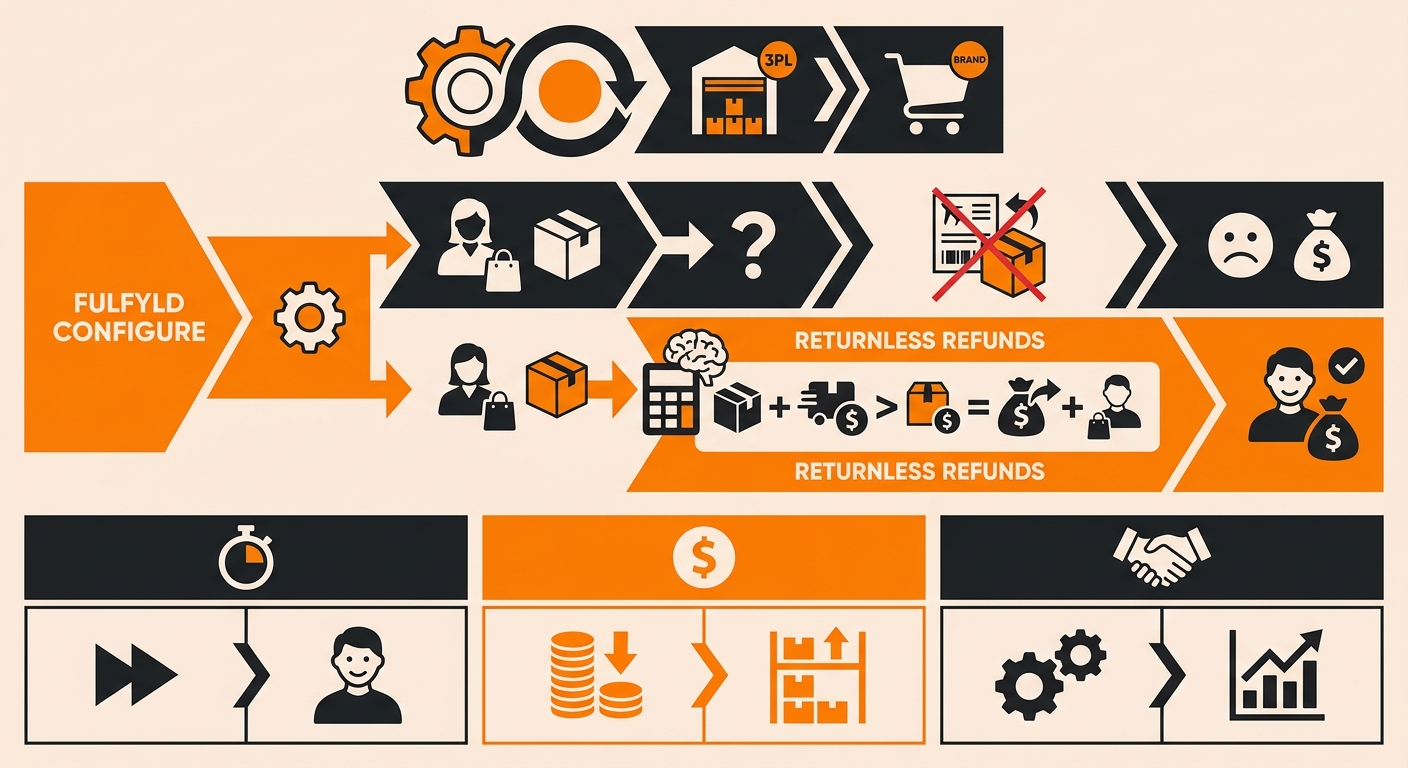
Why Use Returnless Refunds
Not every return is worth processing. When a $12 phone case gets a return label, a box, warehouse labor, and freight back to your facility, you’ve often spent more than the item is worth. Returnless refunds skip all of that:
-
You refund the customer immediately, improving their experience and protecting your reviews.
-
You avoid paying for return shipping, inspection, and restocking on low-value or damaged items.
-
Your team isn’t tied up processing returns that won’t go back into sellable inventory anyway.
The trade-off is that you lose the physical item. That’s why returnless refunds work best for inexpensive products, items already flagged as damaged, or cases where a customer dispute makes a fast resolution more valuable than the SKU itself.
How to Configure Returnless Refunds in Fulfyld
Step 1: Open the Order in Fulfyld
Log into your Fulfyld account and go to the Orders tab. Locate the order tied to the refund request and click the ship ID to open it.
Step 2: Initiate the Return Process
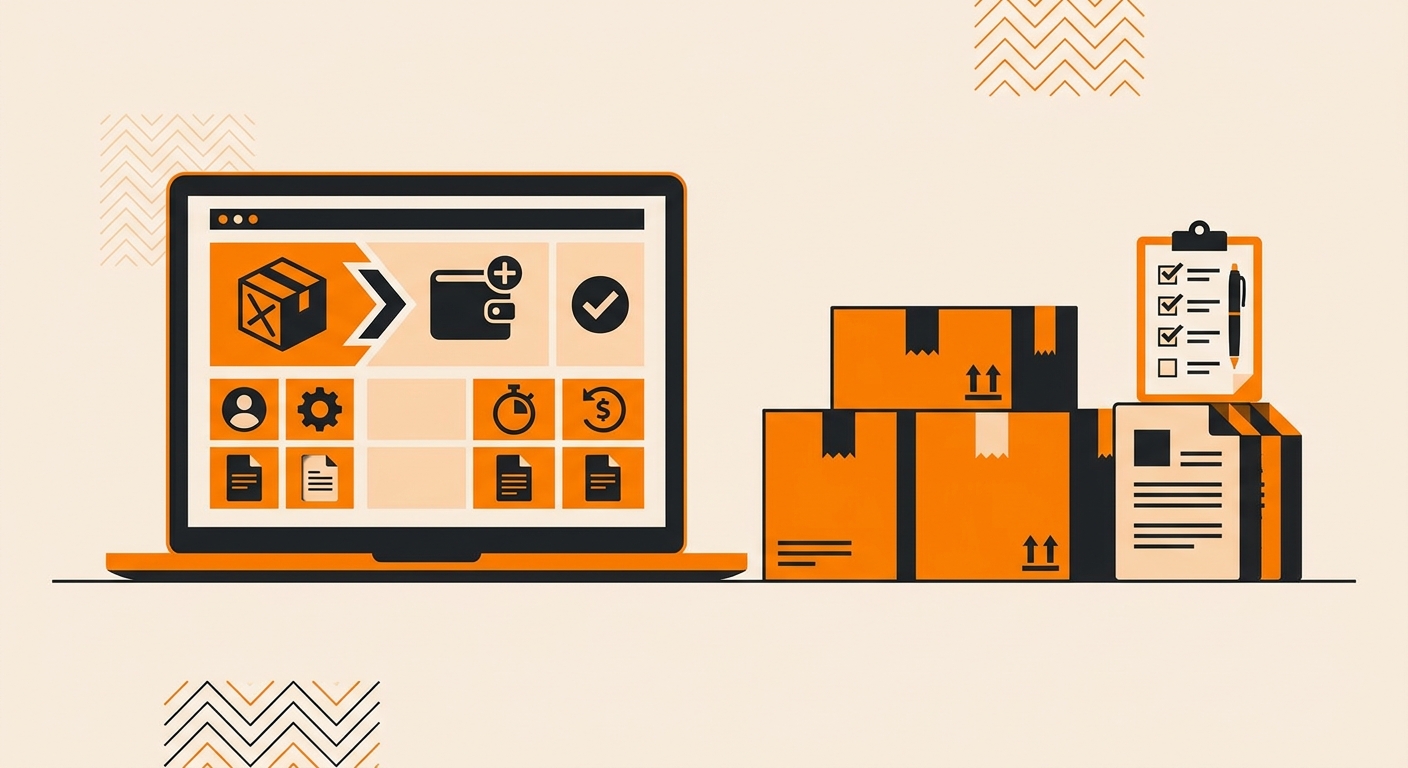
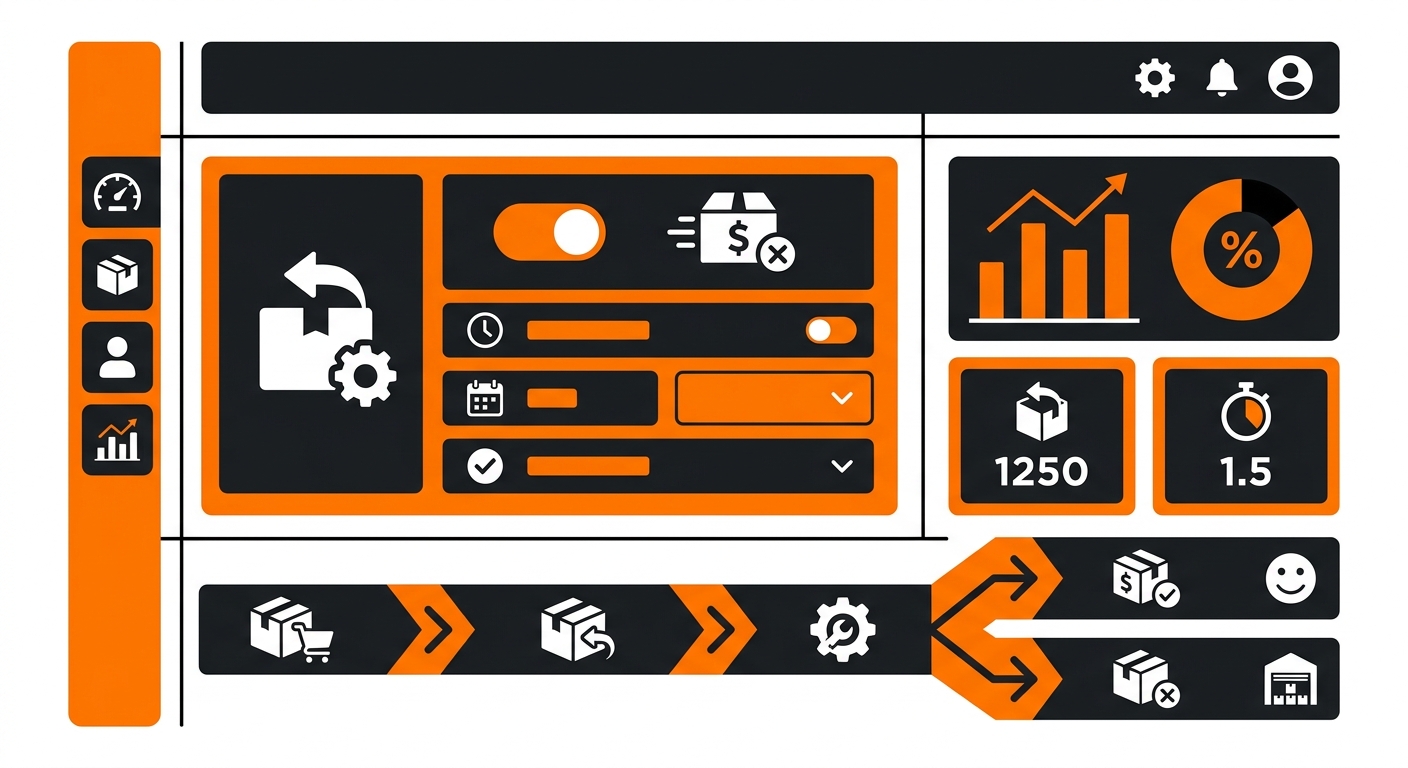
Click Initiate Return in the top left corner of the order screen. This opens the same return workflow used for standard returns, but you’ll stop short of generating a shipping label.
Step 3: Mark the Item Condition
Choose whether the product is “Good” or “Hurt,” based on what the customer told you or what you already know about the item’s condition. If you’re unsure, mark it “Hurt” so the warehouse team can flag it correctly if it does come back.
Step 4: Skip the Return Label
This is the step that makes it returnless. When you reach the label screen, leave the Generate Pre-Paid Return Label box unchecked. Select Simple Return instead of the prepaid label option. This tells Fulfyld you’re processing the refund without expecting the item to ship back to the warehouse.
Step 5: Confirm and Process the Refund
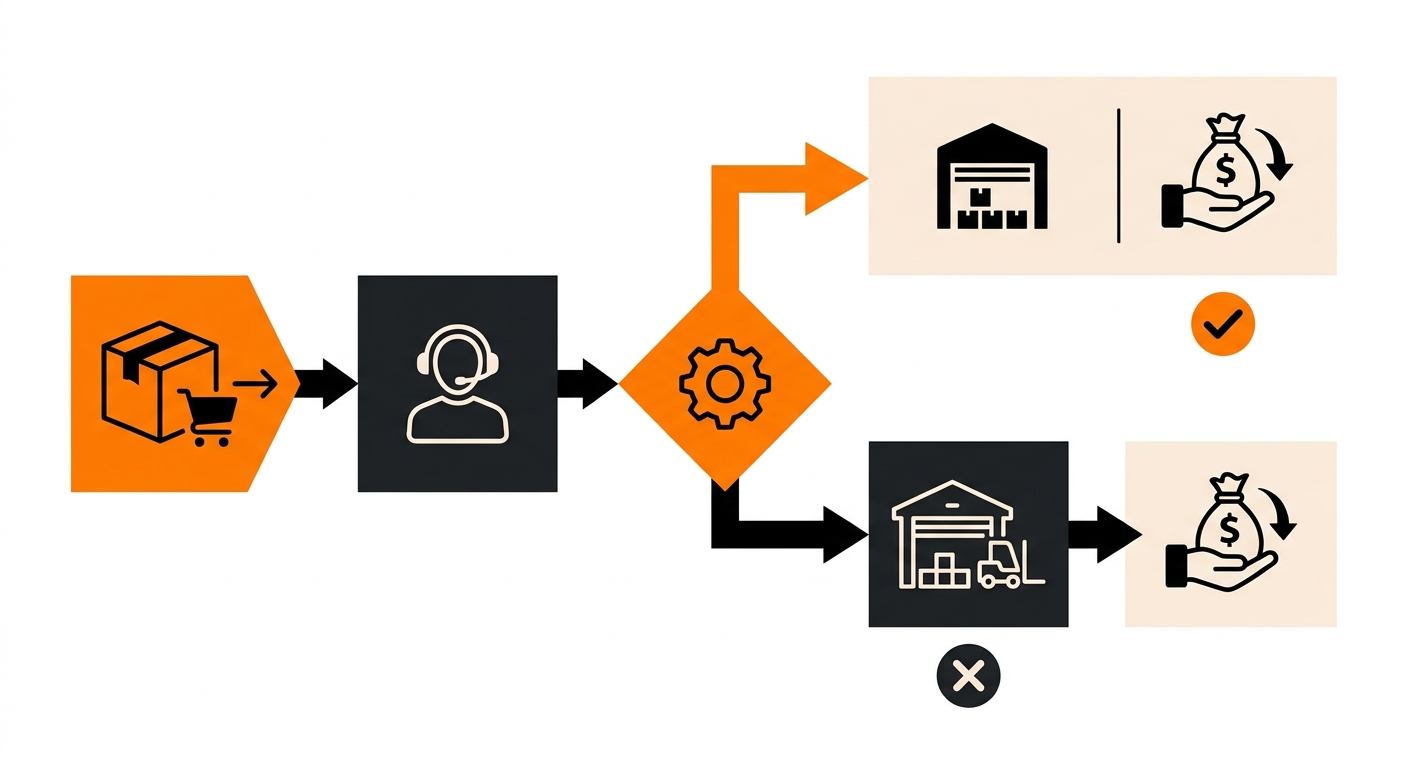
Check the box confirming the return, then click Continue. The order updates to reflect the returnless refund, and you can move forward with issuing the refund through your store platform (Shopify, WooCommerce, etc.) as you normally would.
Step 6: Set a Standing Rule (Optional)
If you find yourself approving returnless refunds for the same products over and over, it’s worth setting a rule rather than handling each case manually. Talk to your account manager about flagging specific SKUs, such as items under a certain price point, as automatic returnless-refund candidates. This keeps the decision consistent across your team and saves time on repetitive low-value cases.
When Returnless Refunds Make Sense
A few scenarios where this approach is the right call:
-
Low-cost items: if return shipping and processing would cost more than the product, a returnless refund is the more economical choice.
-
Damaged or defective goods: if the customer reports a quality issue, asking them to ship it back rarely changes the outcome and only slows down resolution..
-
Perishable or hygiene products: items that can’t be resold once opened don’t need to come back to the warehouse at all.
-
Customer retention situations: sometimes the fastest possible refund matters more than recovering the item, especially for a customer you want to keep.
For higher-value items, or anything you plan to inspect,, restock, or send back to a manufacturer, a standard return with a label is still the better process.
Still Have Questions?
For questions about packing instructions for a specific SKU, contact your dedicated account manager directly, or reach the Fulfyld team at hey@fulfyld.com or (256) 716-8241.