

Quick answer: Returns data in Fulfyld lives across two sources: the Returns Report in Shipedge’s Reports tab, and the Billing Detail Reports (BDRs) from the billing portal, which capture returns processing charges under the Warehouse Charges category.
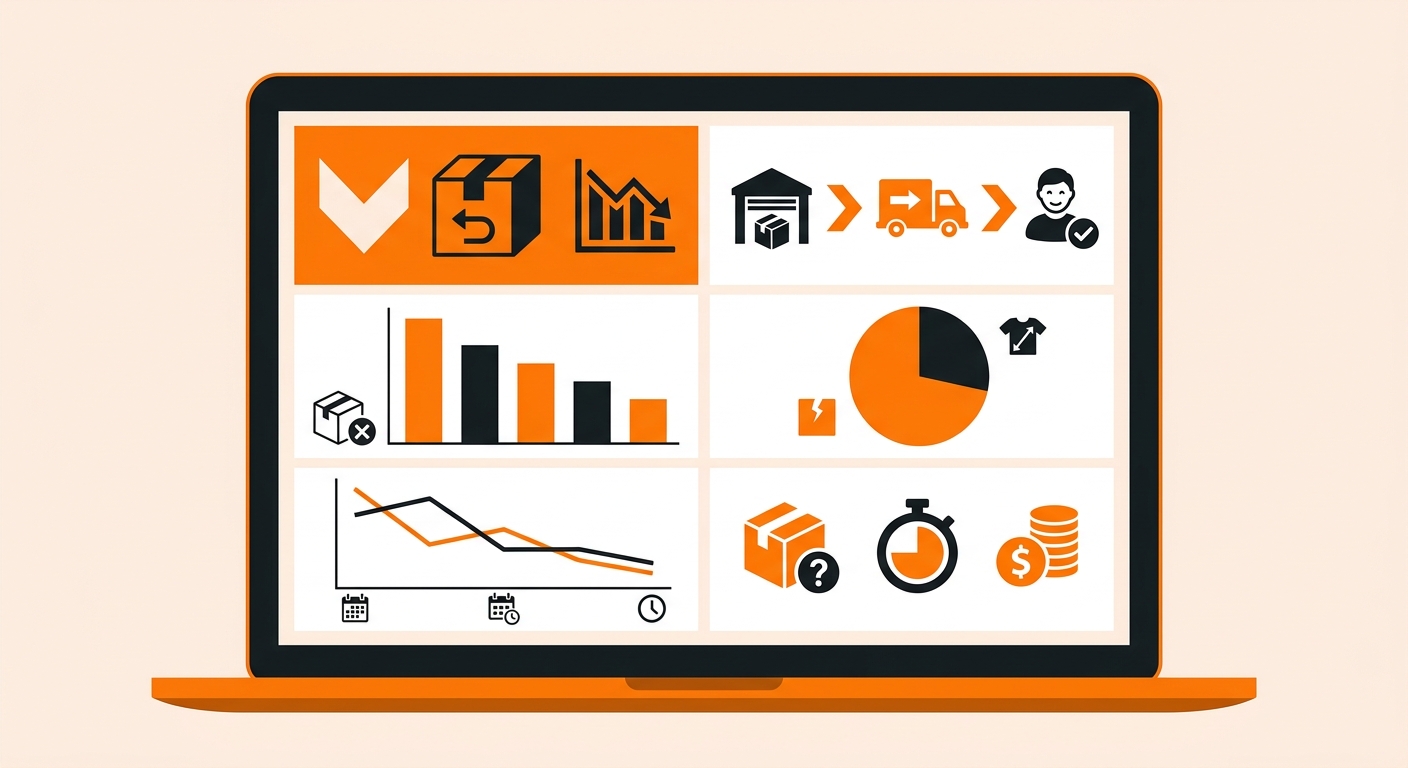
How to Pull a Returns Analysis Report: Step-by-Step
This is how to pull a return analysis report on Fulfyld:
Step 1: Pull the Returns Report from Shipedge
Log in to your Fulfyld client portal and navigate to the Reports tab. Select the Returns Report and set your date range.
Step 2: Pull Your BDR for Returns Processing Costs
Log in to the Fulfyld billing portal and download the Billing Detail Report for the same period. In the BDR, filter the Charge_Category column for returns-related charges under the Warehouse Charges category.
Step 3: Build Your Returns Summary
With both exports open, combine the data into a single returns summary for the period. The key metrics to calculate:
Return volume and rate. Total returns for the period divided by total orders shipped gives you your return rate. Compare this month over month to spot trends.
Returns by SKU. Group the Returns Report data by SKU and count returns per SKU. Sort descending to surface your highest-return products. Any SKU with a return rate significantly above your account average deserves a closer look.
Condition breakdown. From the Returns Report, count how many returns came back in good condition vs. damaged condition.
Restock rate. Of all returned units, how many were restocked vs. disposed of? A low restock rate means a high proportion of your returns are coming back unsellable.
Returns processing cost. Total returns charges from the BDR for the period, and cost per return (total cost ÷ return volume). Track this alongside your per-order fulfillment cost to understand what returns are adding to your total cost-per-unit-sold.
Step 4: Cross-Reference Against Your Storefront Returns Data
Your storefront has its own returns data, including customer-reported return reasons. Cross-referencing your Shipedge returns volume against your storefront’s return reason data gives you a fuller picture: you can see not just that a SKU has a high return rate, but why customers say they’re returning it.
Step 5: Review Disposition Outcomes and Adjust If Needed
Look at how returned units are being handled and confirm that it matches your documented disposition instructions.
Returns Data Is a Product Feedback Loop
Your return rate isn’t just a cost line; it’s one of the most direct signals your customers send you about your product. Brands that review returns data regularly and close the loop with product, packaging, and listing improvements tend to see return rates decline over time.
The data to do this is already in Shipedge and your BDR; the cadence is a monthly pull and a 20-minute review.
Still Have Questions?
For help pulling returns data or investigating a specific SKU’s return pattern, contact your dedicated account manager directly, or reach the Fulfyld team at hey@fulfyld.com or (256) 716-8241.
Frequently Asked Questions
Is there a dedicated returns dashboard in Shipedge?
Not as a pre-built analytics dashboard. The Returns Report in Shipedge’s Reports tab gives you return activity at the order level, and the BDR captures returns processing charges, but there’s no single returns analytics view in the client portal.
How do I know if a returned unit was restocked or disposed of?
The disposition outcome is reflected in your inventory levels in Shipedge after the return is processed. A restocked unit increases the on-hand count for that SKU; a disposed unit does not.
Can I see the reason a customer gave for returning an item in Shipedge?
Return reasons entered by customers at checkout are captured in your storefront’s returns flow, not in Shipedge. Shipedge captures the condition flag (good or hurt) set when you initiate the return and the physical inspection outcome. For customer-reported reasons, you need to pull that data from your storefront separately and cross-reference it against the Shipedge return records by order number.
What’s a typical return rate I should be benchmarking against?
Return rates vary significantly by product category. For example, apparel tends to run 20–30% online. Electronics and tech accessories run 10–20%. Consumables, supplements, and food products run 5–10% or lower.
Does Fulfyld charge for processing returns that arrive in good condition and get restocked?
Yes. Returns processing is charged regardless of the condition outcome.