

Quick answer: Fulfyld integrates directly with Shopify Plus. The connection works the same way as a standard Shopify integration but Shopify Plus opens up additional considerations around multiple storefronts, custom checkout flows, and higher order volumes.
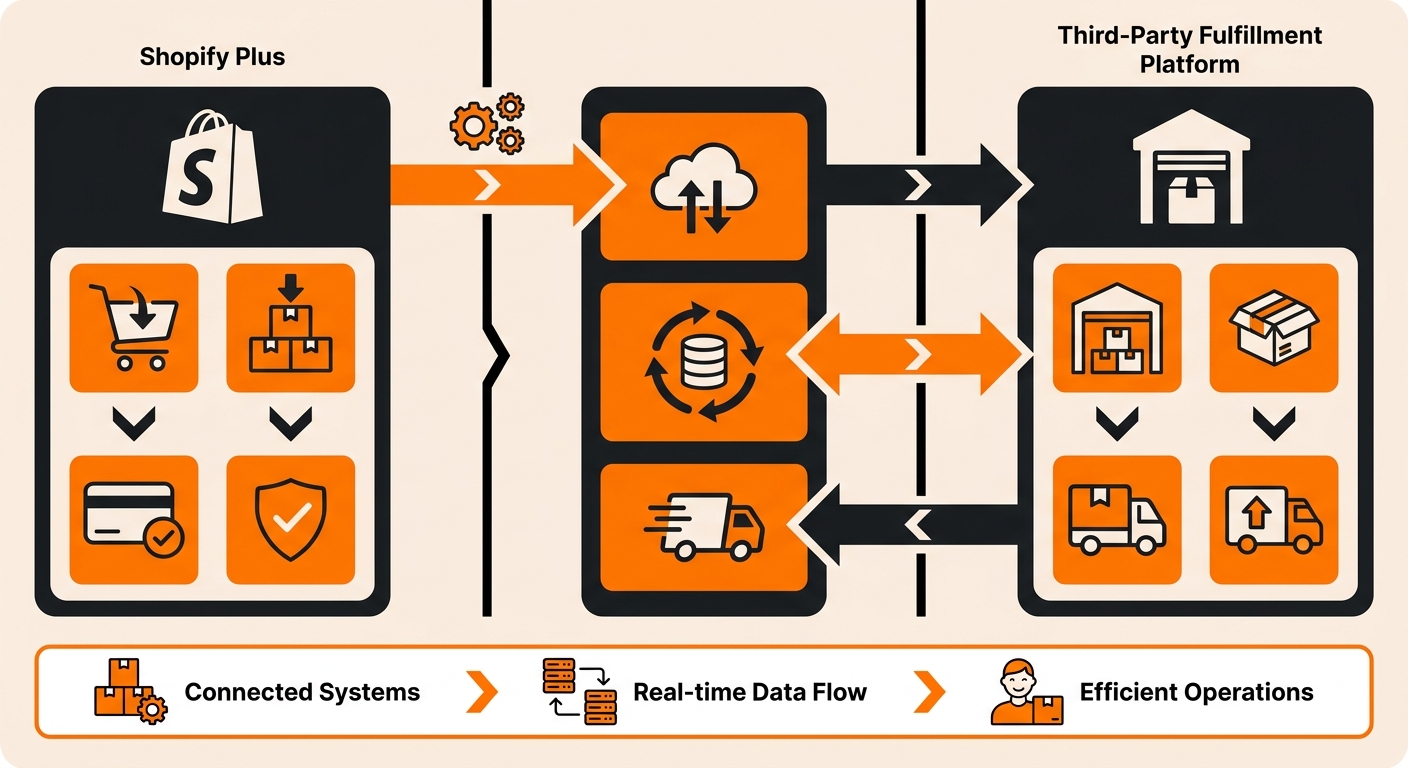
Connecting Shopify Plus to Fulfyld: What to Do Step by Step
Follow these steps to get your Shopify Plus environment connected and orders flowing through Fulfyld.
Step 1: Get a Quote and Create Your Fulfyld Account
Start at fulfyld.com/get-fulfyld and fill out the intake form with your store details, estimated monthly order volume, and product type. A Fulfyld team member will respond with a flat-rate pricing proposal based on your specific setup.
Step 2: Connect with Your Dedicated Account Manager
Once you move forward, Fulfyld assigns you a dedicated account manager who handles onboarding and day-to-day operations. Before any technical setup begins, walk through your Shopify Plus environment with them.
Step 3: Identify Which Storefronts Need to Be Connected
Shopify Plus allows up to 9 expansion storefronts under a single Shopify Plus organization, in addition to your primary store. Each storefront that Fulfyld will be fulfilling orders for needs its own integration connection; they don’t inherit the connection from the primary store automatically.
Step 4: Connect Your Shopify Plus Store(s)
Each storefront connects to Fulfyld the same way a standard Shopify store does: through a simple authorization flow that grants Fulfyld access to order and inventory data via Shopify’s API.
Step 5: Confirm Shipping Method Mapping Across All Storefronts
Every shipping method name that appears at checkout across all connected storefronts needs to be mapped to a corresponding Fulfyld carrier service in Shipedge.
Shopify Plus stores sometimes have more complex shipping method configurations than standard stores: conditional free shipping rules, carrier-calculated shipping, and checkout-level shipping adjustments via scripts.
Step 6: Send Your Inventory to Fulfyld’s Warehouse
Ship your product inventory to Fulfyld’s warehouse at 511 6th St, Madison, AL 35756. Submit a replenishment in Shipedge before your inventory ships, including SKUs, quantities, and expected delivery dates.
Fulfyld covers the first 2 hours of receiving during onboarding at no cost.
Step 7: Map Your SKUs
Every product SKU that Fulfyld will be fulfilling needs to be mapped to the corresponding item in Shipedge.
If your Shopify Plus storefronts use different SKU values for the same physical product, which sometimes happens when storefronts are set up independently or when a brand portfolio has inconsistent product data, flag the discrepancies with your account manager so the mapping handles all variants correctly.
Step 8: Place a Test Order on Each Connected Storefront
Before any storefront goes live, place a test order through it. Confirm that the order syncs to Fulfyld correctly, the SKU maps as expected, and tracking pushes back to the Shopify order record accurately.
For storefronts with custom checkout configurations, pay particular attention to whether order notes, line item properties, and shipping method names are transmitting exactly as expected.
A Note on High-Volume Order Bursts
Shopify Plus is designed for high-volume businesses, and some Shopify Plus merchants have flash sale events, influencer drops, or promotional windows that generate very large order spikes in a short window.
Fulfyld’s same-day processing handles high volume well, but for anticipated spikes significantly above your normal daily order rate, give your account manager advance notice before the event.
Still Have Questions?
To get started or for help with your Shopify Plus integration, reach out at hey@fulfyld.com or (256) 716-8241, or visit fulfyld.com/integrations/shopify-plus.
Frequently Asked Questions
Can I connect multiple Shopify Plus storefronts to the same Fulfyld account?
Yes. Fulfyld supports multiple storefront connections under a single account.
Will custom checkout scripts or Shopify Functions affect how orders are transmitted to Fulfyld?
Potentially, yes. Custom checkout logic that modifies order data can affect how the order appears when it transmits to Fulfyld via the API.
Does Fulfyld support Shopify Plus’s B2B features?
Shopify Plus includes native B2B functionality, company accounts, net payment terms, wholesale pricing, and B2B-specific storefronts.
What happens to inventory sync if one of my connected storefronts has a permission change or app reinstall?
A permission change or app reinstall on any connected Shopify Plus storefront can break that storefront’s integration with Fulfyld, the same way it would on a standard Shopify store. If orders from a specific storefront stop routing after a platform change, check the integration status in that store’s admin and contact your account manager.
Is there an additional cost to connect multiple Shopify Plus storefronts to Fulfyld?
No. Fulfyld integrates with multiple Shopify Plus storefronts at no additional charge; integration is included as part of your standard account regardless of how many storefronts are connected.