

Quick answer: Fulfyld doesn’t have a dedicated kitting or bundling activity report in Shipedge, but you can build one by combining two data sources: the Orders Report from Shipedge’s Reports tab, filtered by your kit and bundle master SKUs, and the Billing Detail Reports (BDRs) from the billing portal.
How to Pull a Kitting/Bundling Activity Report, Step by Step
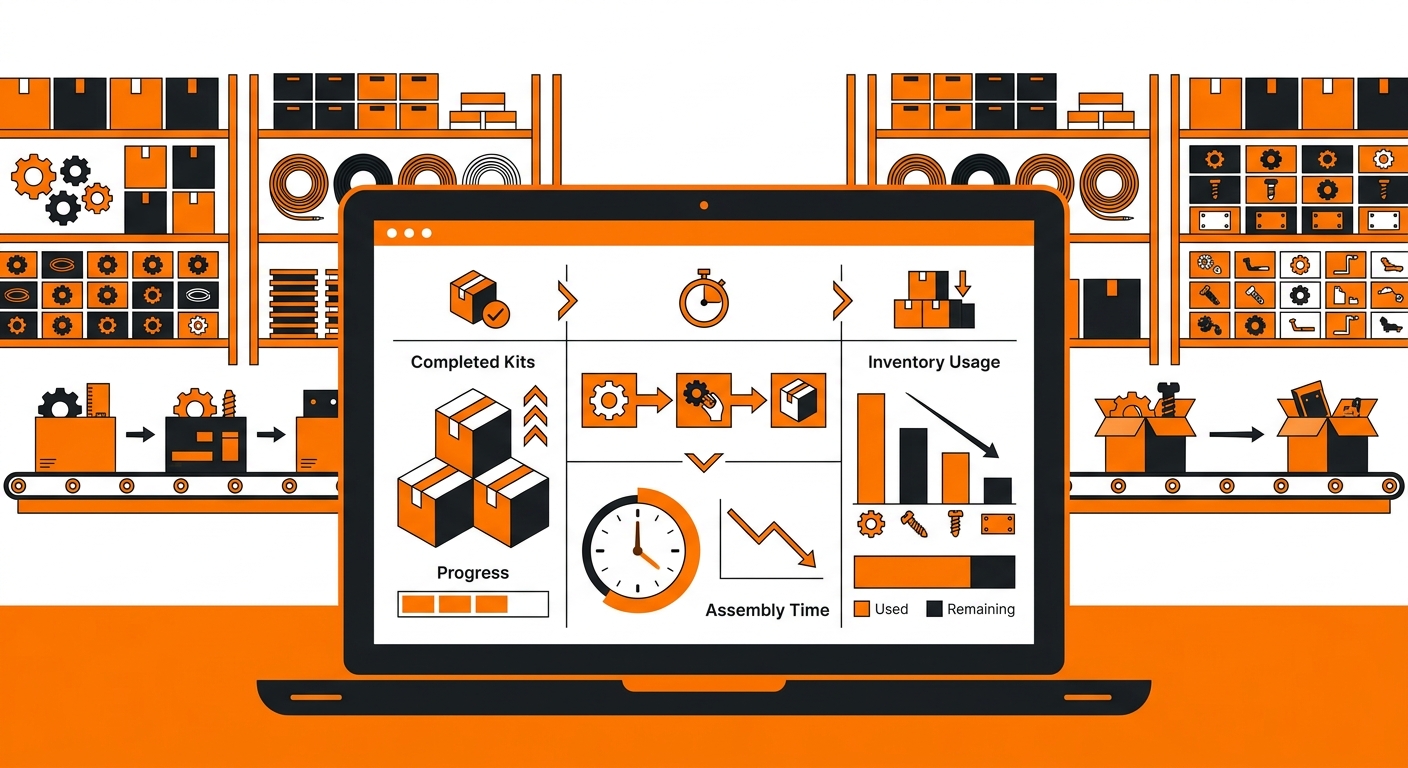
A clean warehouse operations dashboard displayed on a laptop, showing kitting activity metrics such as completed kits, assemb
Step 1: Pull Your Orders Report Filtered by Kit and Bundle SKUs
Log in to your Fulfyld client portal and navigate to the Reports tab. Select the Orders Report and set your date range — a calendar month is the most useful interval. Run the report and export it as a CSV or Excel file.
Once exported, filter the data by your kit and bundle master SKUs. Every order line showing a kit or bundle SKU represents one assembled and shipped unit. The order count for each master SKU is your kit and bundle volume for the period.
If you sell multiple kit configurations — a starter kit, a full kit, a seasonal bundle — filter for each master SKU separately so you can see volume by configuration rather than just in aggregate.
Step 2: Calculate Component Consumption
From your kit and bundle volume by SKU, calculate how many of each component were consumed during the period. For each master SKU, multiply the order count by the component quantities documented in your bundle setup in Shipedge.
For example, if your starter kit contains 1 unit of SKU-A, 1 unit of SKU-B, and a branded insert, and you shipped 200 starter kits in the period, you consumed 200 units of SKU-A, 200 of SKU-B, and 200 inserts. Cross-reference these figures against your component inventory levels in Shipedge to verify they’re tracking correctly. If the math doesn’t match what Shipedge shows as consumed, it may indicate a receiving discrepancy, a mis-pick, or a bundle mapping error — contact your account manager to investigate.
Step 3: Pull Your BDR for Kitting Labor Costs
Log in to the Fulfyld billing portal and download the Billing Detail Report (BDR) for the same period. The BDR is a CSV file that lists every charge on your account at the order level, including warehouse charges.
In the BDR, look for line items categorized as special project or kitting labor charges. Kitting assembly at Fulfyld is billed at $40 per man-hour for any labor beyond standard pick and pack. Filter the BDR by these charge types to isolate kitting-specific costs for the period.
If you’re not sure which charge type in the BDR corresponds to kitting labor on your account, contact your account manager — they can confirm the charge type label used for your specific setup.
Step 4: Build Your Summary
With the Orders Report and BDR data in hand, your kitting/bundling activity report for the period contains:
-
Kit and bundle order volume by master SKU
-
Component units consumed by SKU
-
Kitting labor cost for the period
-
Cost per kit assembled (total kitting labor ÷ total kits shipped)
-
Component inventory variance (expected consumption vs. actual Shipedge on-hand change)
This summary gives you everything you need to manage component reorder timing, forecast kitting labor costs, and catch inventory discrepancies before they compound.
Step 5: Share Findings with Your Account Manager if Needed
If the component consumption figures don’t match your expected inventory movement, or if kitting labor costs are higher than expected, bring the data to your account manager with the specific SKUs and period in question. They can pull bin-level and lot-level data from Shipedge to investigate discrepancies and confirm whether the issue is in the assembly process, the receiving records, or the bundle mapping configuration.
How Often to Run This Analysis

A fulfillment center workstation where staff are assembling product kits using labeled bins, barcode scanners, and packing ma
Monthly is sufficient for most brands — align it with your BDR review cycle so you’re looking at kitting activity and costs at the same time. If you’re running subscription boxes or high-volume kitting operations where component inventory depletes quickly, a weekly check on component levels in Shipedge is worth adding between monthly reports so you catch stockout risk before it becomes a fulfillment problem.
Still Have Questions?

A professional close-up of a digital report interface featuring charts, tables, and KPIs related to kitting performance, inve
For help pulling kitting activity data or investigating a component inventory discrepancy, contact your dedicated account manager directly, or reach the Fulfyld team at hey@fulfyld.com or (256) 716-8241. For more on how Fulfyld handles kitting and bundling, see Kitting vs. Bundling in Fulfyld’s docs.
fulfyld.com | hey@fulfyld.com | (256) 716-8241