

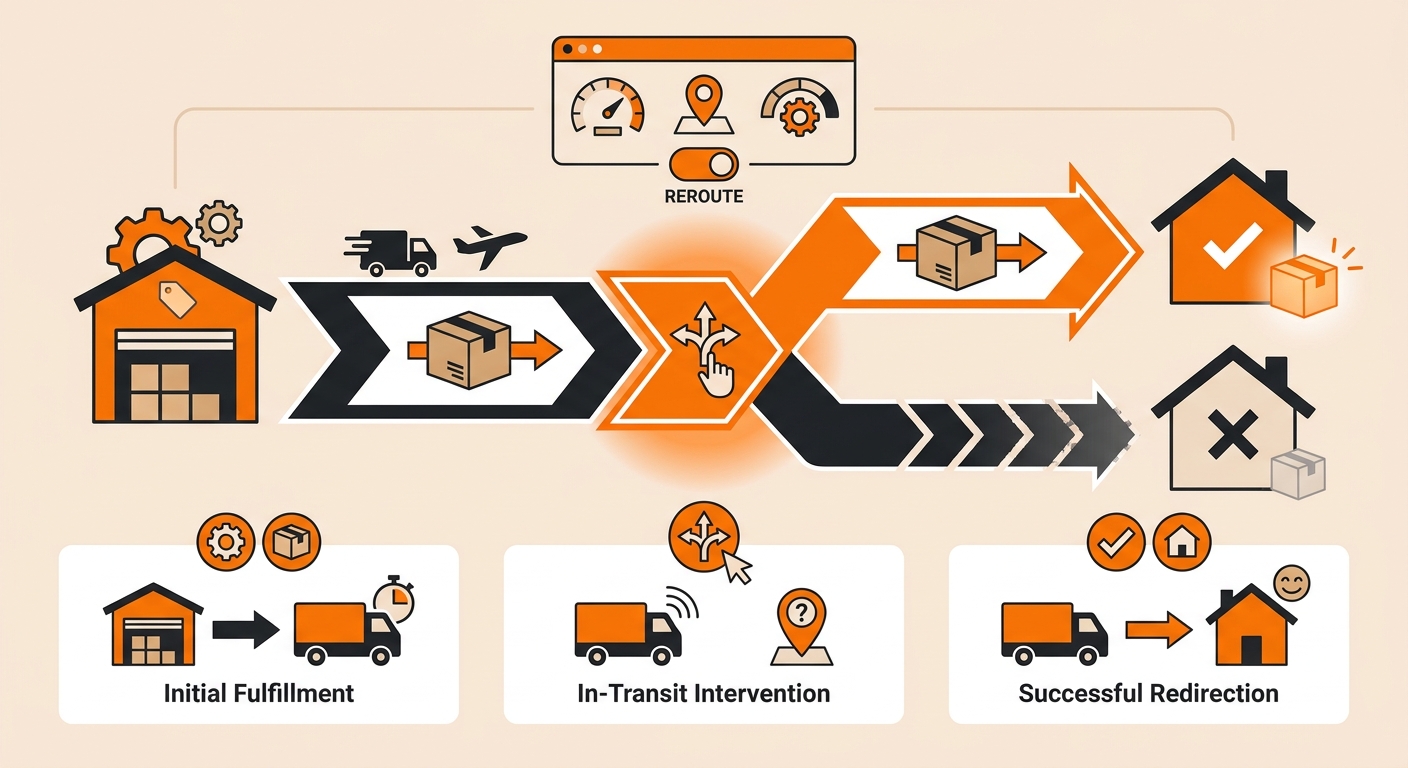
A lot of “redirect my package” questions actually start before the label even prints. But if you’re here, the order has already left the warehouse, and now you need to get it somewhere else.
Here’s what’s actually possible, and how to go about it.
Why You Can’t Reroute a Package Yourself Once It Ships
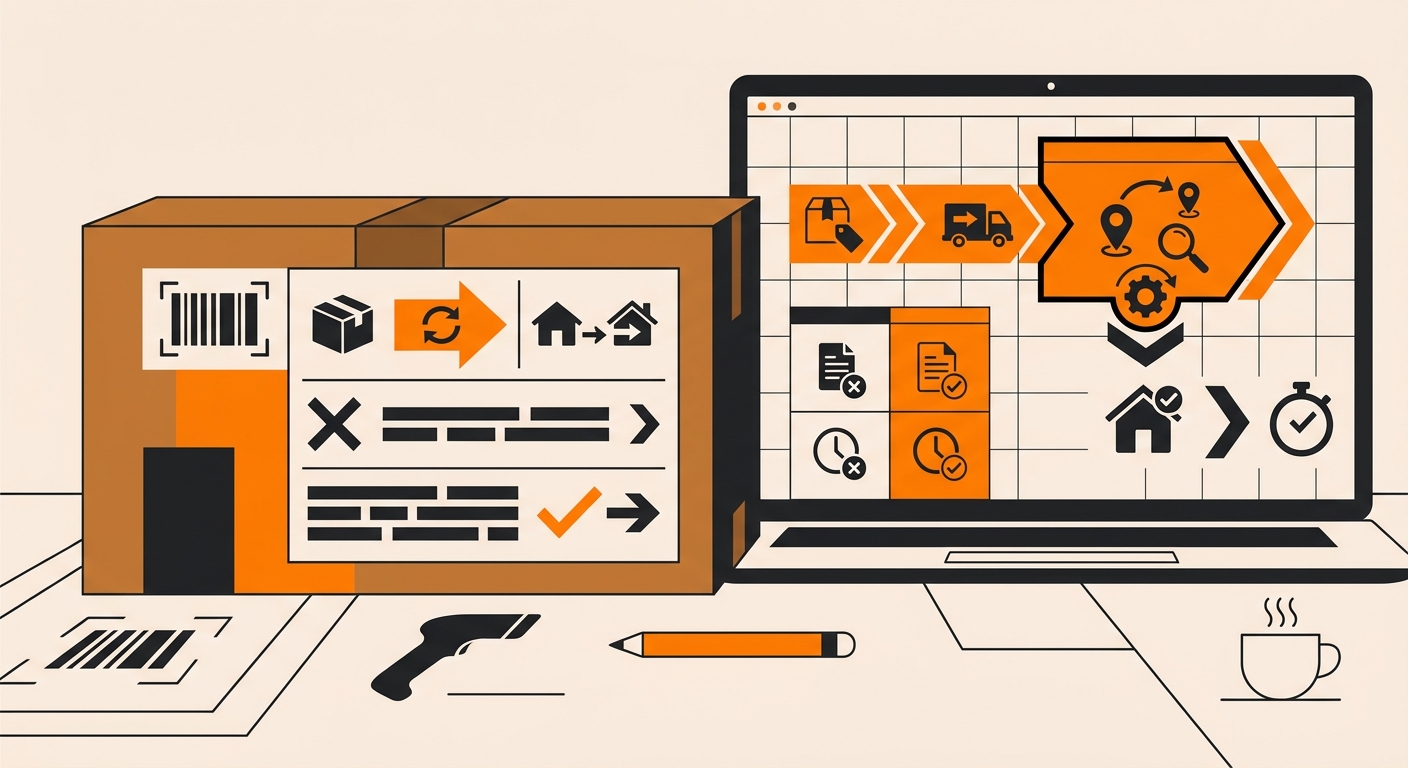
Once a shipping label is generated and the carrier scans the package into their network, the warehouse no longer has physical control over it. From that point on, only the carrier can change the delivery instructions, not the seller, the 3PL, or the fulfillment platform.
This is true across UPS, FedEx, and USPS. Each one offers some version of an address correction or package intercept service, but none of them let a third party simply “redirect” a package through an API call after pickup.
The request has to go through the carrier’s own system, using the tracking number on the shipment.
Step 1: Confirm the Package Hasn’t Been Delivered Yet
Before requesting anything, check the tracking number tied to the order. If the status already shows “Delivered,” rerouting isnt an option at that point you’re into returns or reshipping territory instead.
If the package is still in transit, move to the next step quickly. Carrier reroute and intercept requests are far more likely to succeed earlier in transit, before the package reaches the final sorting facility near the destination.
Step 2: Identify the Carrier and Use Their Reroute Service
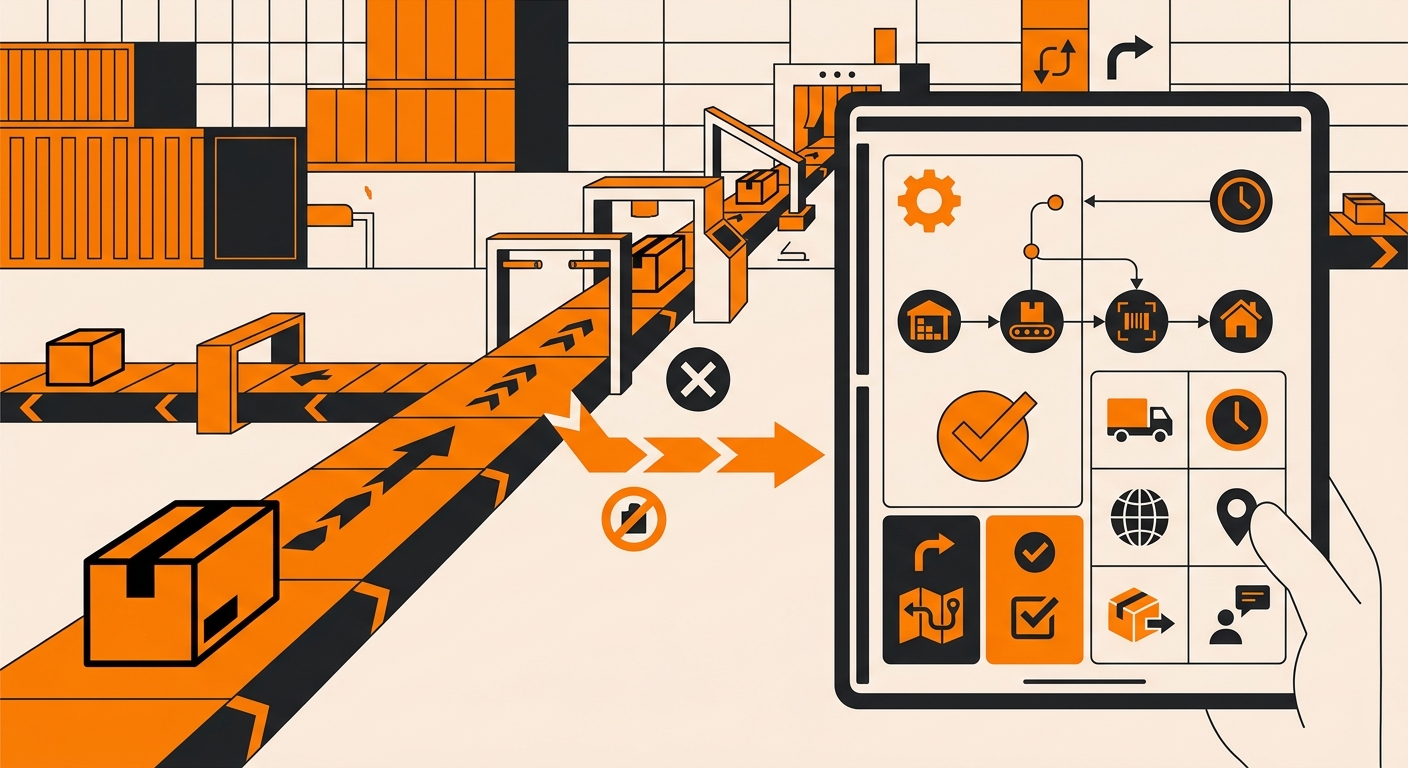
Each major carrier has its own process:
-
UPS offers UPS My Choice, which lets the recipient (not the sender) reroute a package to a different address, hold it at a UPS location, or reschedule delivery, but only if the recipient has a My Choice account linked to that tracking number.
-
FedEx has FedEx Delivery Manager, which works similarly: the recipient can redirect, hold, or reschedule a shipment in transit, again only after creating an account and linking the tracking number.
-
USPS offers Package Intercept, but this one works the other way. It’s initiated by the sender through USPS.com, and it pulls the package out of the mail stream before delivery, redirecting it back to the sender or to a new address, for a fee.
In short: with UPS and FedEx, the recipient typically needs to set up the redirect. With USPS, the sender does it. Knowing who needs to act, and on which platform, saves a lot of wasted time.
What Fulfyld Can (and Can’t) Do Once a Package Ships
Fulfyld’s warehouse team can edit, hold, or cancel an order before it reaches the fulfilment floor, but once tracking shows the package has been picked up by the carrier, that window has closed. From there, the request genuinely sits with UPS, FedEx, or USPS, not with the warehouse.
If a customer needs to change a delivery address after a shipment goes out, the fastest path is usually pointing them straight to the carrier’s own reroute tool using the tracking number from their shipping confirmation.
For most carriers, this also avoids extra back-and-forth, since the carrier can act on the request immediately rather than waiting on a relay through customer service.
Avoiding the Need to Reroute in the First Place

Most reroute requests come from one of two situations: a customer catches a wrong address right after checkout, or they need to redirect a package because they’re traveling or moving. Catching the first kind early, before the order ships, is the cheaper and more reliable fix, since it can be handled as a simple order edit instead of a carrier-level intercept.
If your store sees a pattern of late address changes, it’s worth building a short window into your checkout or post-purchase flow where customers can flag a correction before the order moves to packing. It won’t eliminate reroute requests entirely, but it cuts down on how often customers end up depending on a carrier’s intercept service to fix something that could’ve been caught a few hours earlier.
Still Have Questions?
For questions about packing instructions for a specific SKU, contact your dedicated account manager directly, or reach the Fulfyld team at hey@fulfyld.com or (256) 716-8241.