

What Causes Oversold Inventory in the First Place

A professional fulfillment center scene with staff scanning shelves and updating inventory counts using handheld devices, wit
A few scenarios account for most oversells:
-
Sync lag during high-volume periods: flash sales or holiday traffic can generate orders faster than the inventory count updates across channels.
-
Manual adjustments that havent posted yet: a cycle count or damaged-goods write-off that’s pending review still shows as available until it’s confirmed in Shipedge.
-
Multi-channel timing gaps: two orders for the last unit of a SKU placed seconds apart on different platforms can both go through before either decrements the shared pool.,
-
Kits and bundles with a shared component: if one component SKU runs short, every bundle that depends on it is technically oversold, even if the bundle itself shows stock.
None of these are unique to Fulfyld, but how the oversell is caught and handled determines whether it becomes a minor hiccup or a customer service problem.
How Fulfyld Catches an Oversold SKU
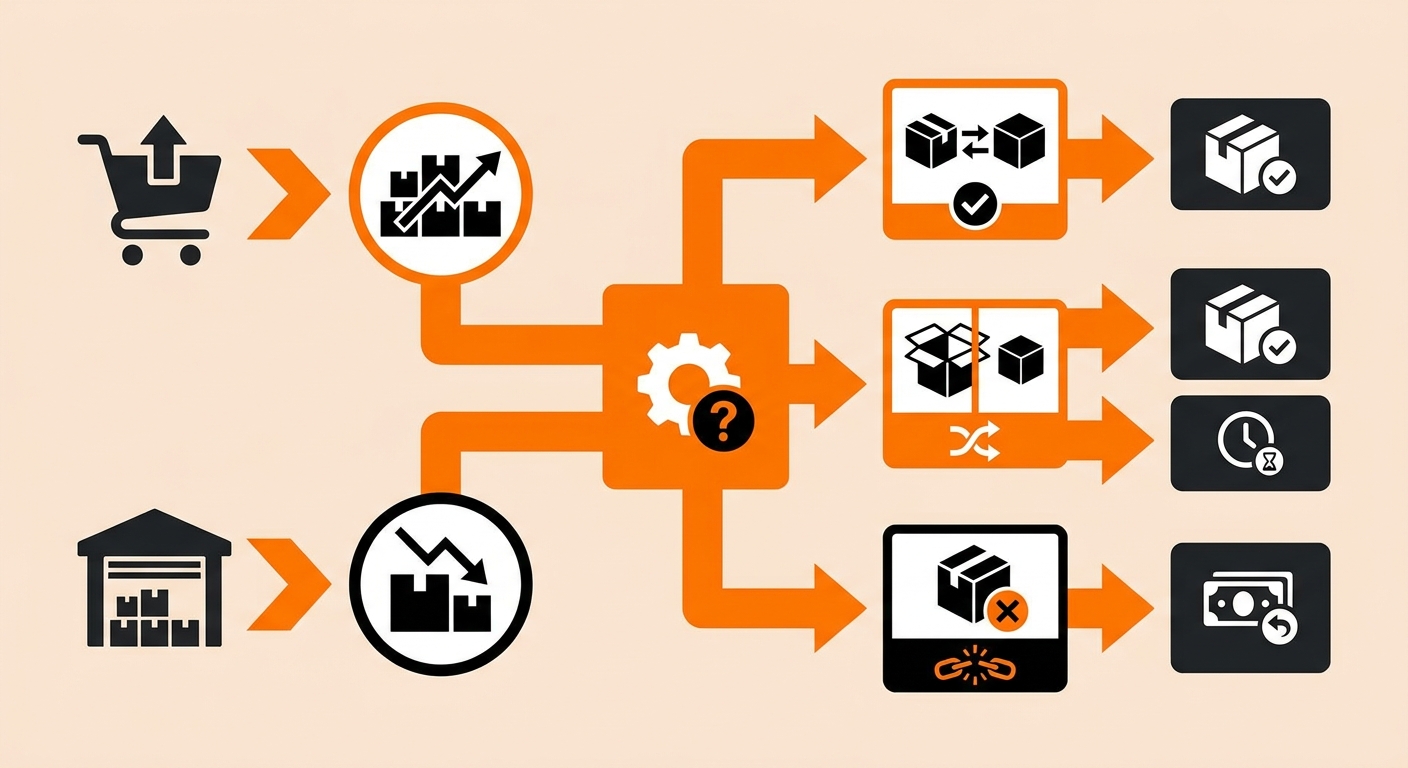
Shipedge runs inventory checks against incoming orders as they’re received. If an order requests more units of a SKU than the system shows as physically available, that order is flagged rather than released straight to picking. This stops a warehouse associate from being sent to pull stock that doesn’t exist, and it stops a confirmed shipment from going out short.
How the Oversell Gets Resolved
Once a SKU is flagged, there are three paths forward, and which one applies depends on the product and your standing instructions on file:
-
Back order the unit: if a replenishment is already inbound or expected soon, the order is held and shipped complete once stock arrives. This is the default for brands that have set partial fulfillment and backorder rules with Fulfyld.
-
Apply an alternative SKU: if you’ve set up a SKU substitution, the system can automatically apply an approved substitute so the order ships without waiting on you to make a case-by-case call.
-
Cancel and refund the line item: if neither backordering nor substitution makes sense, a discontinued variant, for example, the line is canceled and the rest of the order ships as a split shipment if other items are in stock.
For orders involving multiple units of the same oversold SKU, partial quantities can ship while the remainder is held, so customers aren’t stuck waiting on an entire order over one short item.
Stopping the Oversell from Spreading Across Channels
A modern customer service and logistics coordination setup featuring a split-screen view of order management software, invent
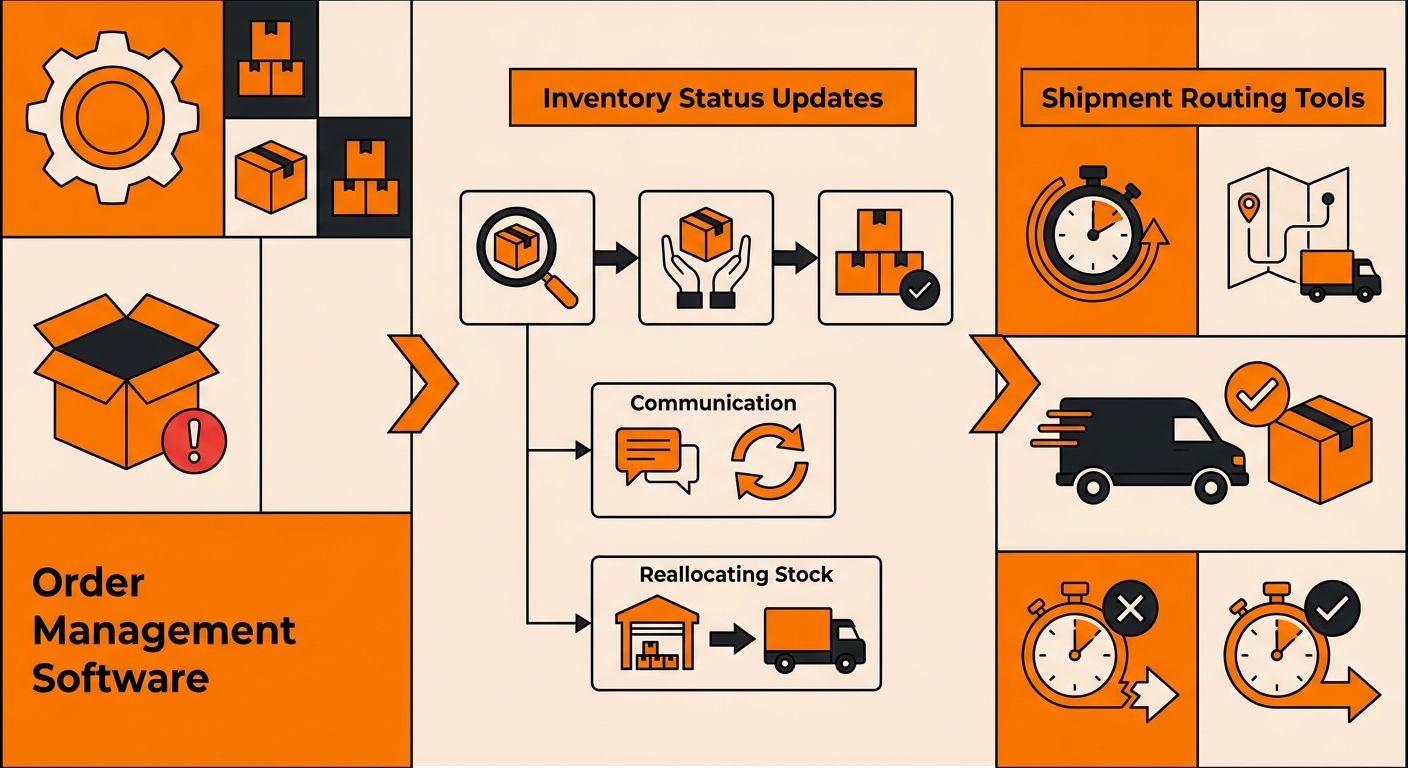
The moment the on-hand count drops to zero or goes negative for a SKU, the inventory sync pushes that update to every connected storefront simultaneously. This is the step that actually limits the damage, without it, a SKU could keep selling on three more channels while the first oversold order is still being sorted out.
Shopify, Walmart Marketplace, WooCommerce, and any other connected platform all reflect the corrected count from the same event, at the same time.
Reducing How Often Oversells Happen
A few account-level settings cut down on how frequently this comes up:
-
Safety stock buffers: setting a buffer above zero (rather than letting a SKU sell down to the exact last unit) gives the sync a margin for error during high-traffic windows.
-
Faster replenishment cadence: SKUs that run close to zero stock more often benefit from smaller, more frequent restocks rather than large infrequent ones.
-
Pre-set backorder and substitution rules: having these decisions made in advance, rather than reactively per incident, means flagged orders get resolved automatically instead of sitting in a queue waiting on a reply.
If you’re seeing oversells on a specific SKU more than once, that’s usually a sign the buffer or replenishment timing needs adjusting rather than a one-off fluke.
Still Have Questions?
Talk to your account manager about setting backorder rules, SKU substitutions, or safety stock buffers for your catalog, or reach the Fulfyld team at hey@fulfyld.com or (256) 716-8241.