

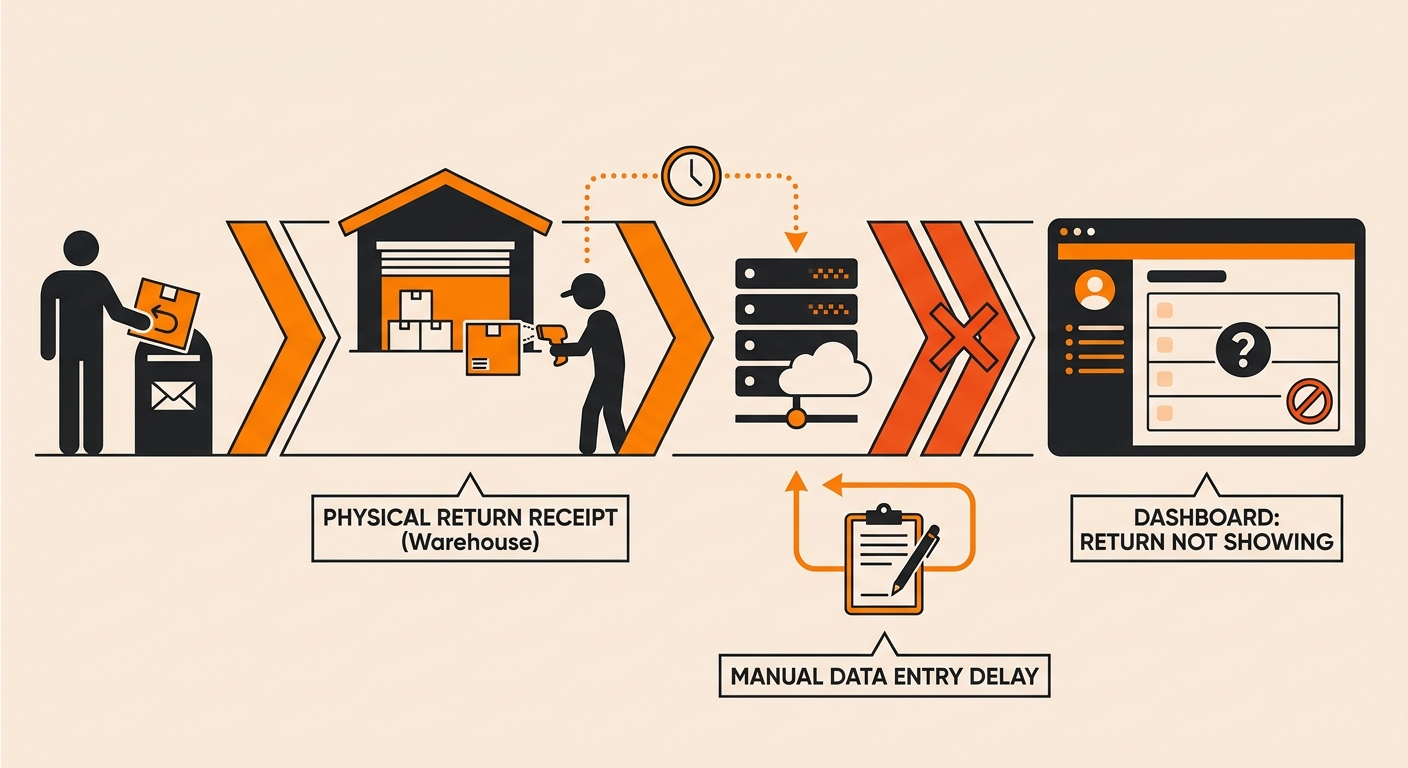
The Return Has to Be Received First
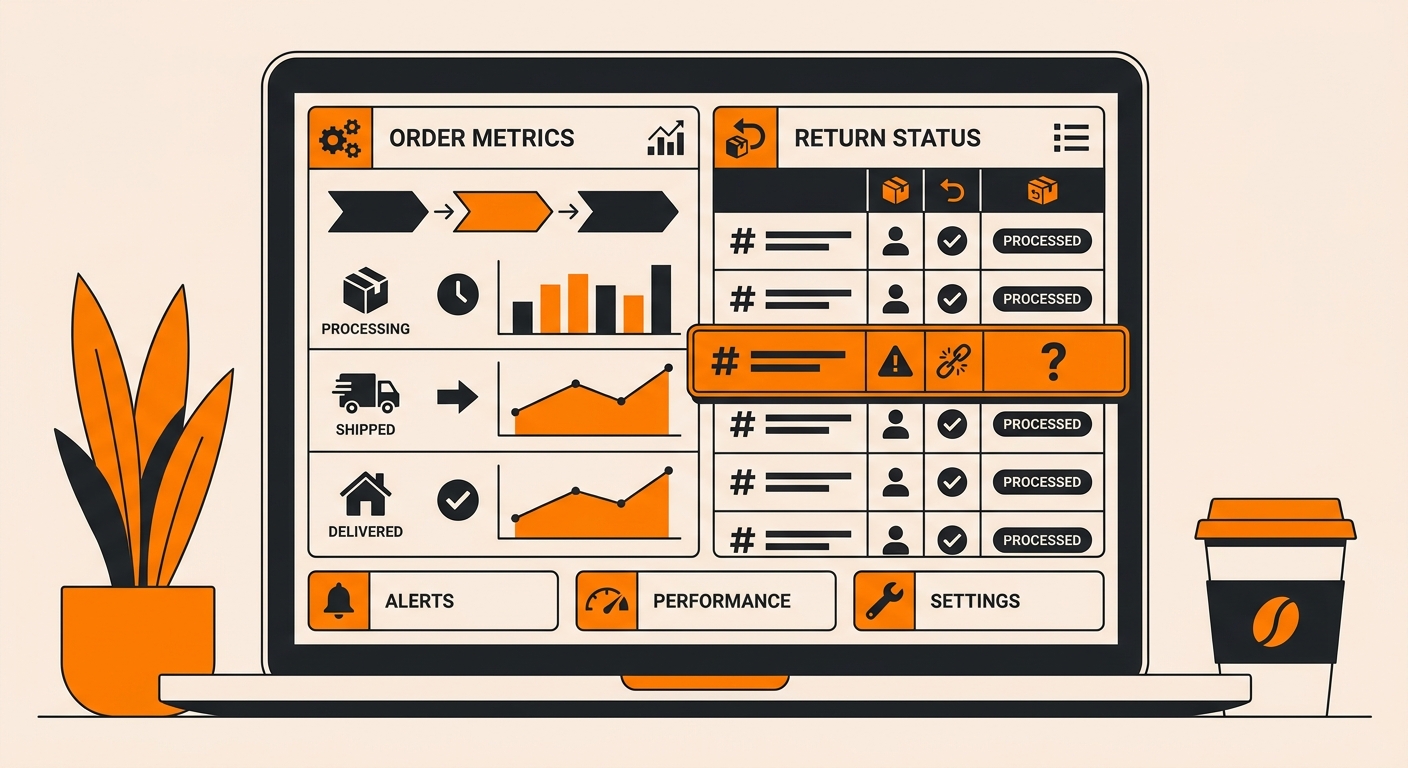
A return label being scanned by the carrier is not the same as the return being received at the warehouse. Your dashboard reflects physical receiving status, not carrier movement.
So even if tracking says “delivered,” the package still needs to:
-
Arrive at the correct fulfillment facility;
-
Get pulled from the inbound queue;
-
Be physically scanned in by warehouse staff.
Until that last step happens, the return won’t show up, no matter how complete the tracking history looks on the carrier’s side.
Processing Time Isn’t Instant
Returns are typically processed in batches, not the moment they hit the dock. Depending on warehouse volume, a return delivered today might not be scanned in and logged until the next business day, sometimes longer during peak season.
This is normal: delivered ≠ processed. If it’s only been a day or two since delivery, the absence of a dashboard entry is most likely a processing delay rather than a lost package.
The Return Might Not Have Used the Generated Label
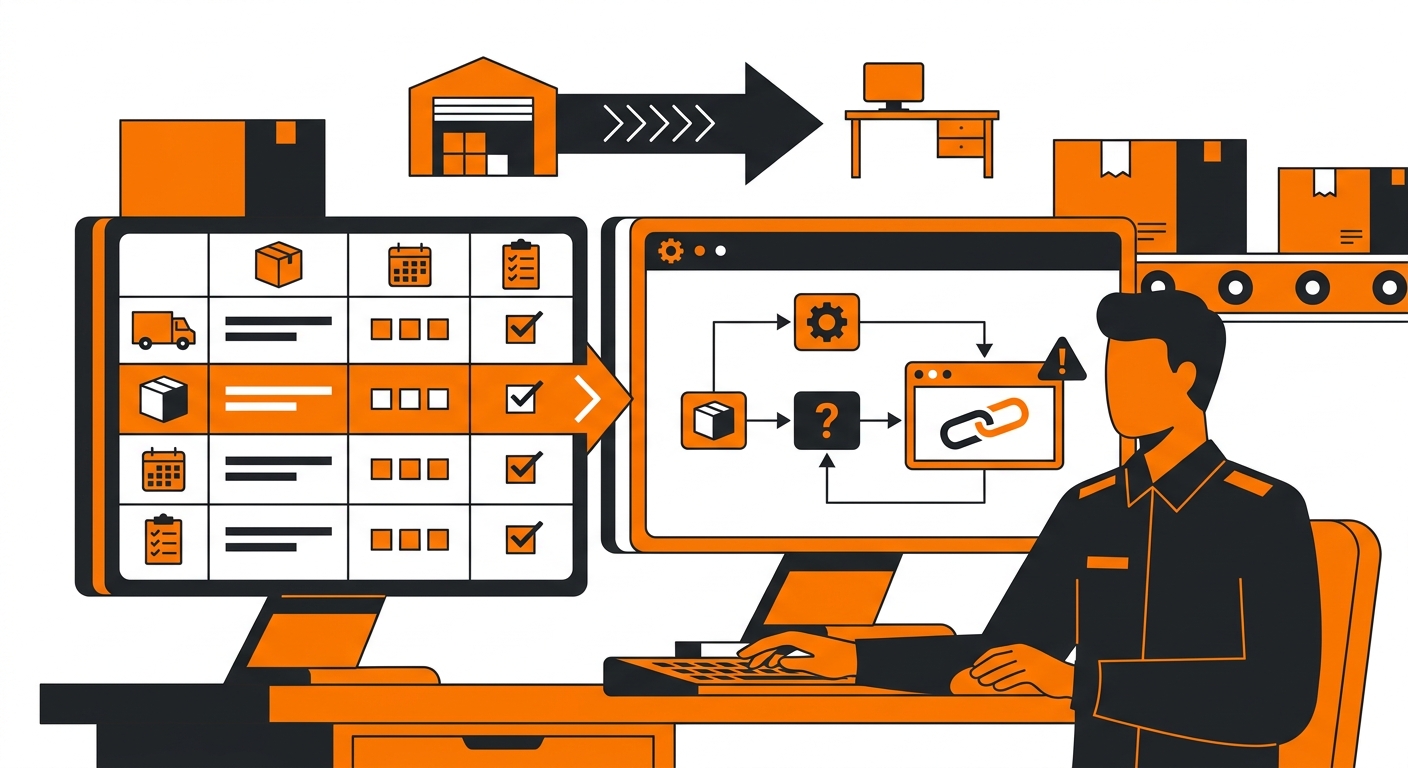
If a customer didn’t use the return label that was issued to them, for example, they bought their own label, used a different carrier, or shipped the item back without going through the proper return flow, the system has no reference point to match it against.
In these cases, the package may have arrived at the warehouse, but without the right label or reference number, it can sit unmatched until someone manually identifies it. This is one of the most common reasons returns “go missing” in a dashboard.
Wrong Order or Account Association
Sometimes the package is scanned in, but it’s tied to the wrong order number, or the return was associated with a different account than expected. This can happen when:
-
The label was generated for the wrong order;
-
The customer included multiple items from separate orders in one box;
-
A typo occurred during manual label creation,
When this happens, the return exists in the system, it’s just not linked where you’re looking. A quick search by tracking number, rather than order number, often surfaces it.
Filters or Date Ranges Hiding the Entry
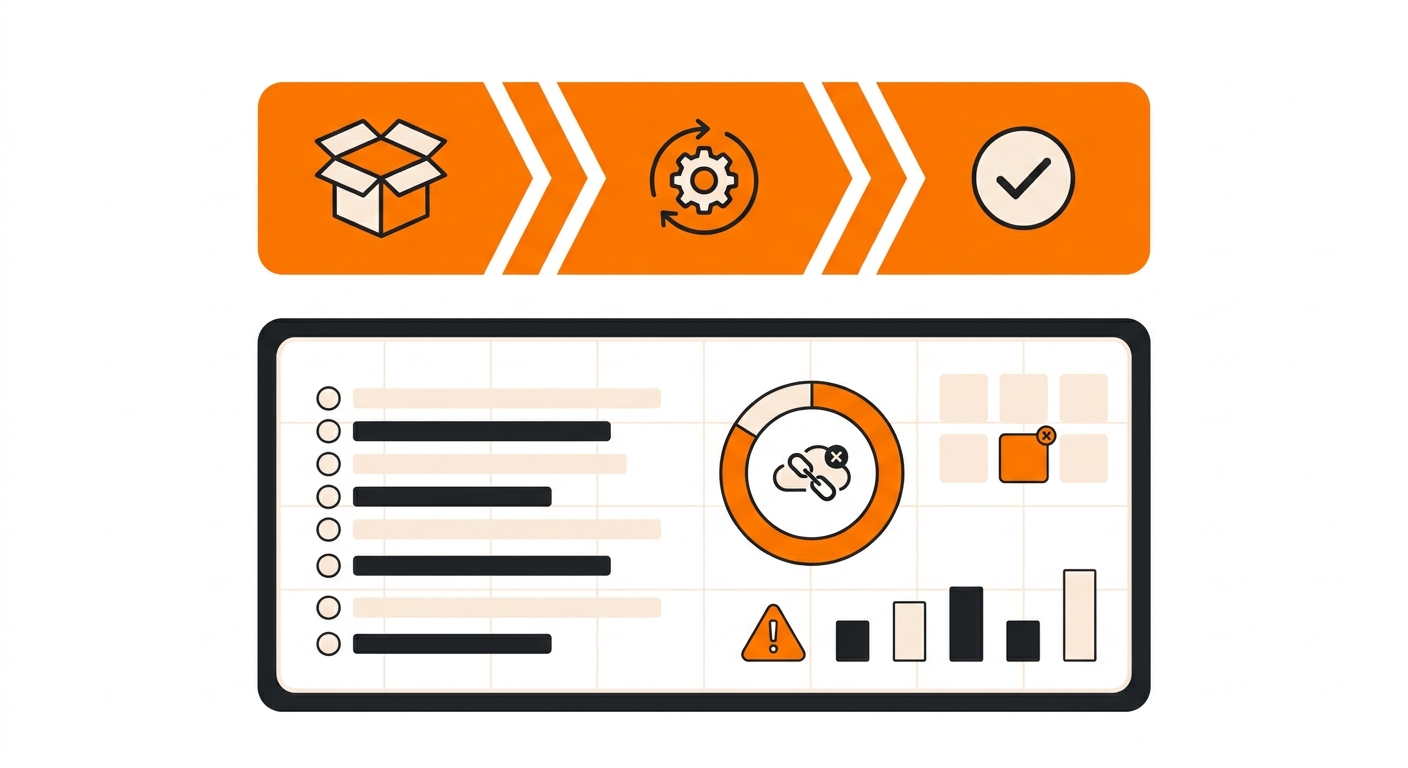
Before assuming the return is missing, double-check the filters on your dashboard view. Status filters, date ranges, or warehouse-specific views can easily hide a return that’s already been logged.
It’s a simple thing to overlook, but it’s also one of the easiest to fix, clearing filters or widening the date range will often reveal the entry sitting there all along.
What to Do If the Return Still Isn’t Showing
If you’ve confirmed delivery, given it reasonable processing time, checked for filter issues, and the return is still nowhere to be found, the next step is to provide the tracking number and expected order reference when reaching out for help. This is the fastest way to track down where the package landed and why it hasn’t matched up yet, especially in cases involving label mismatches or misrouted packages.
Returns visibility is something we pay close attention to at Fulfyld, since a return that’s hard to track is frustrating for everyone involved. If a return on your account isn’t showing up after checking the steps above, our team can look into the specific tracking number and get you an answer.
Still Have Questions?
For questions about packing instructions for a specific SKU, contact your dedicated account manager directly, or reach the Fulfyld team at hey@fulfyld.com or (256) 716-8241.