


The Most Common Causes of a Zero-Stock SKU

Several scenarios produce the same symptom, so it helps to rule them out one at a time:
-
Unprocessed receiving: stock has arrived at the warehouse but hasn’t completed dock-to-stock processing, so it isn’t counted as available yet.
-
Sync delay or failure: a connection hiccup between your warehouse management system and your sales channel can leave the storefront showing outdated numbers.
-
SKU mapping mismatch: the SKU in your store doesn’t match the SKU in the warehouse system exactly, so the two records never reconcile.
-
Units on hold; inventory flagged for quality inspection, a recall, or a customer dispute is excluded from available count on purpose.
-
Kitting or bundling components: if a bundle SKU shows zero, one of its individual components may actually be out of stock, even if the bundle’s main SKU looks fine on paper.
How to Check Where the Disconnect Is Happening

Start by pulling your live on-hand inventory report directly from your warehouse or fulfillment partner’s system. Compare the on-hand quantity for the affected SKU against what your storefront is currently displaying.
If the warehouse report shows units on-hand but the storefront still says zero, the issue sits on the inventory sync side, not the physical stock. If the warehouse report also shows zero, the units may be in receiving, on hold, or were never logged under that SKU in the first place.
For bundles, check each component SKU individually. A kit can show available stock at the bundle level while a single ingredient SKU underneath is actually depleted, which silently blocks fulfillment until it’s restocked.
Fixing a Zero-Stock SKU
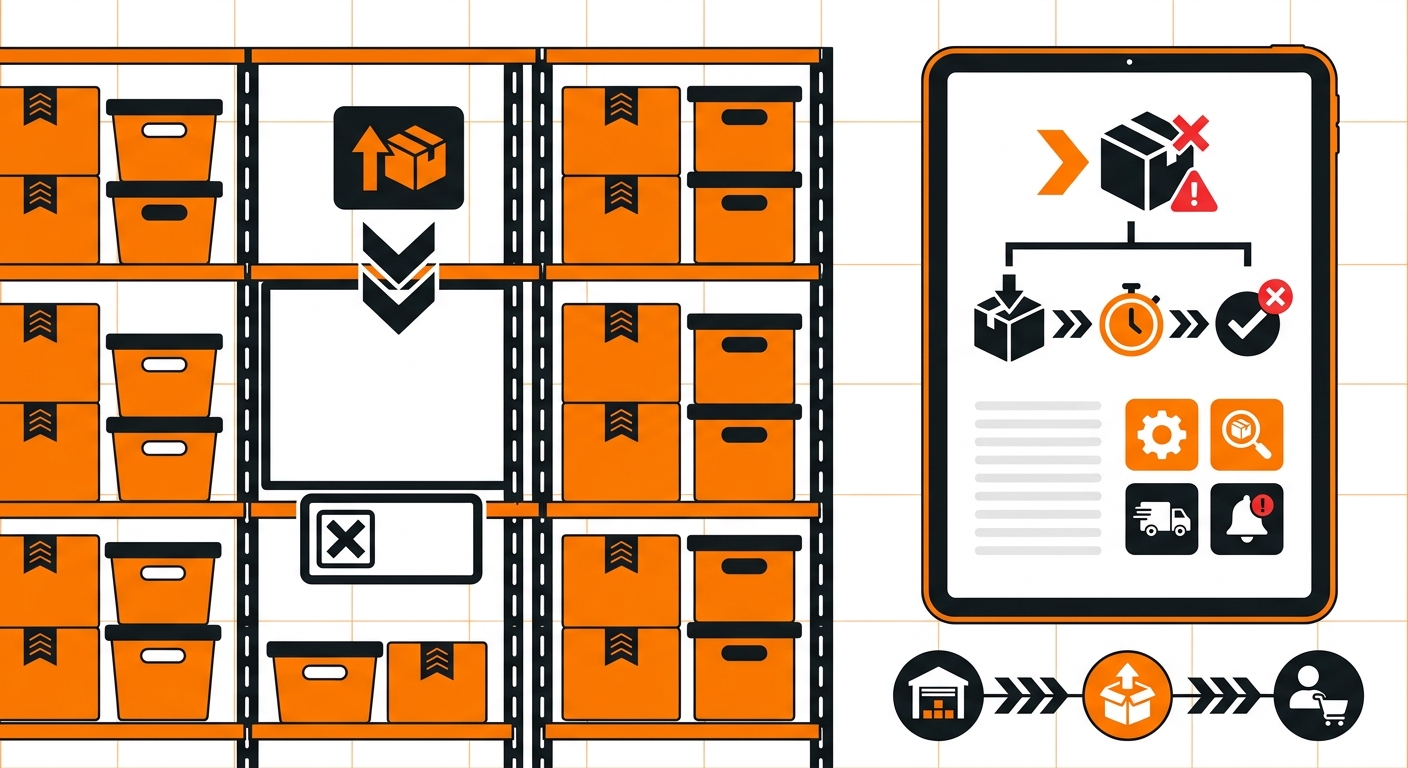
Once you’ve identified where the gap is, the fix depends on the cause:
-
If receiving is the bottleneck: confirm with your warehouse whether the shipment has completed put-away. Units don’t count as available until that step finishes.
-
If it’s a sync issue: check your channel’s connection status first. A re-sync or reconnect often resolves a one-off stuck update.
-
If it’s a SKU mapping error: correct the mapping so the storefront SKU and warehouse SKU match exactly, including capitalization and formatting.
-
If units are on hold: confirm the reason for the hold before releasing it. Don’t override a quality or compliance hold just to clear a zero-stock alert.
If none of these explain the gap, it’s worth escalating with the specific SKU and timestamp rather than re-checking the same report repeatedly. A clear, specific report is what gets a discrepancy resolved fastest.
Preventing Zero-Stock Surprises Going Forward
Most recurring zero-stock issues come down to one of two things: inconsistent SKU formatting across platforms, or inventory sitting unprocessed for longer than expected during peak periods.
Standardizing how SKUs are entered across every channel, and building in a buffer for receiving during high-volume stretches, cuts down on most of these false zeroes before they ever reach a customer-facing listing.
When inventory data is accurate and synced in real time across every channel, a “zero stock” reading actually means zero stock, not a system that hasn’t caught up yet. That’s the difference between a minor data lag and a missed sale, and it’s worth treating SKU accuracy as an ongoing process rather than something to fix only when a number looks wrong.
Still Have Questions?
For questions about packing instructions for a specific SKU, contact your dedicated account manager directly, or reach the Fulfyld team at hey@fulfyld.com or (256) 716-8241.